Search
-
Hand-painted gradient bases?
 So, I've noticed that some people tend to use a hand-painted gradient base across the entire model, as well as some ambient occlusion and edge-detection. Is that some sort of baking tool or plugin for Maya or 3DS Max that people use as base before actually painting the texture? Is there anything like that for Blender?
 -
[Krita] Brush Tip softness control points

 Anyone know how to change the control points in Krita brush curves to corner points?
 -
(WIP) AKM
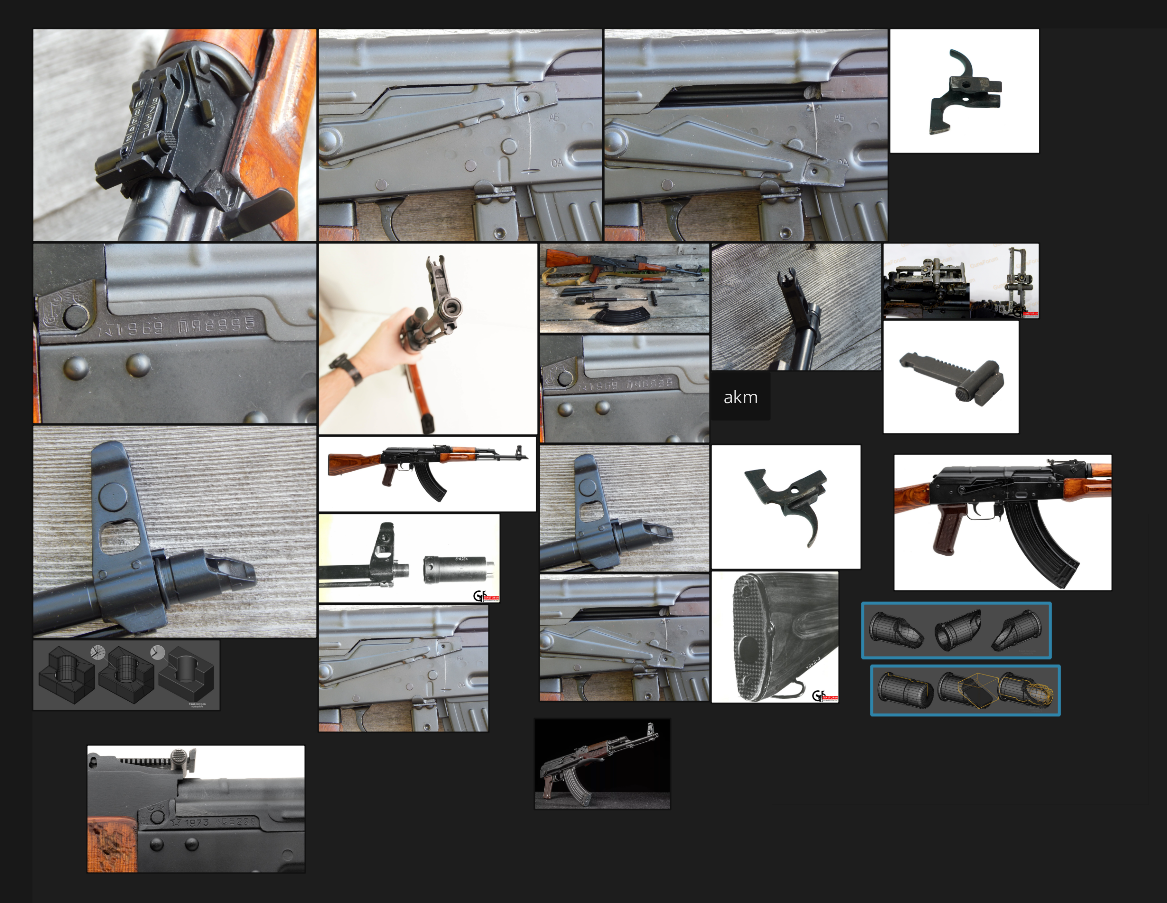 Hey everyone, I’m getting back into 3D modeling after a long break. The last time I touched modeling was in a college elective years ago, and I used Maya back then. Now I see so many people using Blender. I’d like to ask: should I switch to Blender for my current projects? What are the main advantages of Blender compared…
 -
Re: Call of Duty Ads Called Misleading
[ QUOTE ] We're to the point that the in-game graphics should be the selling point, it's really discouraging when they shy away from that. [/ QUOTE ] I think that really depends on the medium. . .i think it's safer to say we're at the point where in game graphics make pretty screenshots. <opinion> I think many next-gen… -
Maya - Paint skin weights Problem !
 Hello there. I try to paint weight my character but when i click to a vertex to paint it off. It instant go wrong like this (attach file). Anybody know how to fix this :( ?. Thanks
 -
Re: hand painted mobile game characters
 If you look closely at Mr Capable 's Ear and Suit (?) UV, you can see the brush strokes. In fact, it really is possible the whole thing was painted by hand because zoom in really close and you can see repeating patterns and leftover gradients. It kinda reminds me of PS2 games where realistic games would still have…
 -
Maya won't snap to points in a single axis?
 I can't get Maya to snap to a vertex point on just a single axis like the X axis. It only works if I snap via the center gizmo (all axis) which is not what I want. I know i've always been able to snap to a point via just a single axis, but now it just won't work. Any ideas what i'm doing wrong? Pic for reference
 -
Practicing fundamentals- Drawing or painting??
Continous practice of the fundamentals to refresh and strengthen your basics is something I am currently undertaking in my free time. Which is the most important -drawing or painting? especially for building muscle memory of how things should look. I also feel painting is important too as to grasp light, color and shading… -
How to paint with smart materials?
 Hey everyone! I am completely new to Substance Painter and I have no idea how to paint with Smart Materials? I can't just drag and drop my smart material into the Paint properties :( Or can I just make a fill layer with smart materials? Hope you can help me! Christoph
 -
Seeking Feedback for Hand-Painting Project
 Hey there! I just finished a hand-painted project and would love your honest thoughts. If you can, let me know what skills might need a bit of work. It'll help me figure out where to focus for the next project scatchfab link for 360 view and zoom in…
>57729 results