Search
-
Re: Watermill Environment - No Rest for the Wicked
 Yeah UV seams are a common problem with displacement systems. One solution would be to model the low-resolution surface to include a lip, keeping the UVs continuous from the top to the underside of the lip. Then without a UV seam, there should be no displacement cracks.
 -
Blender-UV Display in uv/image editor issue
 I am having this issue in Blender uv image editor. Is there a way to display uvs in the editor as I select edges and vertices without using the ''keep uv and edit mode selection in sync''. The problem with this mode is that if I want to move a vertex or an edge, the other edge/vertex moves with it. So How can I display…
 -
No distortion on UV shell or straight UVs?

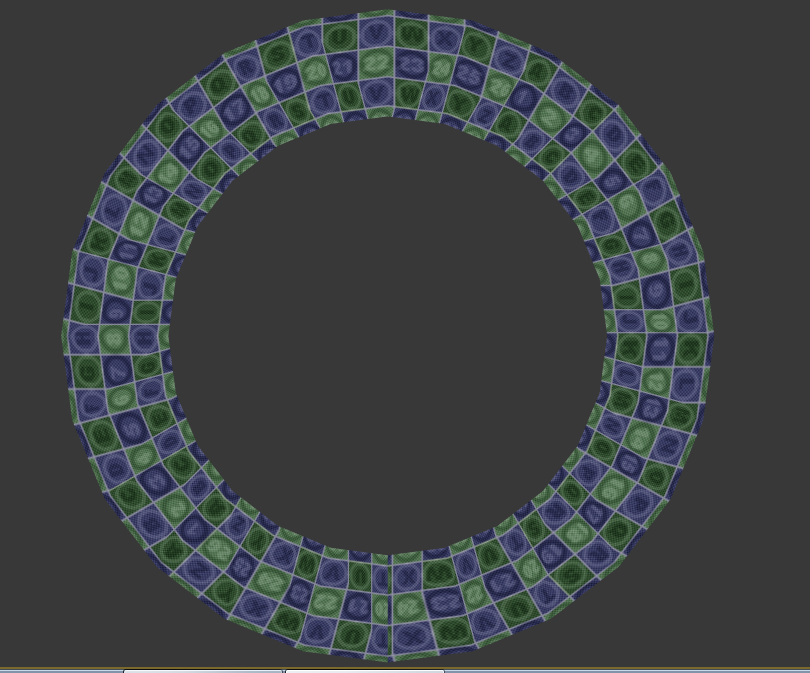 Hey guys, just need your advice on UVs. I'm working on a Tommy gun and the barrel itself has alot of cylinders. I know it is best to keep your UV's as straight as possible but when I UV the cylindrical parts as straight strips(as opposed to a simple planar map, I get some noticeable distortion as shown here: I'm referring…
 -
Re: Marmoset UV Channels

 We changed up how this works for Toolbag 5. You can set the UV channel for the material in the Texture panel. If you need different maps to use different UV channels, you can do that with layered materials. There's a ton of additional flexibility in this case too, you can use blend modes to multiplity, overlay, etc…
 -
why uv packers are so stupid and treat uv islands as conveses?
Hello, I'd like to ask you why uv packers are so stupid and treat uv islands as convexes? I've tested: -3ds max packer -uv-packer -xray unwrap -polyunwrapper and all of them worked similar. Check out this screen from the official uv-packer website: Is there any better plugin\script that can handle packing of uv's? -
Baking normal details from UV 1 to AO map on UV 2. My brain hurts.

 I have a very strange dilemma to deal with. I have a building .FBX consisting of multiple objects with different tiling materials applied (overlapping UV's outside of the 0-1 uv atlas). I have created a separate UV set that contains the WHOLE buildings UV's but in the 0-1 UV atlas with no overlapping for the purpose of…
 -
Painter - height / normal UV discrepancy

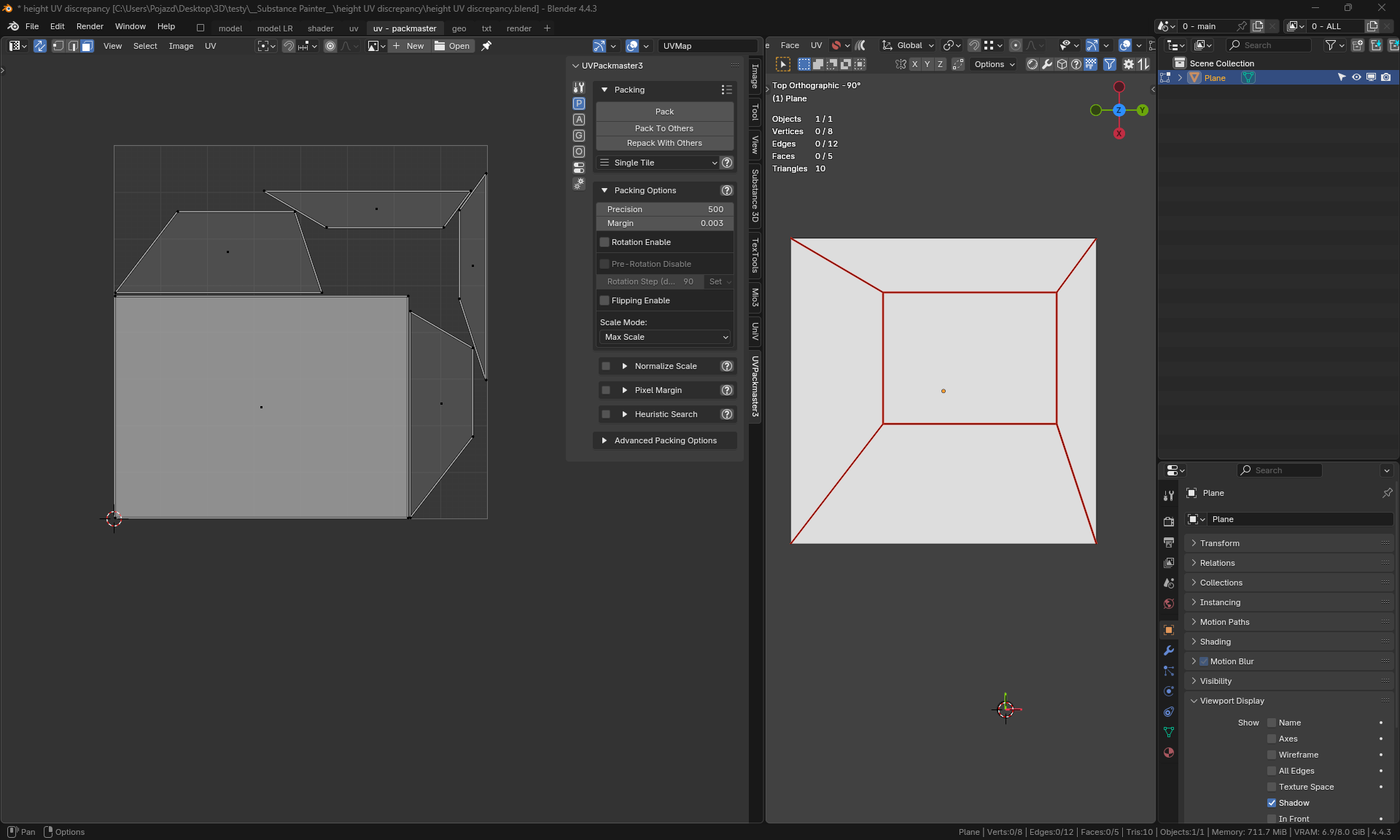 I have encountered a problem - when I have multiple different texel densities on UV islands, Painter incorrectly renders normals. This is a test mesh in Blender - the rectangle has denser UV: Here we have incorrect normals in Painter with a visible rectangle: But when tessellation is on, height is rendered correctly, while…
 -
How to change Maya 2022's pinned UV color in UV Editor?
 For some reason, by default, the color for UV shells that are pinned in the UV Editor in Maya is bright sky blue with the wireframe also being bright blue. It's extremely hard on the eyes to see this wireframe because it's blue on blue. Anyone know how to change that bright blue color of the pinned UV mesh? I'd even settle…
 -
Question about 3Ds Max UV Mapping with multiple UV Maps
Hello! I've just recently started 3D Modelling, specifically to mod a game. I've been trying to add new units, and new models for those units. The game is basically about World War 2 in the Pacific, so mostly warships for now. Anyways, I recently extracted this model of a battleship from a different game. The model came in… -
Maya 2018: UV Editor, can you snap uv border to grid?

 I mean for a case like this: I have multiple uv shells selected and stacked, and I have uv editor grid setup to match my tileable textures. But now I want to snap and scale uv shells so that it matches the texture. I feel there should be a tool in UV Editor or UV Toolkit that can do that, but I couldn't find one. Any…
>25539 results