Search
-
Issue importing .obj from Zbrush to 3ds Max
 Hey guys, I'm a new user to ZBrush and have been running into an issue when trying to open up my ZBrush to 3dsMax .obj export. I searched for this particular issue in the rest of the threads, but couldn't find anything, so thought I'd post. Thanks in advance! :) The initial issue was when I imported the .obj the object…
 -
Exporting assets from ue4 as obj with materials intact??
 Is there a way u can export assets from ue4 and it shows up correctly in 3d applications e.t.c with materials the way they should be like glass, cloth e.t.c as obj files? I tried exporting from ue4 using export selected as obj but the materials had issues showing up correctly in 3dsmax or Blender especially glass. So I am…
 -
ZBrush - 3ds Max 7 - OBJ Export Problems
I was having a problem going from max7 obj export to zbrush last night and managed to fix the problem so I thought I'd say it here just in case anyone else had the same problem: In the OBJ Export box make sure "Compress Numbers" and "Relative Vertex Numbers" are <font color="yellow">UNCHECKED</font>. I also upped the # box… -
Viewing OBj & MTL files without max
I had 3DS max and I had to delete it because a PC reset, I still have 10 days left of the trial but whenever I try to download it everytime its some different error. First is was a '110 licence error' and now the setup.exe says 'unhandled unknown exception, terminating..' So I cant open my OBJ and MTL files anymore… -
[Zbrush] Export obj without vertex color Multi Map Eporter plugin
I'm using the zplugin multimap exporter to export all the meshes i have in the zbrush project but when i use it exports the obj with vertex color. Is there a way to export the to obj without vertex color? -
Answered: DDO Throws Error : missing Texture Coordinates (UVs) - OBJ file has UVs

 Hey guys. I have a model that i am trying to texture. I have baked out all of my maps, and unwrapped all of the objects. I have checked all of the proper checkboxes and followed the Blender to Quixel Suite tutorial, but when I go to import it throws the following error: I also had an issue where the app wouldn't open any…
 -
Photoshop CS6 : Importing Multiple OBJs
 hey all, When I import several objects from max as a signular OBJ and the import them into Photoshop CS6, the assets collapse into one mesh, and I haven't figured out a way to separate the separate objects / elements into individual layers. This would be convenient so I could hide different parts of a body, (say hiding the…
 -
Toolbag's baked normal map looks different depending on format they're applied to, FBX or OBJ.
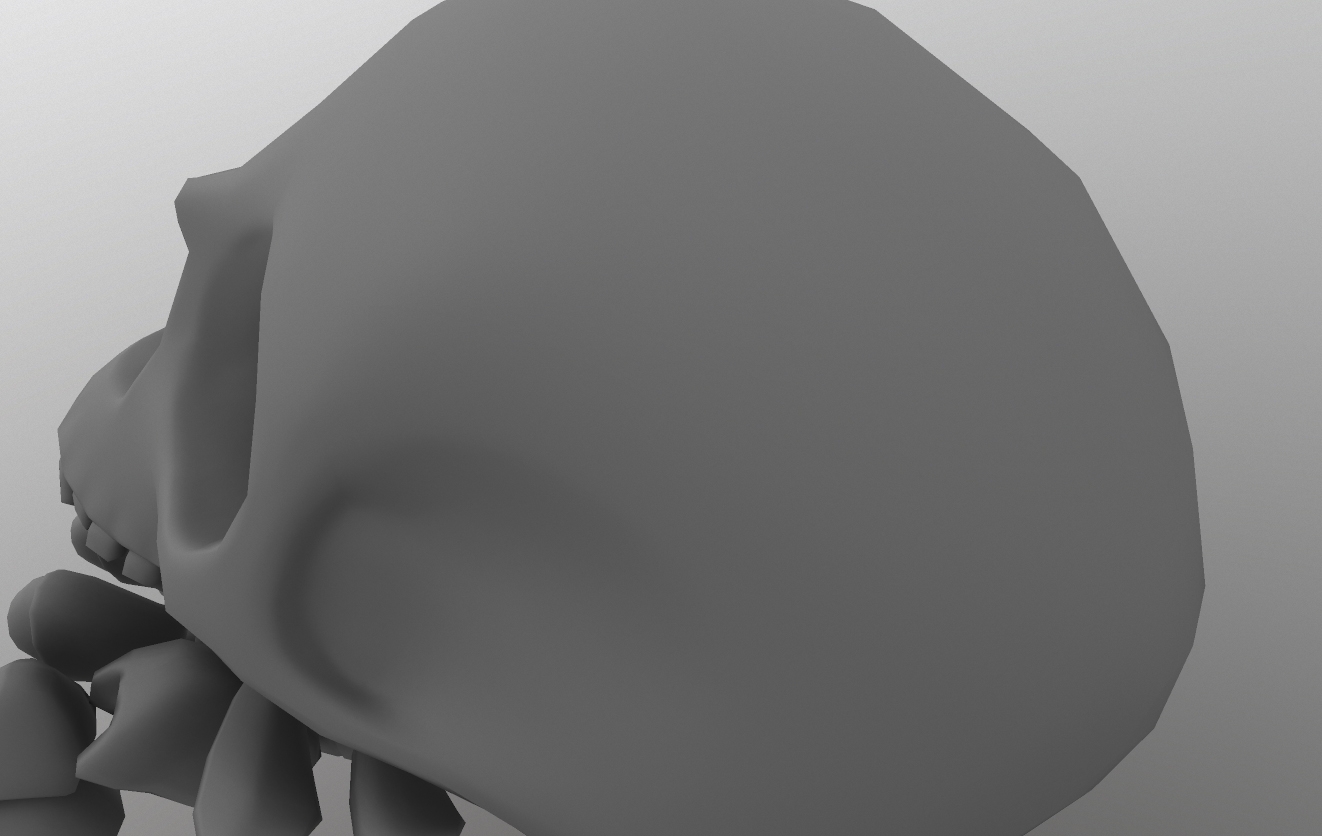 I've been baking all of my maps with Toolbag 3, and the results are really outstanding. BUT! When I do my baking with a pair of OBJs (high & low poly), and then apply the resulting normal map to an FBX, I get weirdness around the seams... always the goddamn seams. OBJ FBX Any solutions?
 -
Max OBJ/FBX exporter
Hey guys, I'm a maya user switching over to max and I'm running into an issue. Are there known problems when export OBJ/FBX files from Max 2013? I never use to run into any problem exporting from Maya, but now I'm having all sorts of issues. Here is one: Exporting OBJ/FBX with 2 UV shells in Max With these settings (or any… -
3DSMAX - Export high poly hair and fur to OBJ for xnormal normal map projection?
When you render hair and fur in 3d studio max, it adds a lot more extra hair that isn't there. How do you export a high poly hair and fur as an OBJ for use with XNormal? How do you export that final rendered look as an OBJ for Xnormal?
>28981 results