Search
-
[SOLVED!] 3DS Max - How to export a UVW map to be the same size as the object would be IRL?

 EDIT: I found a solution! Not exactly by anoyone's suggestion, but in the end I did as follows: I selected the whole object and applied the 'UWV Map' modifier to it (making sure my world units/unit setup was 1 unit=1cm and that the model was the correct size). I ticked 'real-world scale' in the 'scale' part of the sidebar,…
 -
Created a Custom Texture with height info How Can I Export this as a Material? (Substance Painter)
 Hello all, I have created a custom texture in Substance Painter by using this method ' https://docs.substance3d.com/spdoc/painting-tilling-materials-162005041.html 'I created a seamless texture that includes both Color, Normal and Height information.However, I would like to export this newly created texture and use it on…
 -
Batch export.
 Hey guys what script/plugin do you use for batch exporting? WITH smoothing groups ofc!
 -
[TOOL] Hairflow - 2D Hair-Card Grooming & Atlas Baking
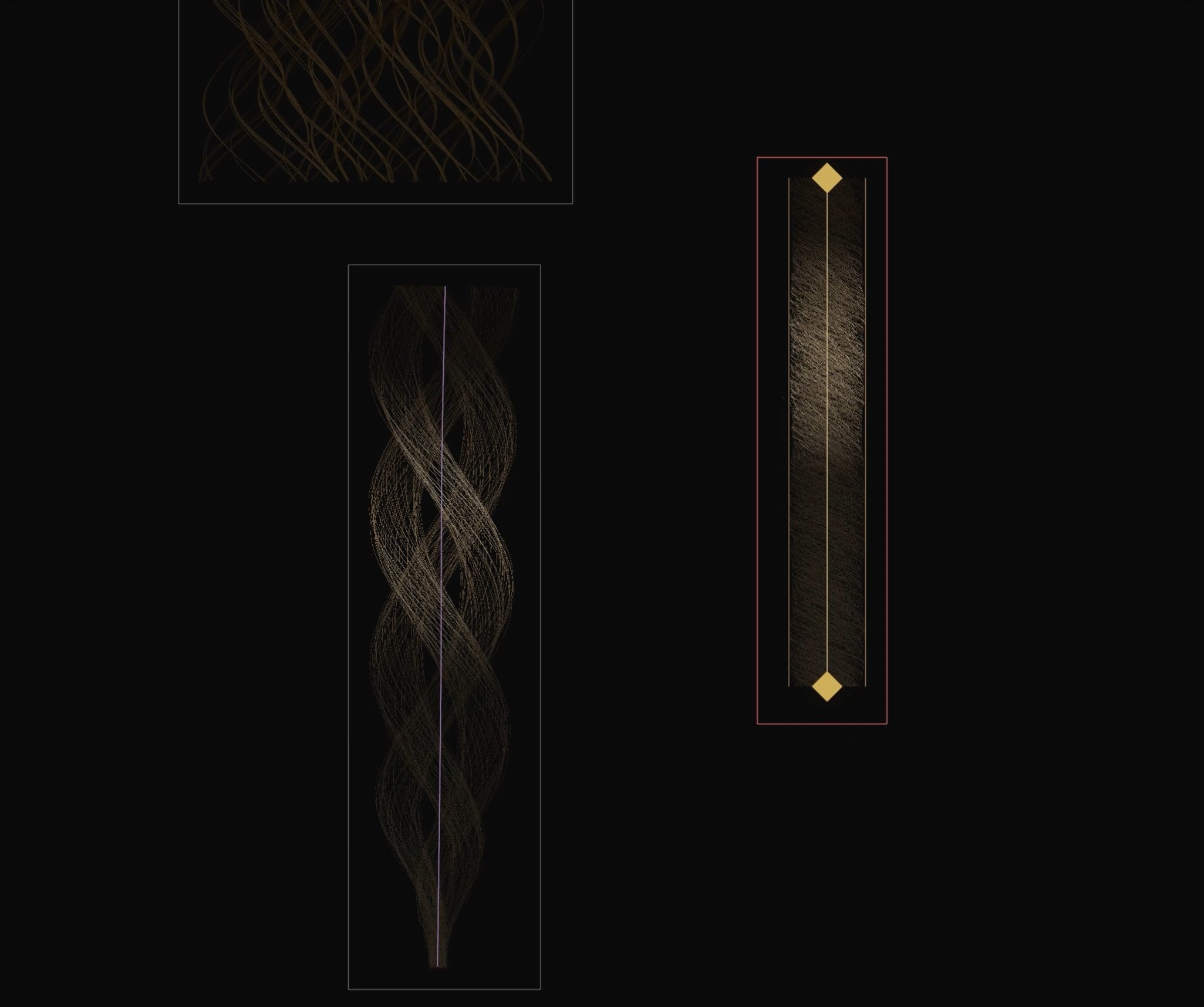 https://www.youtube.com/watch?v=WE3_pqw-KNU&t=2s Hi everyone, I’ve been working on Hairflow, a specialized 2D tool designed to bridge the gap between sculpting high-fidelity hair and the tedious process of creating hair card textures for real-time engines. The philosophy is simple: Groom in 2D on a flat canvas, and bake…
 -
.nfo exporter
Hey, does any one know of, or can make a new updated .nfo exporter for max6? I realy need one to help get my models into reality factory. -
Blendshape Issues - Exporting from Maya into Zbrush then back into Maya
 To jump right into it I've been having problems with the transforms of my blendshape heads after importing them into Maya after dealing with the duplicate in Zbrush. They get really deformed when I try to apply blendshapes. I know it's the transforms of the imported object but I'm a little flummoxed about how I would go…
 -
Problems exporting Vector Displacement map from Mudbox2013 to Max2013
 Hi, this is something not related to games, but I hope some of you wizards can help me anyway I am making an animated creature in Max for rendering and animation, and it is the first time I am going to use vector displacement maps for that sweet extra level of detail and its ability to render overhangs. I have some…
 -
Exporting from UDK to Maya - Problems I am having.
Hey I have a basic blockout level I made with BSP brushes in UDK that I now want to export and then import into Maya. I can export it from UDK fine, with either .obj or .fbx. The problem I am having is with the faces being all over the place - meaning what should be a simple quad has been split not only into 2 tris, but… -
Exporting .Mdl?
 Hi guys im looking to test somestuff on my model with out putting in the textures but i cant seem to find out how to export a .Mdl im using maya 2013!?!?
 -
[3DSMAX] Import and Export a USD file with Maxscript. Import does not work
 I tried the normal import function (Export works but import does not work): ExportFile filePath FileFormat:#USD Lights:false Cameras:false contentSource:#selected (V) ImportFile filePath FileFormat:#USD Lights:false Cameras:false contentSource:#selected (X) I tried the USDImporter function (But it returns 0):…
>17861 results