Search
-
[UE4] Jungle Environment

 I've posted a few WIPs of this scene in the WAYWO thread but I figured a would give this it's own thread at this point. This scene was done over a 6 week period for Jeremy Huxley's CGMA class "Vegetation for Games", which I would highly recommend to anyone. The majority of the foliage was sculpted in ZBrush and then baked…
 -
Re: UV Practices for modern workflows
 And for the uniqueness, you can always use the strength of the game engine. For example, let's say you created modular brick walls. But when you start level design you will notice it is being repetitive at some point. To break this you can use decals or create some functional shaders in-game engine(Vertex paint blending…
 -
Stair-stepping on baked cut on corners? Even with skewing function.
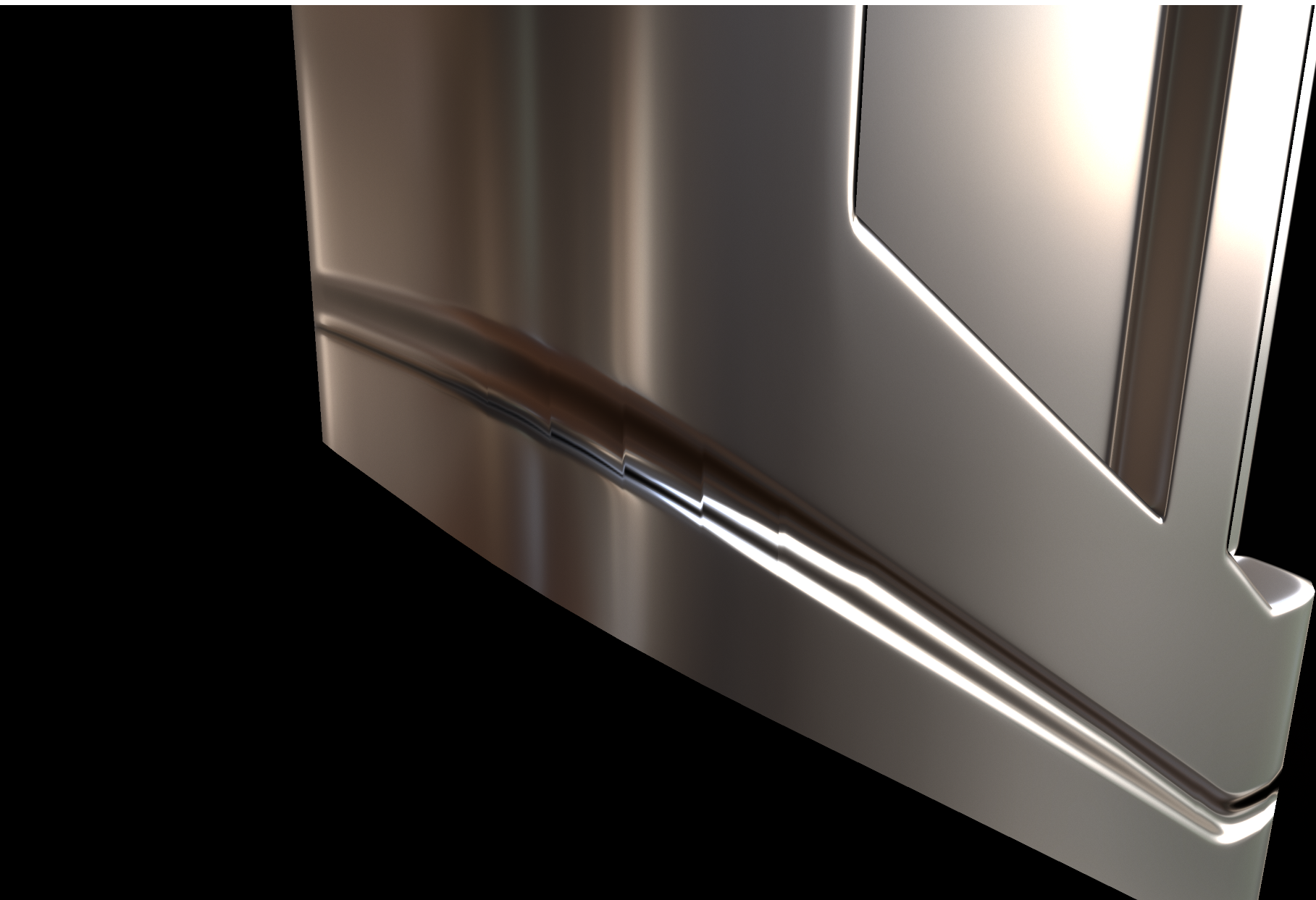 I tried baking a cut detail from a high poly source onto the low poly and around the corner of the object I got this stair-stepping effect when I tried to fix the skewing through Toolbags Skew feature. This is the geometry: Now I am thinking that the vertical edges are messing up the vertex normals? I managed to solve most…
 -
8 questions about Maya
 Hello, i want you to tell me if these functions from Max have analogs in Maya 1 - Break https://files.catbox.moe/tupug8.mp4 2 - Constraints https://files.catbox.moe/ths0bs.mp4 3 - Slice plane & QuickSlice https://files.catbox.moe/wbuk7e.mp4 4 - Make Planar https://files.catbox.moe/nzcsjh.mp4…
 -
Unreal isn't reading my exported normals?
 I've been playing around with medium poly modeling and face weighted normals, and I ran into a strange issue. So I have a model with edited normals that I exported from 3DS Max. I exported with all the combinations possible from Max with smoothing groups, split-per-vertex normals, and the tangents and binormals export…
 -
3ds Max 2013 - Unwrap UVW modifier, how to select by element?
When I'm using the Unwrap UVW modifier, I'd like to select by object element but you can only select by vertex,edge,face. I'm not talking about UV elements, but the elements on the object. Like how you can select by element on edit poly modifier. I can do this but it's a several step process: * Collapse Unwrap UVW modifier… -
Easy GI Setup In Max
I just recorded a video showing a unique way of quickly setting up your scene for global illumination lighting. I show how to use mental ray, final gather, a sphere, vertex painting, and the Lume Glow shader to be able to quickly try out different lighting schemes and change the overall lighting in you scene to get it… -
Blender to Maya LT questions
I'm used to modelling in Blender, but I'm evaluating Maya LT to see if it can improve my asset production speed. I just have a few questions about making the transition. In maya, is it possible to hide a face or vertex? When I open a tool screen (average normals for example) can I dock it or force it to stay open until I'm… -
Maya Vert blending question
 Hey quick question for everyone. In Maya, is there anyway to get vertex blending between two different textures to work w/o the need for a programmed CGFX shader? So far, the closest lead I've found said something about plugging in the CPV (color per vet) from the mesh node in the Hypershade into a layered texture's alpha…
 -
Usage of tessellation
Hello everyone i played with a bit with the udk tessellation and have a few qustions. Can it be that Tessellation shows only good results with organic or round Meshes because they have naturally a equal spreading of edges? When i use tessellation on a material like a brick wall i need a high tessellation factor at long…
>9918 results