Search
-
Re: Abandoned Dacha Environment - Modular Kit with interiors

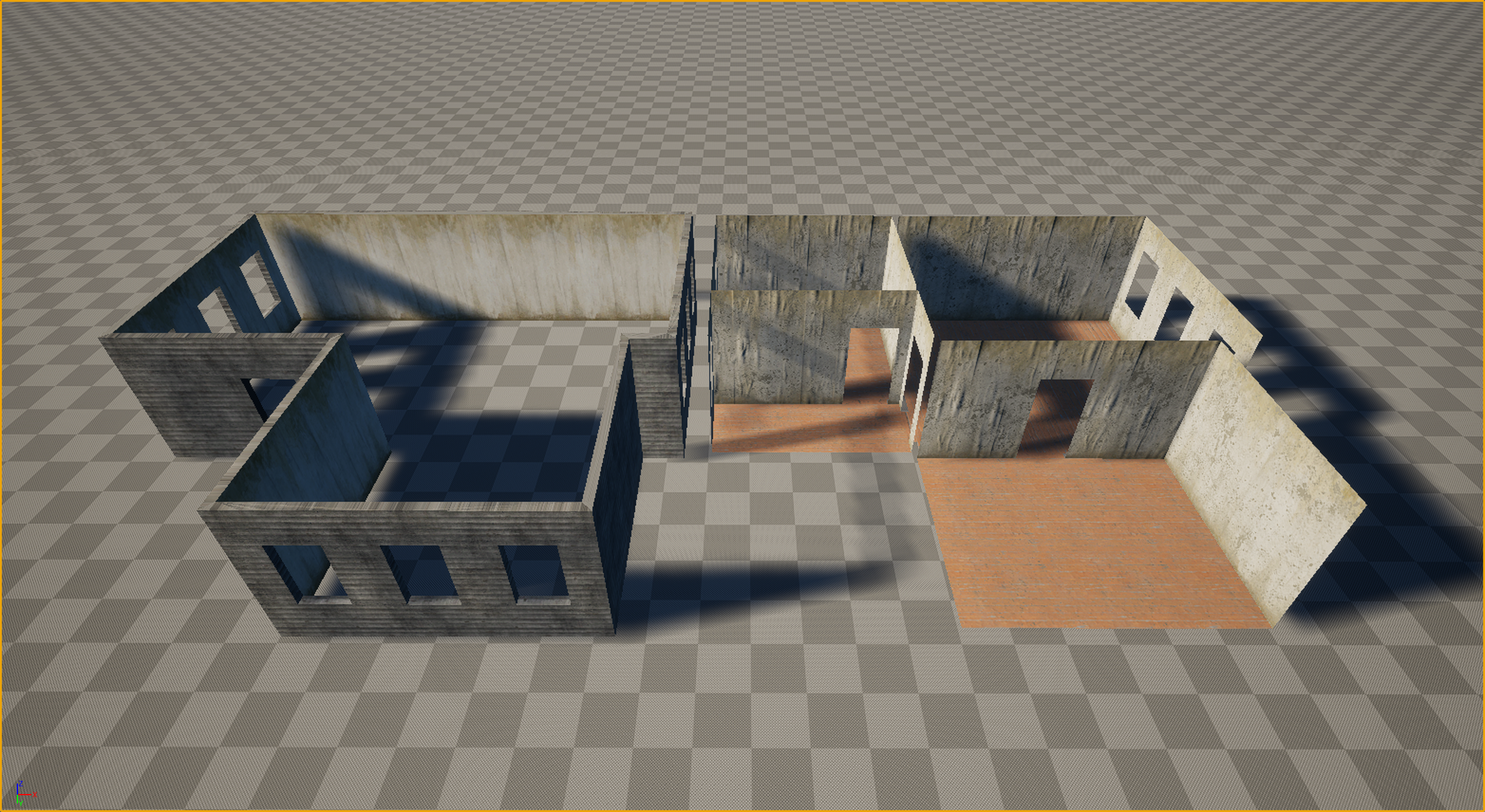 Thanks everyone for the kind words and the great questions! Let’s dive in. Working in VR is truly like walking on a razor's edge. It’s a technical hell where every decision must be calculated ten steps ahead. Performance requirements (high resolution across two displays + high frame rates) leave no room for error, and you…
 -
WorldAlignedBlend with Height map blending?

 I am making a landscape autoMaterial. I have finished most of it, but I ran into a problem. I want the transition to not be a gradient, but use the heightmap to blend between the rocks and sand. I managed to do that in a simple material, but I can't figure out how to do it to the autoMaterial that is using a…
 -
Re: vertex blending leaks
 The only vertex color is blue, but the surrounding color is white, which has all 3 colours in it. That's probably where the bleed comes from. I'd try leaving the default as black, and perhaps normalising the vertex color before blending to ensure that multiple layers aren't all added on top of each other.
 -
Re: Mesh Blend - Tool for Maya inspired by Polystein Kit
Hi! I got an issues when I start in maya 2018 OS:win 10, I got this error when I try to start this plugin at script editor. here is the error: source "AMT Mesh Blend/MeshBlend.mel"; // Error: menuItem -label "90? -p AngleSwitch; // // Error: "C:/Users/Leo/Documents/maya/2018/scripts/AMT Mesh Blend/MeshBlend.mel" line… -
UE4 landscape height blend
 Hello i have some questions regarding UE4's landscape blending shaders. Is it possible to height blend more than 3 materials? From the research i have done and the errors i get myself it does not seem to be possible. One year ago another user asked for help about this but apparently no one knew if there was a solution:…
 -
Blend shapes from Maya LT change names in Unity
I created several blend shapes for my model. Some of them from scratch, some of them by merging other blend shapes. After export in .fbx names of some blend shapes changed. I imported this model fbx to Unity and to Maya LT and in both I got the same result. Some of blend shapes (not all of them) had different names. The… -
How can I achieve this faded concrete paint effect with vertex blending?
 Hello Polycount, I have been looking for a solution to this for a little while now, basically i need to find a way to achieve this faded paint on concrete effect as shown in the image above with vertex blending. I know the typical approach for texture blending is to use a Height-map as a Blend-mask, but since the concrete…
 -
More then one Lerp blend Shader possible?
 So I wish to have a shader that blends 2 textures together based off a height map that is based on the vert colors I already painted on the model in Maya. Which I was able to do. I also want a shader that blends between lets say snow that is always pointing up and rock. Which I was also able to do. Problem I am having is…
 -
Hard Light Blend
 In photoshop hard light blend treats neutral grey (128.128.128) as a tone that does not affect the layer under it. But in ue4 the same neutral grey color value makes everything darker when blended through hard light blend. I want to add some details to my material, but can't figure out how to blend it so that I have a…
 -
UV and Blend Shape Issuse
I'm guessing I screwed up somewhere in my workflow, so I'm guessing from what I read online that I was supposed to do my UV maps before my Blend Shapes. So my problem is that I went through all the trouble of making my Blend Shape expressions for my character and then went to map my UVs. One problem I ran into was that I…
>11458 results