Search
-
flat gigapan panoramic style render
 In 3DS Max is it possible to export a panorama as a 'flat' distortion free 360 image? Like the Gigapan panoramas for example?
 -
Normal map seam in a flat plane.

 Hey. The seam only apears when seen from an angle, the surface is flat and i have hard edges all around. I tried some things but no luck, any idea if it's possible to get rid of them?
 -
ZBrush Flat Color Issue

 Good day folks! I am about to put some polypaint on my model in ZBrush but whenever I turn on flat color to check how it's going, I come across this issue - It looks like there is another model underneth it. It's the same when I try different Materials without pressing Fill Obkect. Does anyone came across same issue?
 -
Re: Shading issue on flat surfaces?
 Flat areas like that will still try to smooth with the edges that start to curve around the sides. You would need to either weight the edges or add an edge loop along the end of the flat areas.
 -
Make Quads out of a Ngon flat face on a static game mesh, yes or no ? ( No Subd, no bake )

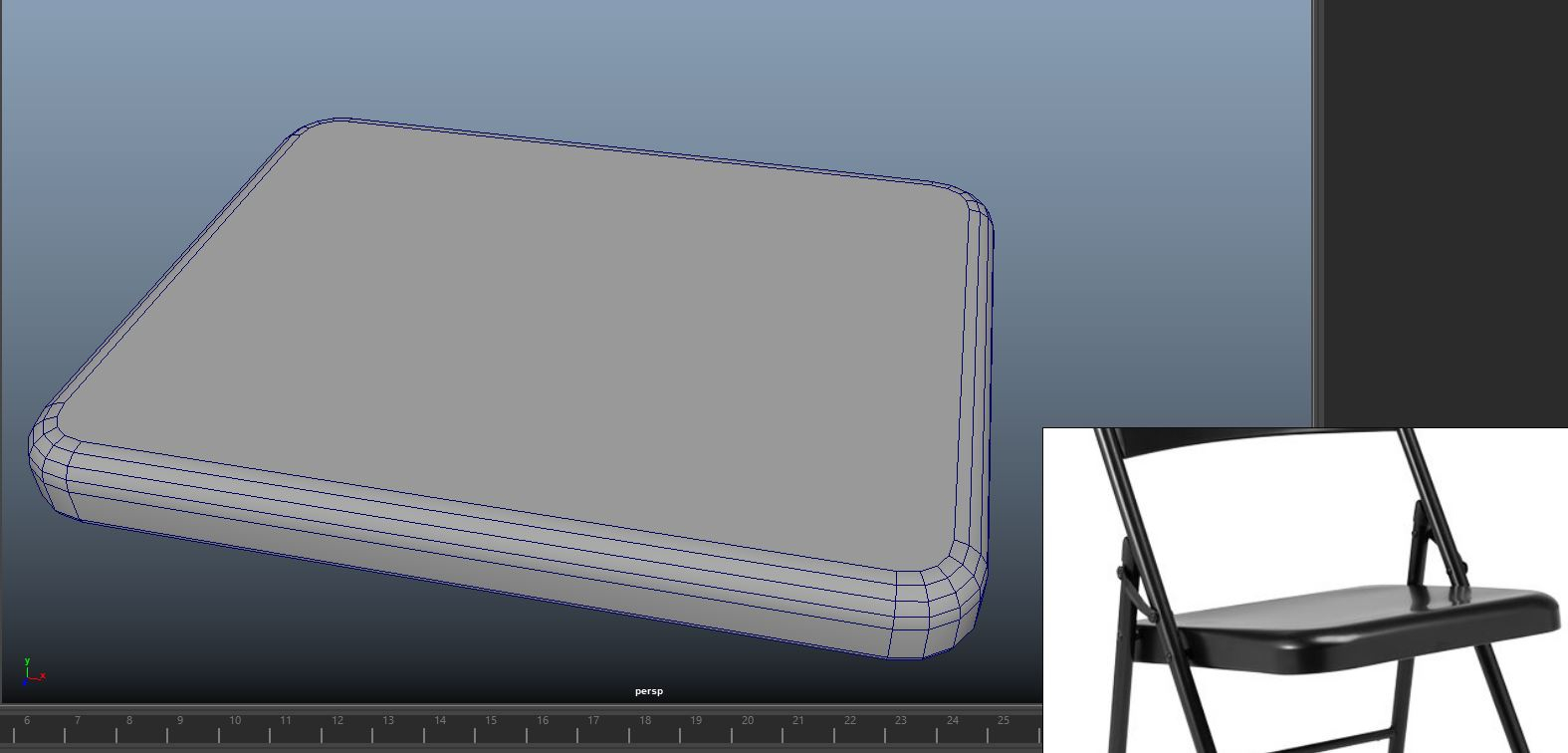 I tend to have all quads where possible on my meshes especially if i know that i will subdivide them but i was wondering in the case of a real time asset like this: As you can clearly see i have a flat face with ngons. This is already the final mesh, i won't do any bake or smoothing ( subd ) and i know that the engine will…
 -
Xnormal Wierd Normal /flat

 Hello guys, i have tried everything never had this problem before someone got a clue? Why are there flat places on the normal map? The cage is fine, im using normal settings with calculated ray distance. And im backing on a half shell of a mesh ( done this a hundered times before but this issue has never come up. Thanks :)
 -
Bridge Materials Appearing as Flat Colors in UE5

 I was using some materials from Bridge as placeholders to plan out my scene. However when I apply the materials to assets in my scene I get this flat color. Does anyone know what causes this and how I can fix this issue so the materials look like how they do in the Bridge preview? Thanks!
 -
Topology of circles inside flat faces

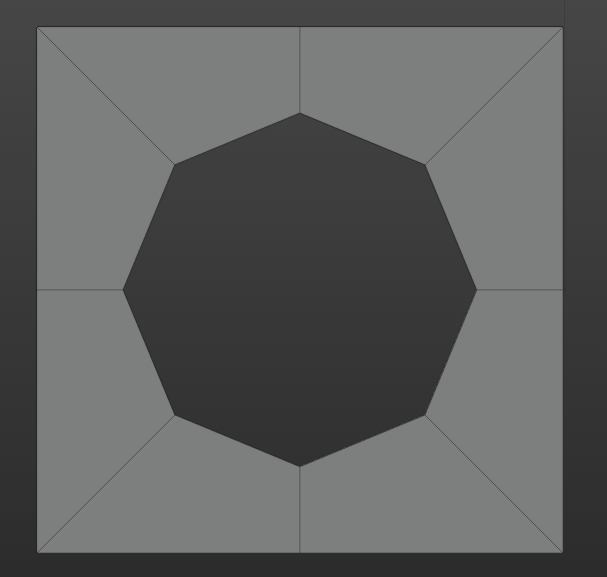 I have a question regarding a specific topology situation. It may be obvious for some, but i've never received an "Official" answer, so i might as well ask. Let's say i wanted to model a circle inside a flat face of a videogame prop. To keep the polycount extremely low i then decide to create an 8 sided circle, like this…
 -
Help with a flat face in Maya LT
Hi guys, I'm at work so I couldnt take a screenshot but used Paint to try and illustrate my issue! I have a flat face sticking out, but its just one side, causing some weird shadows. What can I do to thicken it? -
Zbrush 4R7 - Material is shown as flat grey
 Hi! I'm having the problem in 4R7 that my model is shown as flat grey. I've tried color>fill object with "M" or "MRGB" checked, and I'm rendering in "Preview" mode. In my subtool palette everything seems alright. I've attached a screenshot:
>25686 results