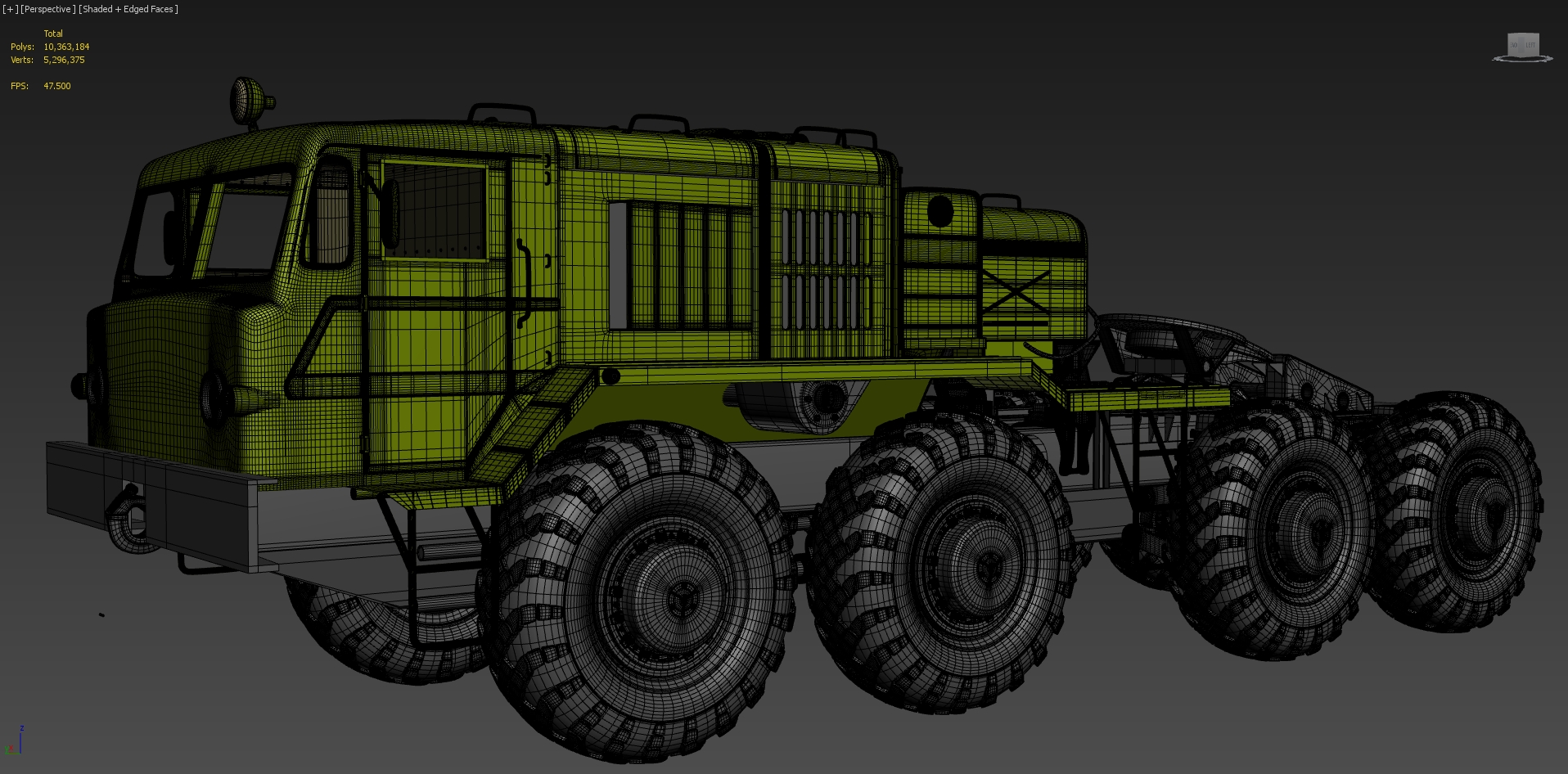
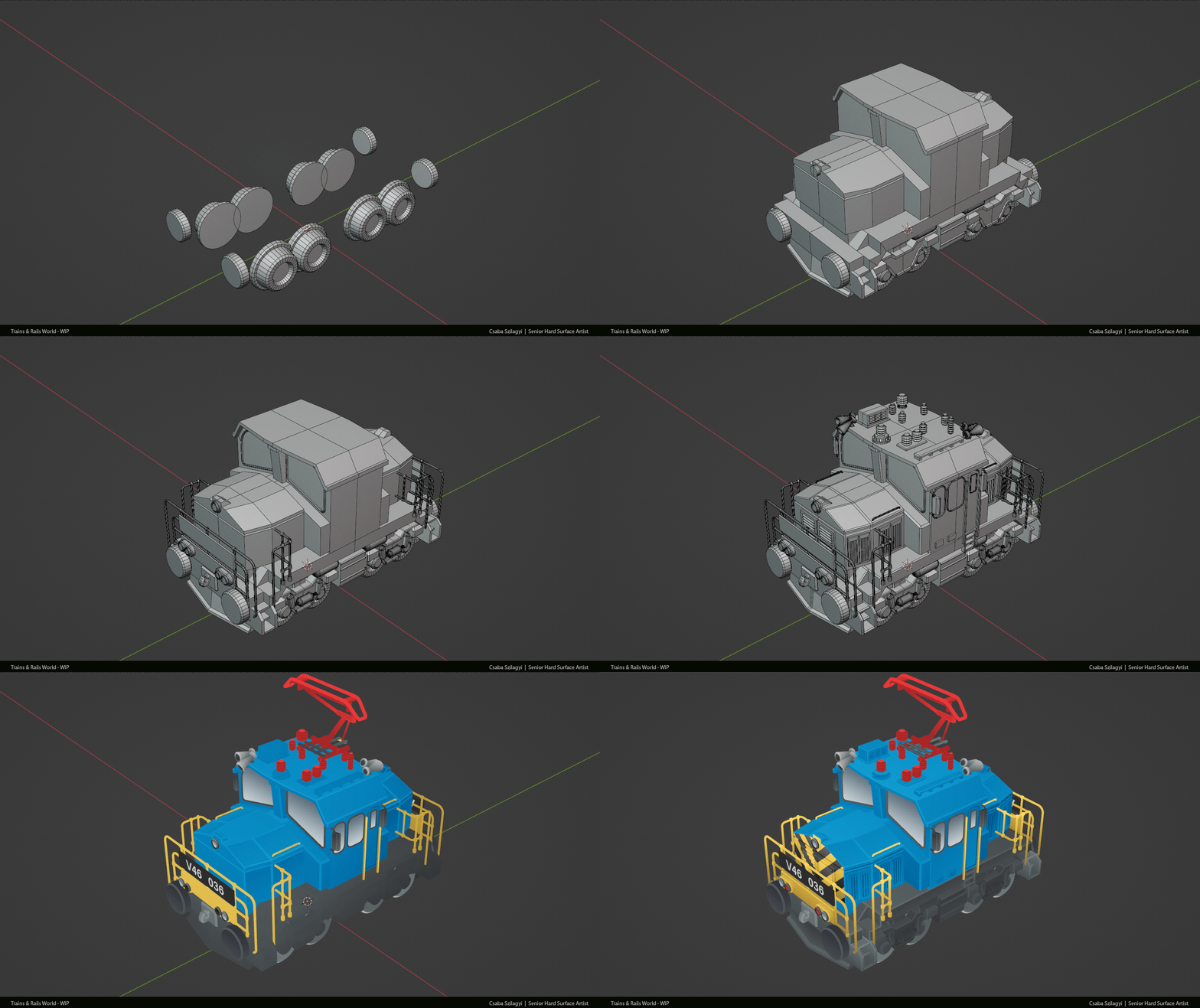
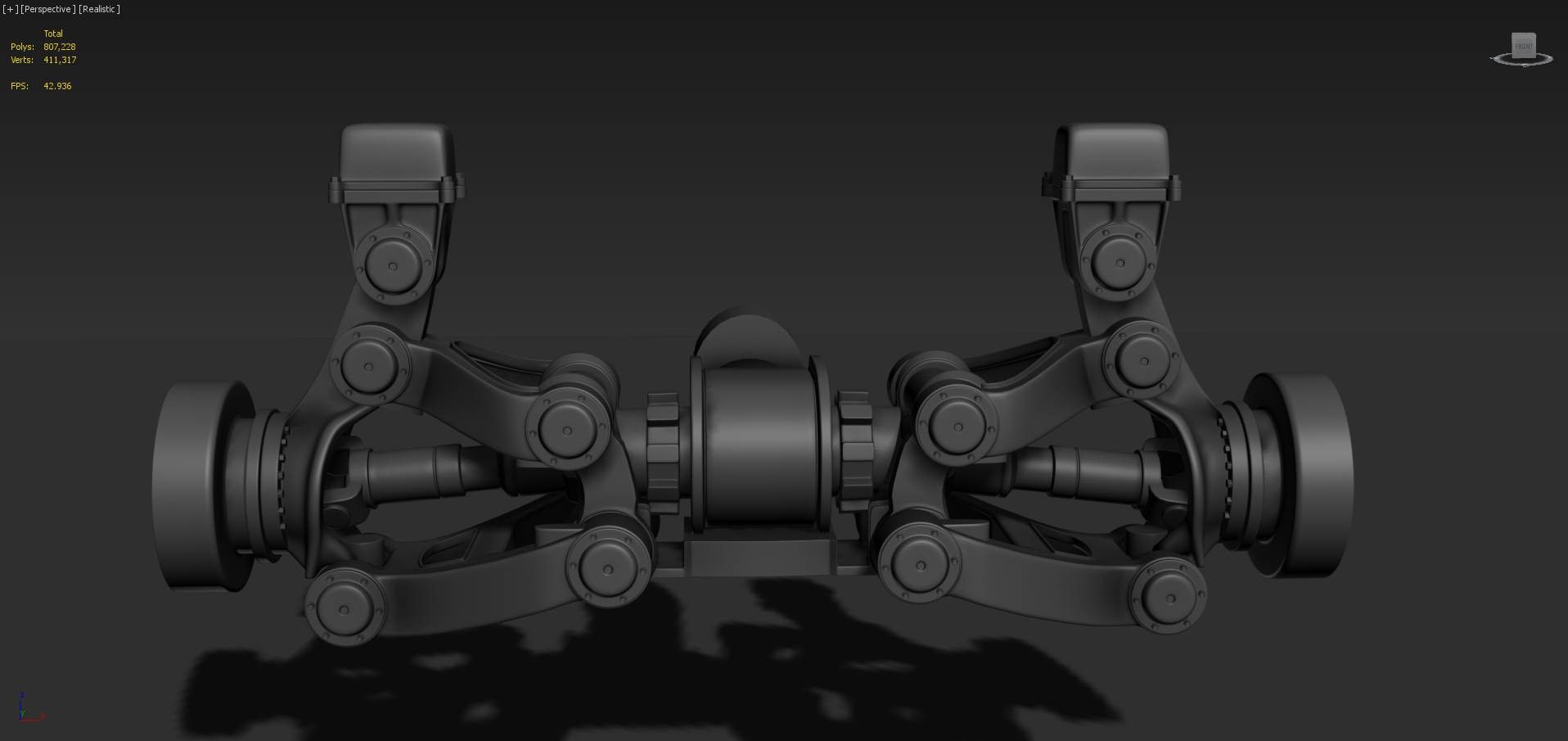
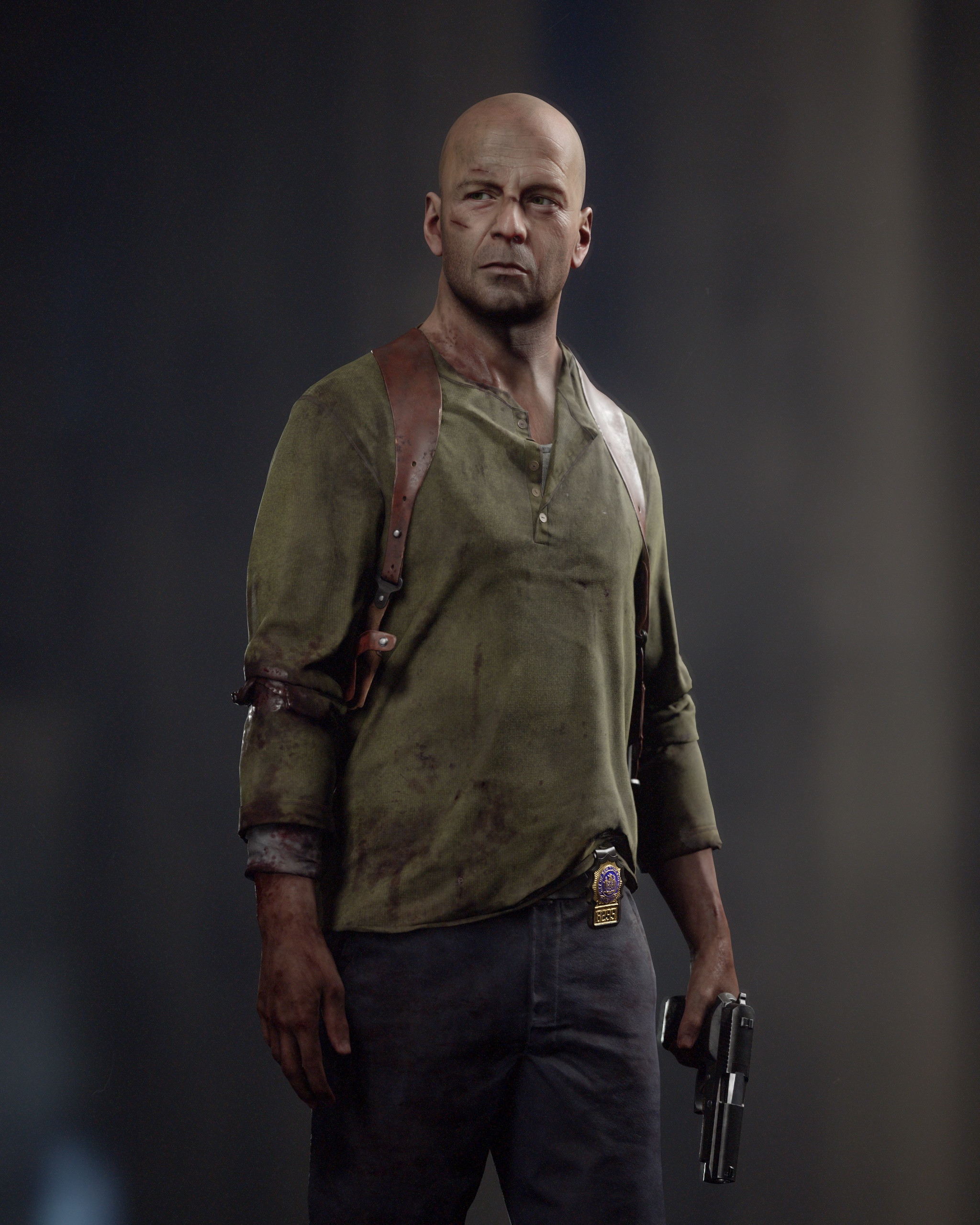
Everyone has offered really solid advice. Think that Neox, Eric and sacboy have summarized the key points of the issue and provided a lot of good links to additional resources on the topic. Just wanted to quickly address a couple of different points brought up in the discussion.
Subdivision modeling tends to be an iterative process. So, there's reasons to both keep things simple and use more geometry. Blocking out the major forms is a lot easier to do when there's less geometry to manage but adding small details, to surfaces with compound curves, can require using more geometry to provide support around the shape transitions.
Sometimes the block out process can be simplified by combining adjacent panels but arbitrarily modeling an entire car body as a contiguous quad mesh tends to introduce a lot of unnecessary complexity. The panel lines provide a natural break in the shapes. Which can be used to reduce loops in a non-visible area or separate sections of the mesh so the local density can be increased to support small surface details.
The examples below show what this process could look like. Parts of the mesh may be merged or split for different reasons and during different stages of the block out. Most of the time this decision will come down to balancing accuracy and editability.
All of the reflective surfaces and subtle forms make automotive body work a challenge to model. Creating a base mesh with relatively consistent loop spacing is generally considered best practice because it helps prevent artifacts in the edge highlights and surface reflections. There's differing schools of thought on other workflow topics. E.g. rink-wrapping a guide shape, using creases instead of support loops and how much subdivision should be applied before detailing. So, it's probably worth considering what the model will be used for and read up on the current best practices for that particular discipline.
When in doubt, a flow check with different materials and a reflection map can help highlight any problem areas. Here's a link to a detailed write-up on how to do a flow check. https://www.ebalstudios.com/blog/3d-modeling-artifacts-flow-check-reflection-map As mentioned in the article: there are some inherent and unavoidable limitations to the surface quality of polygonal models. While the flow check is generally a good indicator of surface quality, it's also important to focus on the final results and avoid making unfounded assumptions based solely on a model's wire-frame.
Below is a comparison of a base mesh with contiguous panel lines and a base mesh with split panel lines. Each type of material preview shows a different aspect of the subdivided mesh. A material with a wide highlight roll-off is good for catching most types of subdivision artifacts but more reflective materials provide a deeper picture of the surface's overall quality.
A contiguous, low density mesh is fine for blocking out larger shapes but often lacks the amount of geometry required to support complex shape intersections on curved surfaces. These small, poorly supported surface details can interrupt the existing edge spacing and this tends to reduce the overall quality of the surface. Sometimes it is possible to compensate for undesired smoothing deformation by adjusting the shape of the base mesh but this tends to introduce other flow issues that are still visible in surface reflections.
The comparison below shows how the overall surface quality from the block out is preserved by applying one level of subdivision before adding smaller surface details. Increasing the mesh density does reduce the editability of the larger shapes but this isn't an issue since they were finalized in the previous block out.
If the project does require a contiguous mesh then any components that were split off during the block out or detailing processes can be subdivided to match and merged with the adjacent panels. Below is an example that shows how applying the subdivision level for detailing also locks in the existing curvature of the shapes and reduces the overall visibility of flow changes between panels that have been merged.
It's also worth mentioning that there's a few different ways to reduce edge loops without interrupting the flow of the mesh in a visible area. Here's a link to another write-up that looks at several different ways of handling support loops that intersect curved shape transitions. https://polycount.com/discussion/comment/2769713/#Comment_2769713
i think from our side we might not apply for it again, it is just made for a different kind of company than ours. That being said, we have been lucky that we never have been fully dependent on it. other studios died while waiting for the funds to happen, it was the first time this program existed, so as to be expected a lot went sideways.
and yes it was a lot of work, i mean. it's not like the "usual" media funding stuff in Germany or Europe
games are not considered an artform over here. so they fall into the digital infrastructure category, which resides in the ministry of transportation (data highways, you know?) . So the german equivalent to the NASA (DLR) handled the whole process, based on a decision by the German Bundestag. I mean, surreal!
and if this aint green


gastrop0d

newer image should update to the latest build but i'm too lazy :P we worked on the colors and changed some details
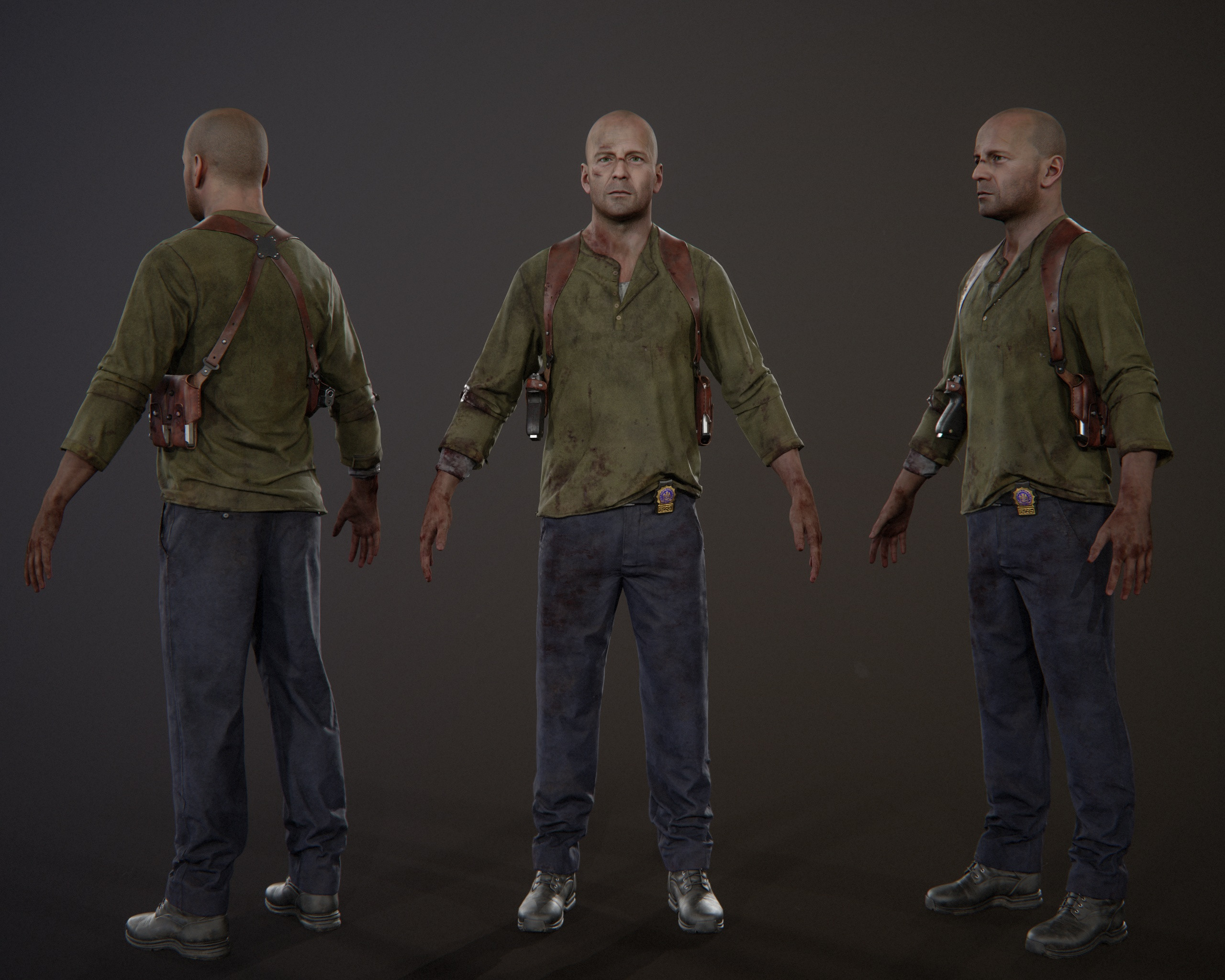
the zbrush sculpt


I'm not sure what you think is wrong with your presentation at present?
There's a good control of tone and contrast, you're not overdoing the post-processing, details and focal elements are clearly composed and there's a consistent (and visually pleasing) sense of style. I wouldn't worry too much about changing your lighting between shots.
My main concern is that you are showing us far, far too much. I'm not even sure how many images you have in this post, but you need to really trim the set down. Say 10 or so for the entire piece - including wireframes and documentation images. Make your point ("look how awesome my model is") in a concise and focused way. Think about what meaningful information every image brings to your post.
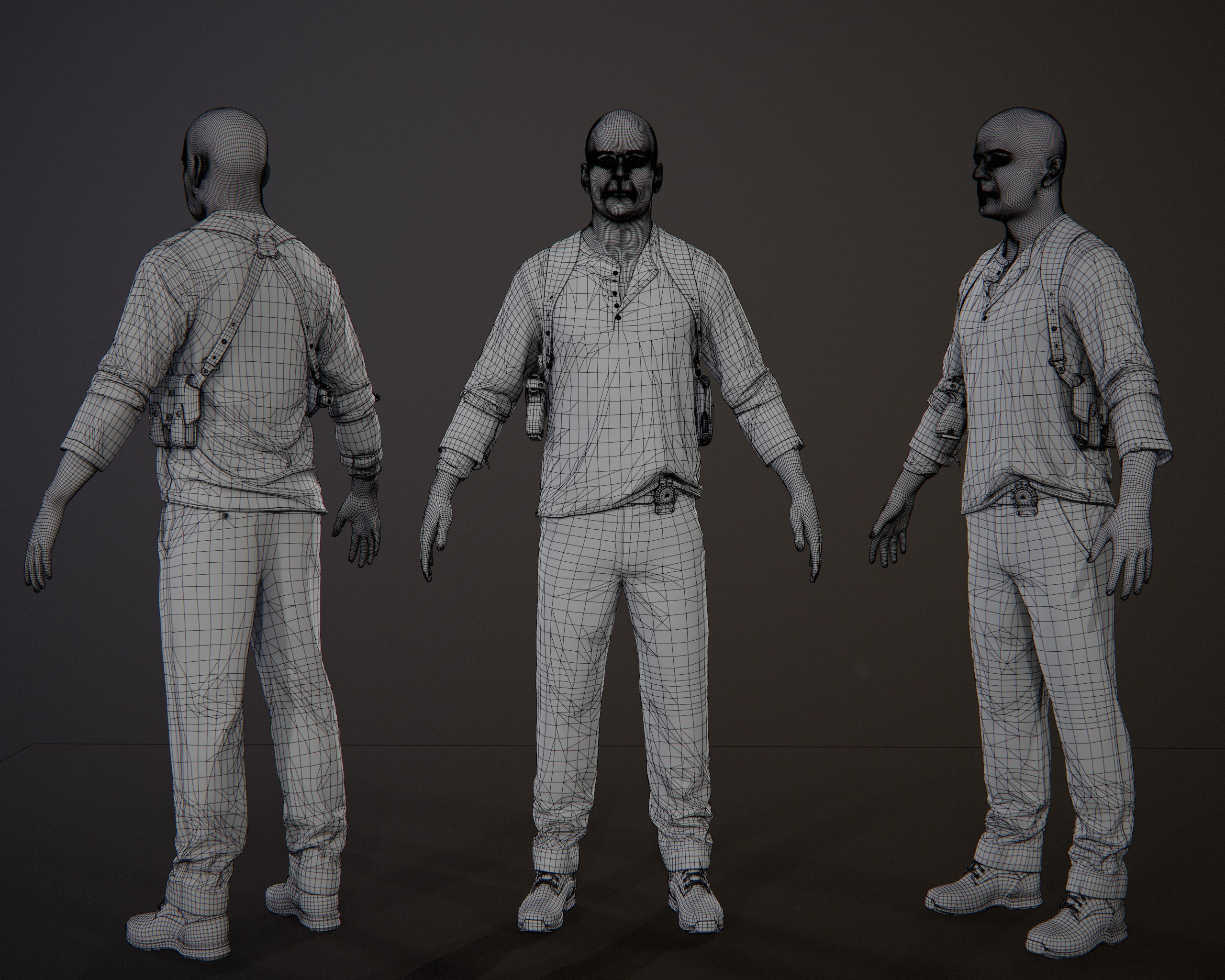
We don't need to see your AO bakes. 1, maybe 2 overview high-poly & wireframe shots should suffice. Personally I don't think seeing the UVs is useful but others may differ.
If you do want to show things in this level of detail, i'd suggest something like a video or sketchfab/marmoset viewer embed. There is also nothing wrong with collaging together multiple shots into a single image.
rexo12
I am trying to make a car chassis. However, I often run into the problem of the mesh appearing lumpy or has dents in it.
No matter how much I try to adjust the vertices around to make it more smooth, it always shows up. It usually occurs at a quad corner point.
In addition generally following sentiment, offered by others.
Sometime ago, stumbled across insight that clarified in my own mind an optimal polygonal workflow, creating Class A (Reflective Observable) surfaces that personally remains a simple guiding set of vehicle modeling principles - i.e.
sacboi
After a hibernation phase of many years, we made the call to revisit the project that our studio is named after.
Wondering what it would be like if we dive back into that world with new ideas, a different approach, a mix of Airborn veterans and new team members, and the determination to use the latest technology to push stylized game art and stay true to the core pillars of the work that was done way back.
And without further ado, we proudly present the result! For more details, a bit of project background and credits, please check our blog entry to go along with this post!
Enjoy :)
Finished making a tutorial on how to make a semi-procedural zip tie in blender
MrNinjutsu
I really like it. One thing that I noticed is that the smoke from the chimney can get easily lost and look like a cloud. Perhaps a darker coloured smoke?
nexussim
ArtStation Link Here: https://www.artstation.com/artwork/3qnmJD
This Environment is made in Unreal Engine. It was actually more a project for myself to understand how to create a nice Landscape using the Virtual Texturing, Stylized Foliage, Rocks and also how to create a nice composition and a color palette.
I was highly inspired by some other artists: Jasmin Habezai-Fekri, Sophie Rose Stübinger and Victoria Zavhorodnia.
The House is actually based on the Concept Art Farm Fable from Kiel Whitaker (https://www.artstation.com/artwork/g2LvL8)
In this project I also learned how to create Foliage and Rocks.
The softwares I used are: Unreal Engine 4, Maya, ZBrush, Substance Painter, Substance Designer and Adobe Photoshop.
I also wanted to learn how to make a Stylized Sky, unfortunatly the final result in the Sky is not what I wanted to do, the clouds are actually planes with the textures of the clouds. From other Environments that I saw, I think the other artists use a SkyBox or SkySphere but I'm not sure.
Pmartinlopez