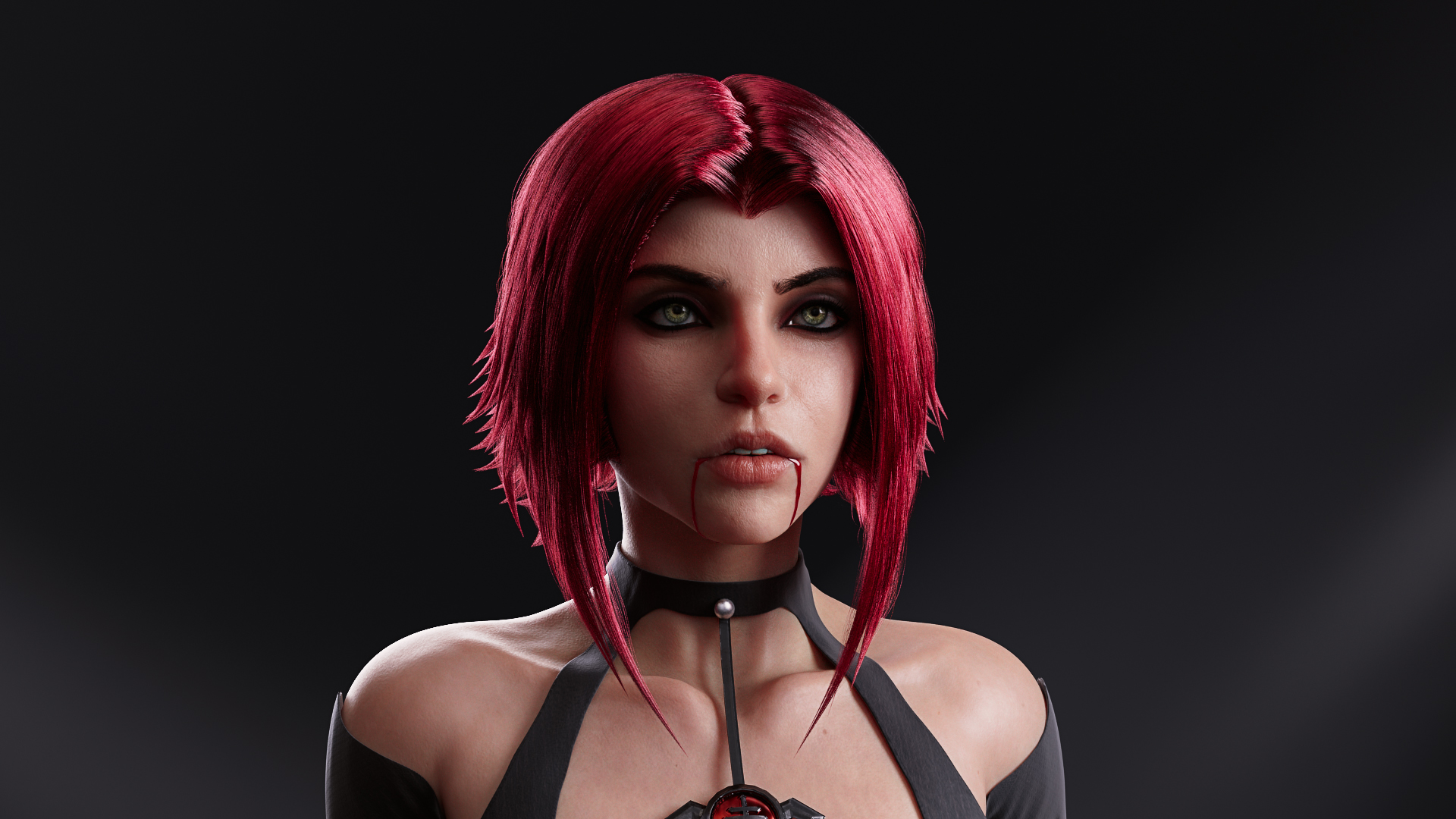
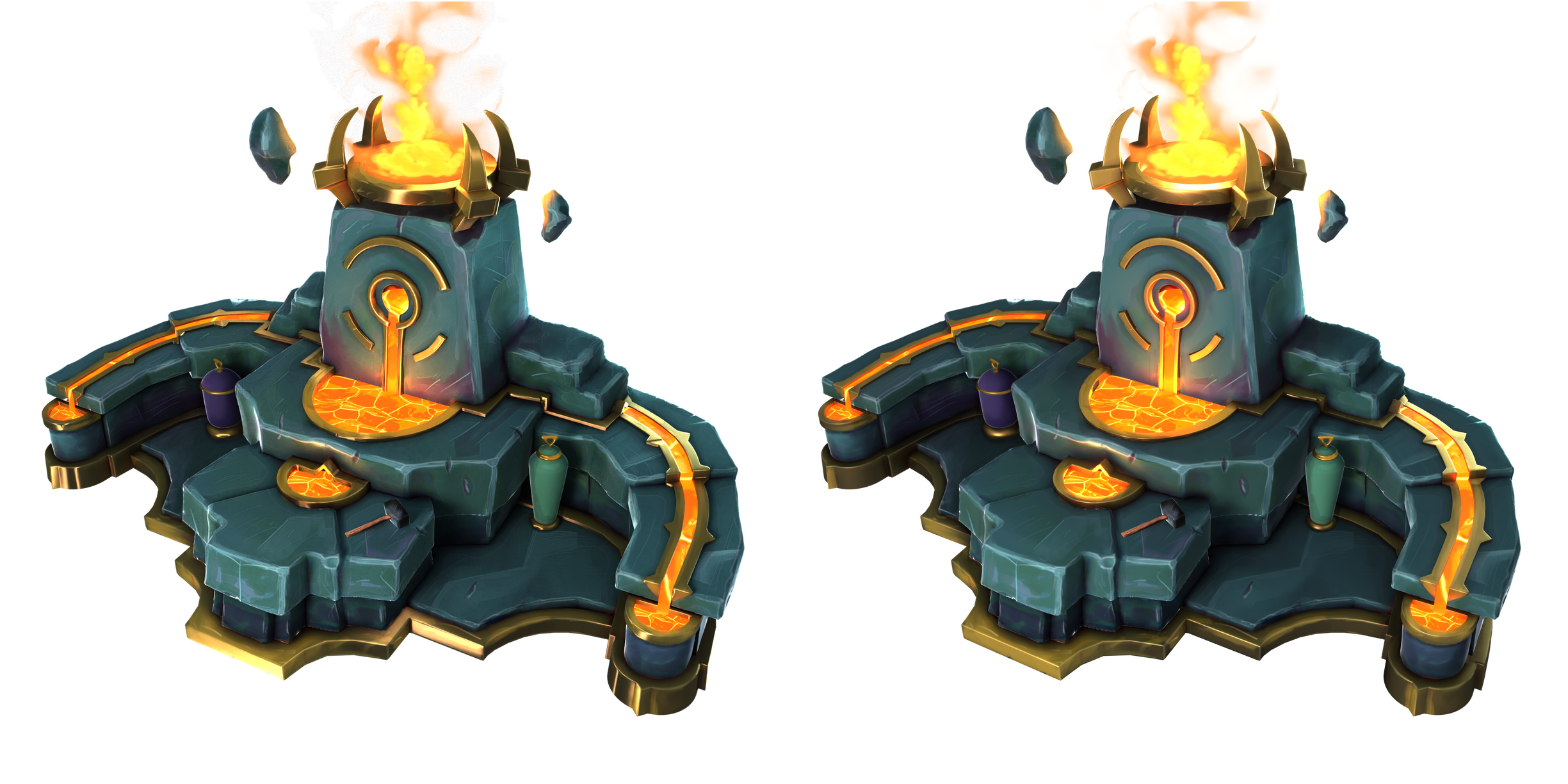
Okay, so I got some time to test Pior's method out and initial results look pretty good.
This was my first attempt so ofcourse we might achieve better results with some iteration. I'll try to make a step-by-step video soon to cover the whole process, but it's pretty simple.
Programs I used:
Affinity Photo - for conversion of original normal map to a curvature map
Marmoset Toolbag 4 - for baking
Results:
top is original model subdivided to about 1.5 million tris, bottom is original model with baked normal map applied (no color map applied, I just wanted to show the normal maps effect in isolation)
Curvature map created in affinity photo from the original normal map
So - no surprise - it's definitely a viable method and not too time intensive. A programmer might even setup an automated solution if the baking could be accomplished in a single application? At the minimum, the convert normal map to curvature steps could be automated into an action - I know photoshop can do that, probably affinity photo can I'd expect.
A tech artist might be able to provide some insight about best ways to handle conversion processes involved here. The first thing I do is convert the .dds format to a .png because affinity photo doesn't recognize .dds. I use marmoset to make the conversion - it just does whatever it does I have no idea.
For the conversion in Affinity from normal to curvature I just followed the steps shown here:
Curvature map from Normal map in Photoshop - quick and easy - YouTube
but it is slightly different in Affinity photo. I had to use the 3d filter rather than emboss, and I just left default settings except for the azimuth/angle. I am sure you could tweak the other values to fine-tune your results.
In Marmoset I subdivided the mesh to about 1.5 million triangles to get a decent result. If you have a slow computer that may be an issue. On my machine it was still an instant bake, so I think subdividing entire characters with very high polycounts may be okay.
Well, like I said I'll try to get a video to cover the step-by-steps tomorrow or ASAP.
Some additional things I'll explore when I have time:
Some AI algorithms to upscale color textures? Would this look good, or just create artifacts?
Apply some subtle microdetail patterns to color map or microsurface maps to give impression of greater detail?
Tweak the curvature map and see how it might effect the subdivided mesh - also if there would be any automation, got to make sure a standardized output is created - i.e. the middle gray value needs to be the same on every curvature map.
Alex_J
Hello Force users !
Here's my take on the N-1 Starfighter, made for the fan project Star Wars - Redemption of course. This one was quite challenging because of its excellent design shapes (to me it's THE one), it was also a real pleasure as always when doing fan art, but especially this one because you can use colors you rarely mix up together (that fresh & rusted yellow...♥)
I didn't model the cockpit because for the demo it was overkill, but that's something I'd like to do one day. References on the lower part near foot pedals are quite hard to find though ^^"
I made it with :
- 3dsMax (Higl/Low/UVs)
- 3DCoat ( Handpaint PBR textures)
- Akeytsu ( Rig/skin/anim)
- Marmoset (Normal/AO Bake/Still & solo renders)
- Unreal Engine 4 (rendering/integration/VFX/blueprint controls...etc)
Hope you'll enjoy this as much as I do =)
Full post here : https://www.artstation.com/artwork/NGzq6q
Vexod14
Hi! Been working on this jungle and wanting to push this more in the right direction, questions and feedback welcome!
There's some breakdowns on my artstation blog as well.
https://www.artstation.com/rhoutermans
https://www.artstation.com/rhoutermans/blog
-Ronald
This is just a quick look at a simple modeling process and topology layout for common helmet shapes.
Start with a quad sphere [or a UV sphere with 8 segments and a quad cap] that uses the minimum amount of geometry required to define the largest shapes. Work through all of the major shape and topology flow issues during the first few steps of the block out phase.
Refine those basic shapes then continue developing the smaller details, applying each level of subdivision as required, while keeping the topology as simple as possible. Rely on the subdivision to smooth the shapes and add geometry.
Mirroring the mesh can help speed up the workflow by reducing the amount of work required to adjust the shapes. Solidify can be used to create the internal thickness, once the shape of the outer shell is completed.
A collection of the latest and greatest pieces from Sketchfab users
Hey everyone,
I am new to the polycount community! I am in the process of working in games as an environment/prop artist and I am also in the process of really learning and understanding trim sheets. I figured my first post could be about what I have learned about trim sheets so far and eventually building a scene using MOSTLY colour variations of one trim sheet on both scenic elements and props.
So please feel free to comment, add words of wisdom, tear me down a bit if needed, and perhaps this could be useful to someone else in the future..
Thanks everyone!
So I started by following, fairly close, a tutorial series by Tim at Polygon Academy on youtube, https://www.youtube.com/watch?v=DipfrjCgYW8
He has the best info I've found so far on basics of trim sheets, understanding technique, etc.
I started with a basic breakdown of a 4m x 4m plane, broke it down into useable sections, separated into 7 main trim areas, then broke down a few of those even more
I then proceeded to extrude my sections into the depth I was after and deleting faces I did not need, making sure to keep faces on any bricks I had decided to have sculpted edges on.
Next, I went to work sculpting everything in Blender. It was an ordeal at first, I'm new to tiling techniques and working with many different sculpting sections at once, but it started to click and in the end it didn't take as long as I feared, a few hours really, until I was happy enough. Found a few rock brushes for some of the smaller details, but otherwise the scrape tool was my best friend, with a little clay strips here and there. Of course there were still a few tweaks after seeing how it tiled.
EDIT: (forgot to put this in before)
Before exporting my high rez mesh for baking, I tiled on either side on my sculpts copies of the opposite sides to solve the AO problem that will arise during baking. Those lines seen will not be there when baked.
Next was baking and painting! I did that in Substance painter. For my for ornate section, I had purchased a library of tileable textures from artstation, found one I liked, and ended up doing all the tiling work in photoshop on the UV's, creating my base colour, metallic, roughness, and height maps all in photoshop and bringing them into Substance. It worked suuper well, had tons of control, and I didn't have to deal with sculpting that tiling detail.
Here are my maps
Here it is tiling!! I let out a sigh of relief when I saw it was finally working.
Next was getting my new trim on a basic shape. I chose round as I felt it was a good first challenge to line everything up, unwrap properly, and get an interesting result!
Here are my UV's. They look terrible. But they work.
And here is my final result of my first real venture into trim sheets! Just a quick Blender render in cycles. I managed to line up what I wanted to line up, get my bricks working in my favour, and show off most aspects of my trim.
My plan next is to start planning and building a scene with this trim in mind. The final result will be in UE, I imagine. But either way I will keep adding to this post as I progress!
Again, if you can add to this or have feedback, I am alll ears!
Thanks!! :)
Bambizan
https://www.youtube.com/watch?v=0ETs6v9HlVk"]Substance Designer 4 New features & Tutorial - YouTube[/ame]
ZacD
These seams (in terms of color on the baked map) are absolutely to be expected on a tangent-space normalmap. To understand this better, make a few test bakes with UV islands rotated in the UVs in a few different ways and you'll notice that these colors will change each time. That's because the colors relate to the X and Y axis (or rather, U and V) of the coordinate system being used to encode the relative surface angle orientation for each given pixel. Whereas on a displacement map or a regular texture map (color, roughness ...), nothing would change when rotating UVs, as these type of textures do not depend on the U and V orientation since they respectively only encode Z or a local surface color or value for a given pixel.
The resulting shading is smooth in Painter, because it is reading (and applying) the shading from this texture information consistently ...
...and the resulting shading is not smooth in the game you are making content for, because it expects something slightly different. If you are lucky all you'll have to do is inverting the green channel of your map, as this is the number one cause of inconsistency between games and bakers. But the cause could also be a (very) vast number of other things. Start by overriding all other textures in the game with some default grays in order to have a much clearer view on the shading. If the nipple looks concave rather than of convex then you're in luck, as you'll just have to invert a channel. But imho that's unlikely here, as you would have probably already noticed such an issue by now.
Unfortunately, the solution you are thinking of consisting of intuitively painting over these seams will likely not do what you are expecting. However, if you are really pressed for time, the one hacky thing you can do would be to generously airbrush a neutral normalmap blue over the area, which will basically let the renderer to show the bare lowpoly as opposed to any normalmapped detail. As dirty of a hack as this may seem, it can be quite effective on organic models since the details of the diffuse and roughness will likely conceal the smoothness of the raw lowpoly shading. That's only useful for organics with shallow detail though, and will not work with more complex surfaces.
Of course the best course of action is to first and foremost what kind of norm the game is expecting. If this precise information is not available, then you might have to settle with a compromise.
- - - - -
And it goes without saying : you might want to start by mentioning which game you are attempting to mod.
pior
Been working on mainly props for the past week, here's a quick little render scene:
Loving this piece so far, gorgeous lighting and atmosphere. There's nothing major that's sticking out to me, only some nitpicky stuff. I've taken a stab at illustrating a few adjustments you could make.
Not annotated in the picture, but I added some edge highlights from the moon on the roof of the centre building. It might help to add a fake light pointed at the building to help emphasise those edges and accentuate the building's form. I believe the building is still using some of the blockout mesh without any beveled edges so its probably not doable at the moment, but it might be worth considering as you finalise the building.
I also tried dropping the background mountain to the right of the central building down a little, so the silhouette of the building stands out a little more.
Beyond that, I'd probably try and work in a less dense grass mesh around the edges of the thicker patches of grass, just to ease the transition from grass to mud.
(Edited version in greyscale, without annotations)
(GIF to illustrate the differences)
Really excellent work, loving the architecture and composition too, keep plugging away at this one.
Mixsup