Search
-
Problem With Control Edges

 Hello everyone, I'm trying to smooth out a model from a low-poly model to a high-poly model, but the shape I'm currently working on is very complex (at least, for me). As soon as I add a control edge, it creates some normal artifacts. I just want some tips on how I could do this. Here's my low poly version of the model :…
 -
Edge Streaks on Polys?
 Hi guys, so I'm coming across this problem quite a lot recently I've created my low poly mesh (it can be optimised I'm aware I was just trying to keep to quads). However, I get these strange shading errors across my mesh where edges are located along a flat Poly (See Images). This then obviously becomes even more ugly once…
 -
[3dsmax Script] selection to outer edge
Hi, I'm looking for a script, which converts a vert or face selection to outer edges. Something like that: http://www.illusioncatalyst.com/3dsmax_files/snippets/editable_poly_sub_obj.php There is an option called "Outline" -> Ribbon Menu/Modeling/Modify Selection/ Outline (shift), but I can't find it in the Customize Menu.… -
Maya clamp texture and smear edge pixel.
 Is it possible to clamp textures in Maya and have the edge colour smear infinitely like in a game engine? I turned off wrap u/v but the excess are is grey, what's the use of that?
 -
Maya 2010 insert edge loop bug.
When I use the insert edge loop tool it no longer slides around in real time. Anyone else have this bug it's quite annoying. I'm using a certified quadro card. -
3Ds Max Edge+Vertex removing
I made some search and find nothing interesting, The only way to delete edge and vertiex is Ctrl+Backspace.. I want to bind those key to only one key to speed up my workflow. Do you know how I can do that ? Thank you -
Black Edges/Artifacts from Normal Map baking in Marmoset
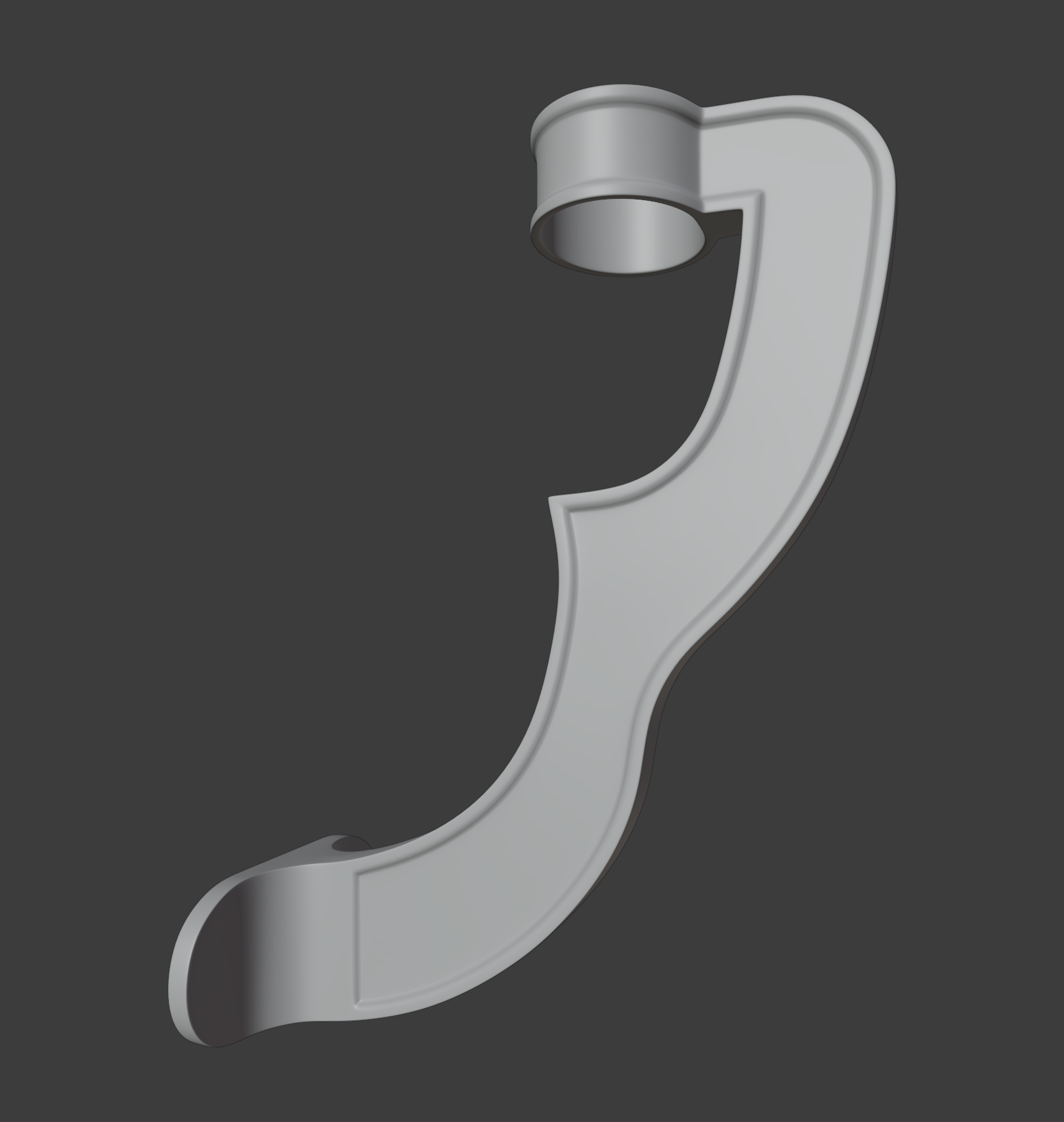 Hi, I'm Onur, I'm a self-taught 3d game artist and this is my first topic on polycount. Wish me luck! My project is game-ready gramophone. High poly modeling of the gramophone is finished in Blender 2.91 but I'm having some problems with the high to low poly baking in Marmoset. When I try to bake a normal map I get these…
 -
3DS Max - Model permanently in edge highlight mode?

 Hey guys, I have a model that is constantly in edge highlight mode. Is there anyway to remove this?
 -
Reflections on edges of model [Baking problem in substance]
 i am getting this problem while baking and i tried harden/soften edges in maya but still this reflection(i don't know what to call them) keeps appearing . uv
 -
Edit poly "Edge Properties (Whight,Crease)"

 Help is why I do not have a menu in Edit poly "Edge Properties (Whight,Crease)" I have set 3ds max 2015 Ex2 and I do not have this menu
>27964 results