Search
-
strange normals...
 im using projection RTT normals, this is a test bake. This is what im getting. Could this be because I moved the meshes so far from the origin? because these are weird colors Im getting. Im not getting any ray misses.
 -
Setting up vertex painting while keeping unique normal maps?
 (Not sure if I should be posting this here for in UE4 forum. Sorry mods if this is wrong place!) I have a bunch of rocks that I’m creating some giant cliffs with. The way I made them is I baked each rock (there’s about 10) from a high poly, then in my material setup I’m using the normal map along with a mask for edge wear…
 -
Mirroring Normal Map?
 Was wondering if it was possible to create a second material for an object and just invert the Red value of the normal texture to essentially mirror it. Anyone try this? Or know of a way that actually works?
 -
Normal Artifacts Error
I have shading errors on certain quads. I'm not sure how I can fix this. This is the low poly with a normal map. Any thoughts? -
Aliasing on normal map

 Found those lines on normal map where UV islands connected I can't paint on them or cover up problematic UV's circled in red this one is another UV island, but have the same problem those lines also visibile in UE4
 -
How do you get small details into textures/normals?

 Been playing god of war and was inspired to make a project. i dont have much done right now, im just starting to texture one of the main assets and I dicided I want to get to the bottom of a problem i've been having for a while. My textures always seem really low res, i can never get any small height details to come out…
 -
How do these normals look?
 How do these normals look? Working on a pistol model Images attached
 -
Normal map overlapping seams
 having a hard time figuring out overlapping normal maps & seams.
 -
Normal Issues
Hey PC I'm have a weird issue with my normals or maybe it has to do with marmoset. I have a a half UV shell baked out and I'm duplicating it and combining the two meshes into one. Below I have a a image of the problem. -
Ugly normal map

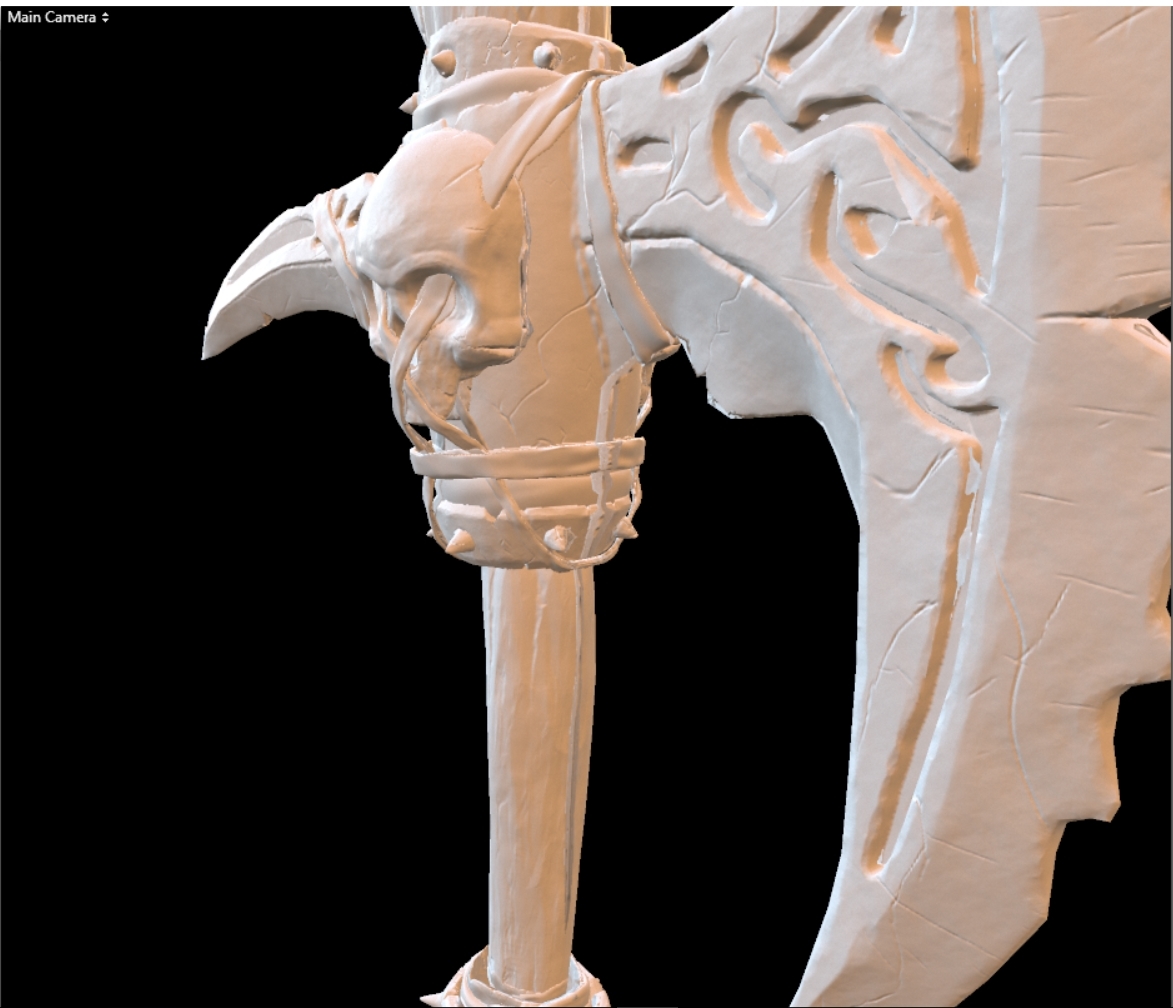 so i finsihed a weapon sculpted it made a low poly and unwrapped it but the normal map comes out really ugly on some spots does anyone know why?
>37656 results