Search
-
In Maya, is there a way to move to manipulator constrained to nearest camera angle? - solved

 Answer = hold shift at same time you begin mmb drag and it constrains to the suggested axis direction If you click the box in the middle of manipulator, you can move selection in camera space. If you click the red arrow, you move constrained to the x axis only. Does anybody know a way that you could move in camera space,…
 -
Retopo before moving your model??
 I am wanting to move my model a bit (just wanting to rotate the neck). Right now it is in symmetry but i dont know if i should move my model then retopo it or just retopo then move?? If it is the ladder how would I retopo my model then move it and still get my high poly detail on my "moved" retopo model?? Any answers would…
 -
Unreal Engine 6

 Thoughts? Link:https://www.techspot.com/news/112513-unreal-engine-6-coming-2028-aims-streamline-live.html Video: https://www.youtube.com/watch?v=p5d7y1cbWIk A comment said they are using their own coding language?Highly sus to me, i can see problematic moves there if this is true. Just want to hear what people whom use…
 -
Moving Day
 We're all moved! A huge amount of thanks to Vito for hosting us all these years. Tonight at around 10pm CST the site will come down while we move to new servers. For many years, practically time immemorial in internet years, the site has lived on hosts provided by our good friend Vito. After last year's relaunch though, it…
 -
Re: The Bi-Monthly Environment Art Challenge | March - April (101)

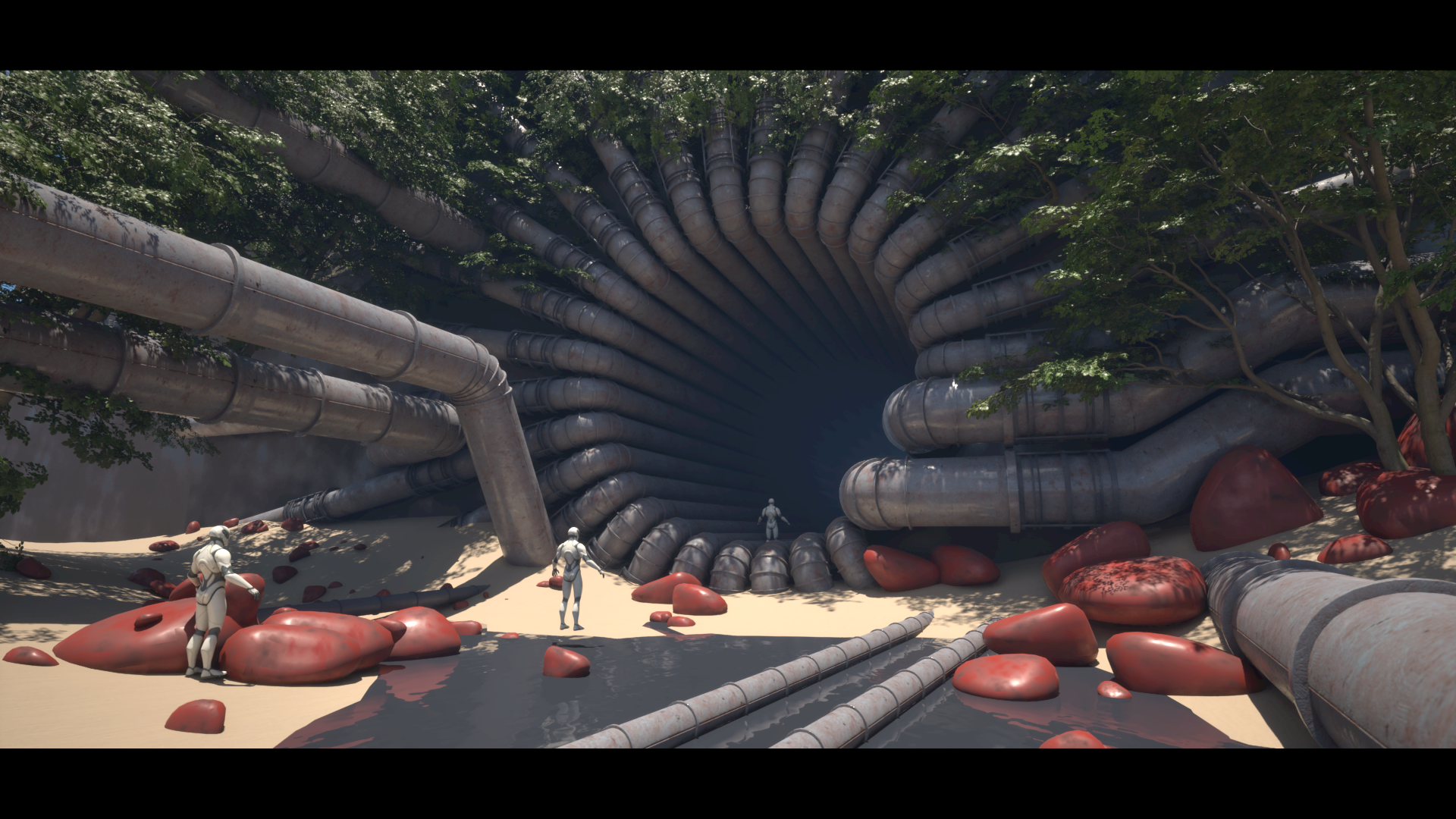 Life got in the way a little bit but I have some more progress. Filled out the scene with some megaplants trees. Hope to continue moving on with this for the next week and a bit.
 -
Re: Move vertices in Zbrush retopo
 When I enter move mode, vertices don't costrain to the model.
 -
zbrush 3 question bout tweak and move....
i never noticed this...but the tweak brush seems to have a lock on it, to a degree. i can move geo with it...but only to a certain point...then it stops. there a setting i'm missing for this? also, w/the move tool...i'm tryin to move a separate body up towards the next of a character. but when i try and move it up… -
Move tool in maya compared to 3ds max
So I've found this is really hard to explain but in maya there is a way to use the move tool based on your perspective view. Basically you would grab the whole move tool not an arrow and then move it based on your perspective and it won't move towards or away from the screen. Is there a way to get the move tool in 3ds max… -
ZBrush - Moving along the surface
Hello, Now I know that when using the "Move Brush" if you press hold ALT while sculpting, the surface is deformed perpendicularly (i.e. along the normal to the surface). I wanted to know if it was possible to use the Move Brush to deform along the surface. Like moving the surface of a sphere without it producing any bumps… -
[3DS MAX] Moving Facial Rig Controls with Head
 So in 3DS Max I've got my face rig all linked to my controls in the reaction manager and it works fine when it's stationary, however, I'd like for these controls to move with the head rather than stay in the same place. I tried parenting them, but because the reactions are based on the slider's world space position, when I…
>108922 results