Search
-
Change rotation pivot of a group in Maya??
 Is it possible to change the rotation pivot of a group.I know how to change the rotational pivot of an object in Maya by using the manipulator that comes on when u click the question mark button in component mode.
 -
Rig Rotation Problem
 I have a Basic 65 joint Rig with animation of "getting up" at center of grid facing the front camera. I want to rotate it at 45 degree without disturbing animation. When I trying to move it with graph editor curves , whole animation ruins. Even I parent a controller to rig. On rotating controller animation looks good. But…
 -
3dsMax perspective view when rotating from orthoraphic
So I noticed this problem of constantly having to switch between view modes when modeling in 3dsMax. When I switch to front view (orthographic) and rotate (alt+mmb) I end up in user/orthographic view. I would much prefer perspective view. Currently wondering if this is possible in MAXScript since I imagine you would have… -
Aim at where camera is showing (dont rotate the whole body) [THIRD PERSON]

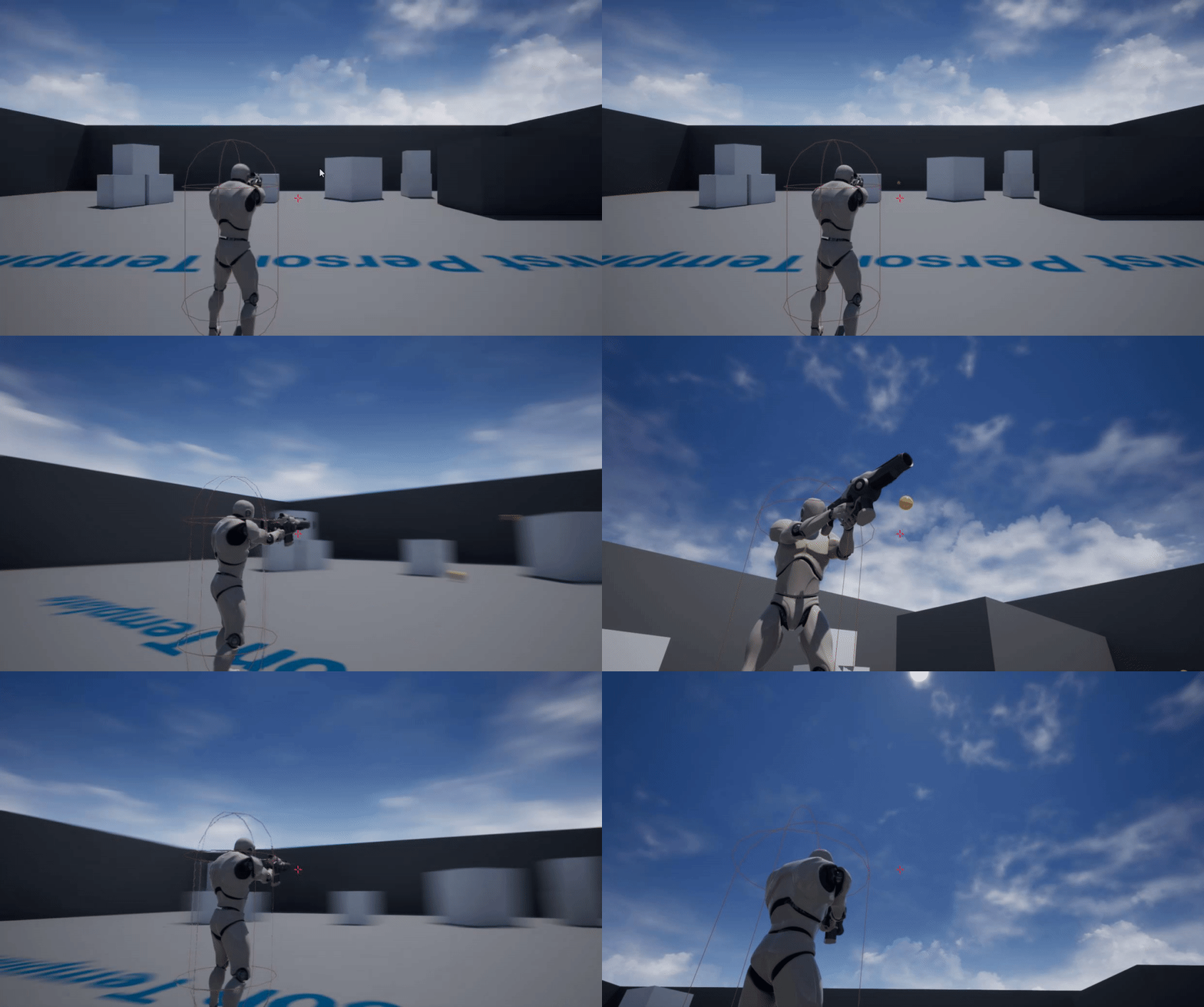 My base is a FIRST PERSON, i reworked it so its a THIRD PERSON. this is what I got: (aiming animation will later be replaced with one-handed aiming, for pistols!) What I try to achieve is that the character is aiming in the direction of the camera/crosshair but should NOT rotate the whole body while the camera is rotating.…
 -
In 3ds max is there any way to rotate CAT's foot platform on the heel/toe?
 Hi,So in basic terms animators want to rotate foot platform not only around its center but also around heel, toe and sometimes even sides of the foot which works fine in biped but STILL haven't fixed in CAT (Correct me if I am wrong as I am using Max 2015 but comments regarding to this issue goes to 2008 so I doubt…
 -
Marmoset Toolbag and trackball rotations
I recall Marmoset Toolbag used to have trackball rotation but now t seems like I'm really fighting with the software to try to get quirky angles I'm going after. I know the rotation isn't for everybody, but did they abandon it all together to appeal to a wider audience or is it hidden away under a checkbox in menus… -
animating a rotating ball
Hi All, I am working on my first project in UE. I want to animate a ball moving in my scene up a ramp. I have successfully done that ( sort of ) with the ball animated along a spline. My issue is the ball does not rotate when it moves. My question is how do a get it to rotate while its moving along the spline? Or is there… -
Rotate object back to origin in Maya
 I rotated an object and froze the transformation and now I can't get it aligned with the origin. Is there anyway to do it? Any link to a video tutorial? I know how to snap object to the grid while I translate but not for a rotation. Thank you.
 -
maya rotation gizmo problem
 i dont know what i did but i cant fix it... my rotation is locked to the y axis, no matter what axis i click or choose in the channel box it will only rotate on the y axis... anyone know why this is happening??
 -
Aligned rotation in max?
 This may possibly be the most stupid question I've asked in this form, but is there a way to rotate faces so they stay aligned with their connecting edges? If you look at this image, the extruded face is nice and flush with the planar face If I rotate it, it isn't. If this was a simple quad I could just drag the top verts…
>8345 results