Search
-
Re: max script to give me maya-style edge hardening and softening?
 yup, it's on scriptspot, pier jansson's script in fact i think it's the first google hit for the term "max soft hard edge script" :)
 -
Want to quickly make a cross-hatched edged circular plane in Maya
 Hello again, So, I was needing to create a circular plane with a lot of vertices, with ideal spacing in between, but avoiding that "poke" in the center. Like having the spacing of a typical default plane, but for a cylinder top like so: Is there a simple way to quickly make such a thing? Thanks!
 -
Good tricks or PS plugins for edge dilation?
 Maya seems to have developed a new annoying little quirk so that when I bake a diffuse texture from high to low with surface sampler (Maya 7), it ignores my settings for padding the UVs. Because of this, the mipmaps are showing some nasty seams on my models. Anyone know of a good plugin for CS2 that'll do the trick? I've…
 -
Edge loops foot
 Hello, I am at retopology at the moment. I checked out the Wiki on Polycount too already but i am getting mixed suggestions . Maybe there is not only one solution ... I was unhappy with how my feet turned out and decided id just model them as box modeling from a cube like this:…
 -
Re: Blender Meshmachine Offset Cut geometry import 3dsmax problems
 Max resolves Ngons differently to Blender. Moving the vert works because it changes how the hidden edges are resolved. If you want to get rid of the problem, you have to manually add edges so that Max doesn't do any weird guesswork with the hidden edges.
 -
[ZBrush] Editing topology with SubDivision Levels
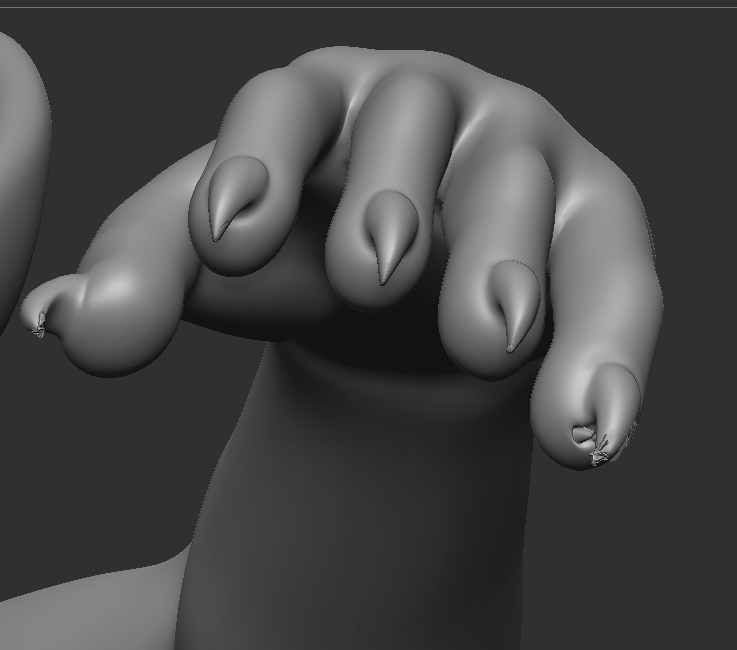 Hello! I'm in the process of making my second character model. Taken a lot of mistakes and learning to get to this point. I've been stuck on something the past few days though, and I'm unsure whether I'm doing something wrong or if I misunderstand the process. I got a sculpt close enough, then moved to Blender for…
 -
Re: ZBrush - Is there any way to prevent Trim Smooth Border from mashing edges together?
Trim Dynamic + Dynamesh can clean up those edges. -
Re: Gina (critique welcome)
I don't think I'd call that a failure. As for the artifacts in your top right screenshot, that seems to be exacerbated by the fresnel effect/reflection and the fact that the backside of the top is visible behind that for even bigger contrast. We are probably looking roughly along the projection direction, here, which is… -
Re: Baking Problem in SP (Modelled in Max)
 Hi! Hm, interesting that you checked in Max but normals are flipped in the fbx. A simple way to check, would be to re-import the exported fbx and check that everything looks as intended. Since its normals define in what direction a face is looking, I would say flipping faces and flipping normals describes the same outcome.…
 -
Deselect partial edge loops / rings from a complex selection in Max?
In Maya I simply control click a loop or ring, then double click a subsequent segment on that loop or ring to partially unselect it. Is this possible to do in max? I know there is window crossing but a complex partial ring/loop deselection when that ring/loop is going around the object would be highly useful.
>27970 results