Search
-
Low Poly tank (German light tank, sdkfz101)
 This is a lowpoly tank I have been working on ( a bit simplyfied from original). Comments and critics welcome. Tris: 1400 Textures: Diffuse, Spec, Alpha
 -
ARTWAR2 LUCY - Light vs Dark

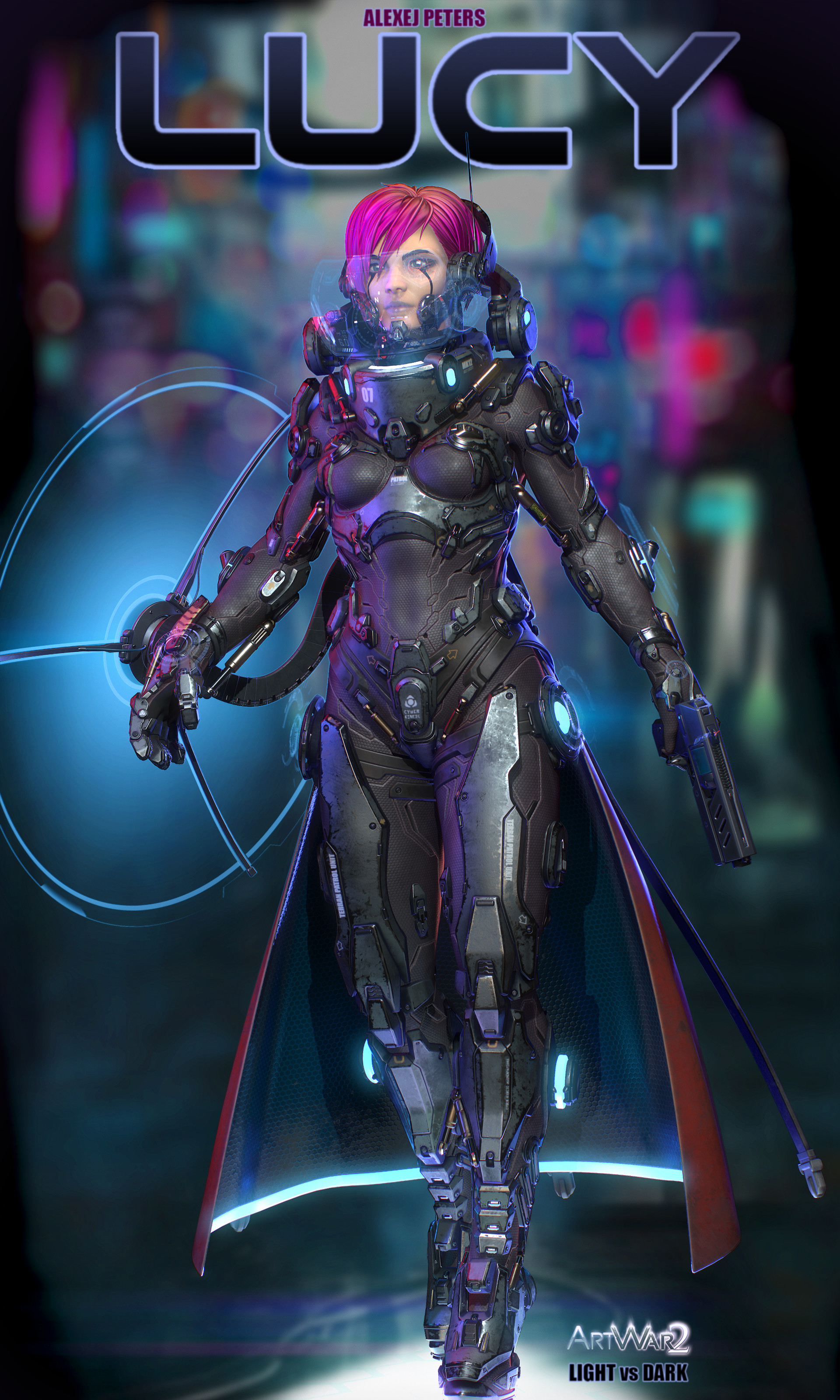 Hi guys, I would like to show you my newest creation, Lucy. I made her for the ART WAR 2 competition. She is a futuristic fighter in a world of darkness. Enjoy. My ART WAR 2 thread at cubebrush: https://forums.cubebrush.co/t/final-artwar-2-3d-lucy-fantasymaster/4622/1 My Artstation: https://www.artstation.com/fantasymaster
 -
Vintage Movie Set Light

 Heya, this is an unfinished prop project I found from the depths of my old computer -- plan is to give it a fresh coat of paint and wrap it up :smile: Old version for context: So far I've reworked the model -- I changed and redid some parts for more interest in the forms and silhouette. Next up is to give it a Zbrush pass…
 -
Tips on building light substances
 So I'm currently implementing substance workflow at work and my task is to make materials for weapon customization - i.e. dirt/wear/base materials and so on. It will be used on the character screen and should be updated real time. So any tips? So far I only know that uniform color nodes should be as low res as possible (up…
 -
PC-CSGO | AWP Galaxy/Light Speed (WIP)
This is what I have so far, but i've only spent about two hours on it. This is the first skin I've ever made so all suggestions/advice are appreciated. -
Problems with lighting in udk in lit mode
So im currently working on a scene and Im always testing how the textures look in udk, I set up a simple normal, diffuse and spec map to get started but when I put the editor in lit mode I get this happing at certain angles. It also does it in the material editor. It kind of disappears when I get closer. Any help would be… -
UE4 Lighting issue: no shadows!
 Hi. I think I must have accidentally changed the project settings in some way or made some other kind of mistake because shadows have become completely nonexistent. They will not bake on any production level, and realtime raytraced shadows are not visible at all. Also for some reason, when going into play mode everything…
 -
Sci-Fi Pistol ( Texture and Lighting C&C Needed! )
 My first attempt at a Sci Fi piece, any critique would be appreciated!
 -
Re: Building modular interiors question!
Often times a modular kit gets made by one artist and used by another, so IMO you want them as robust and simple as possible. 0.5m is probably the minimum snap distance, but I would keep it to 1m if possible. The smaller your snap distance, the easier it is to misalign things and not notice. Closed meshes are generally… -
Re: udk wip - CnC
This is looking better but its really dark. Add another light that is not in view of the camera. You only have that one light and its not really helping. Scale that light also since if you look at the hot spot/beam of the photo it is spreading out much wider. - Have two spotlight and scale it so it shine wider and play…

>36286 results