Search
-
Re: Nicks Thread of work and Crapness
 Also the reason why brought up the toolbox example is because I modeled a low and high poly toolbox. The problem is however I didn't bevel the edges nor did I split up the UV's. Unfortunately the textures are already made, but there are smoothing errors in places. Is there anyway around this without remaking my textures?
 -
Re: [Ego Predator] 3D Art WIP ( Face Modelling Phase )

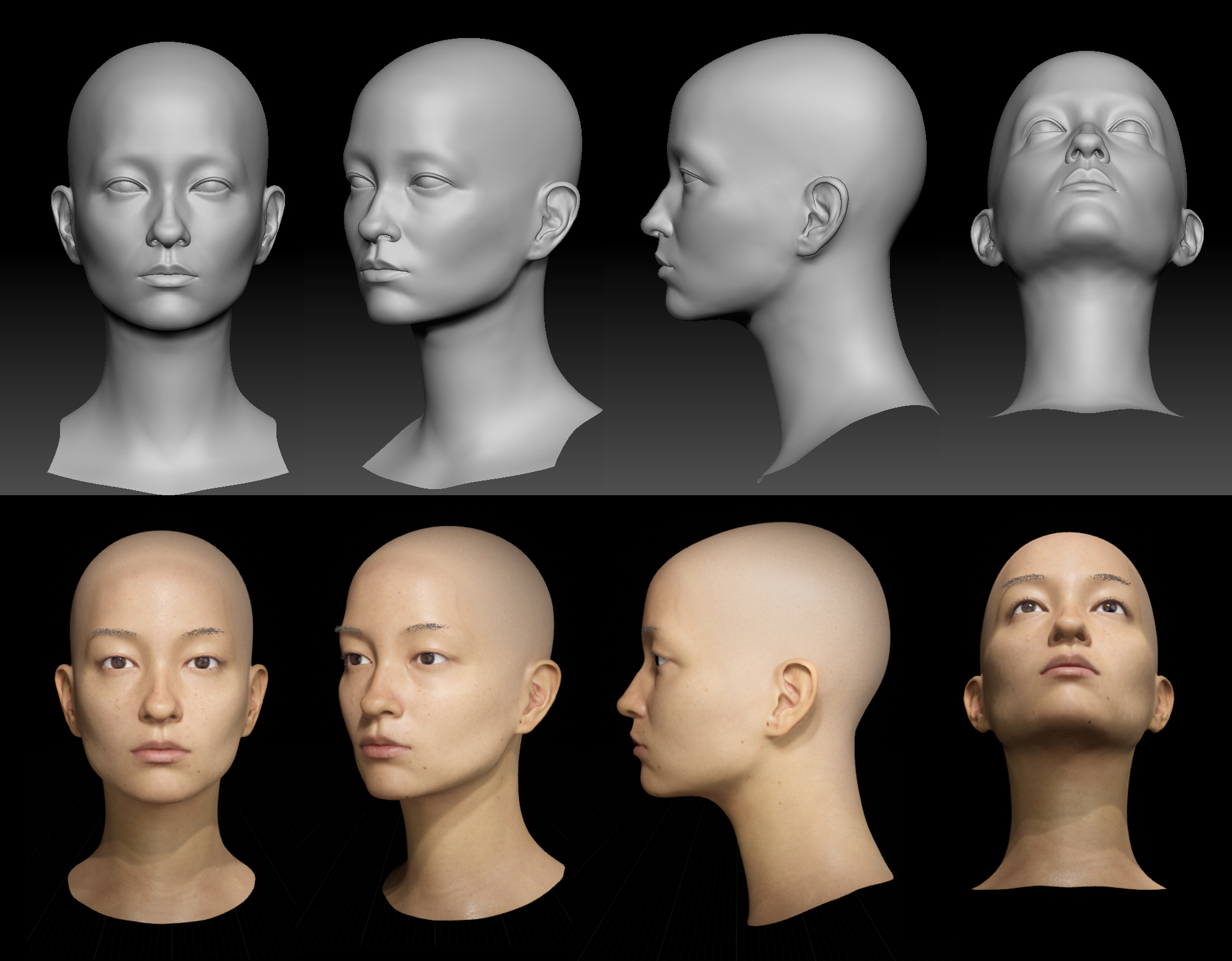 2/5/2022 -I had done some quick lookdev in UE4 for the past 2 month . Finally got the result I am aiming for after numerous trial and error . -Current lookdev uses default lighting setup and shader from Epic Game`s DigitalHuman project. Skin texture are projected from TextureXYZ Vface.
 -
Re: will autodesk maya work with nvidia game ready drivers
 autodesk forums say Maya 2020 can only handle up to nvidia driver 452.06 another thread says add to" Maya.env" file basic text file MAYA_OPENCL_IGNORE_DRIVER_VERSION=1 this was to get xgen open cl error working on later nvidia drivers in maya but wasnt sure if this should get a later nvidia driver working for the maya gpu…
 -
Re: [Finished] Space Pirate Character
 @DavidCruz Thanks so much for your crit and time, I'll make the changes you mention. I didn't spend to much time on the likeness so there are multiple errors like you pointed out. I haven't got to the point of putting a spotlight overlay to compare pictures to my model, which will probably make a big difference.
 -
XGen Intersecting Splines

 Hi there- So I've been trying to make these Xgen hair cards, but noticed some issues on my texture bakes after plugging them in. I seem to have intersecting splines that are causing shading errors in-engine. Is there a setting I'm missing here or how can I avoid this problem? It is barely noticeable on the diffuse, but…
 -
Dragon Animation (In working progress)
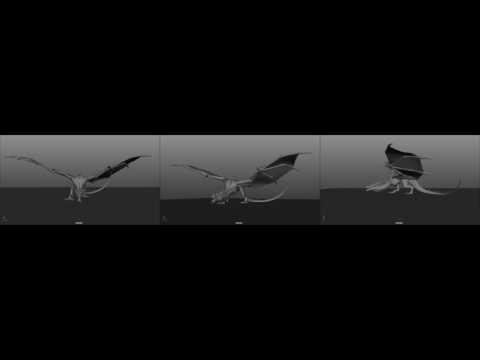 *BEST TO VIEW IN FULLSCREEN* Feedback is appreciated. Still some noticeable errors, like the tail going through the floor (will be able to fix that after I post this). Trying to make this look as solid as I can so I will be checking back here every so often to see what you guys think. Many thanks!…
 -
Exporting from Maya
I am trying to export a shattered object from Maya into UDK using FBX. The object has been shattered and a radial field applied to make it "explode". I then baked out the animation but it wont export out correctly. The channels for translate have a connection and that is the error keeping it from exporting. Am I going… -
just finish one medusa set.need help on uploading
 hey guys what's up~~ the set look like this yet i have custom .vmt file ,so i can't upload it as default since the system will overwrite it with default values. so i try to upload a .zip file directly but it show error every time. i wonder if there is a better solution that i didn't know.... thanks for your time!
 -
Convert UVs to flat mesh for Maya
I would like to convert a UV-expanded flat shape in Maya to a mesh. but please let me know if there are functions or scripts. If possible. I would like to wrap the converted flat mesh onto the original mesh. I tried the script "flatten Model by UV 0.1.2 for Maya" in Maya 2018. but I could not execute it because the error… -
[Help] Does anyone know James Green's email?
I want to use his great model "PKnight" as an example of a soft shadow algorithm in my article. I want to get his permission before I use it. I have tried to send an email to "james@perilith.com". But I got error message immediately. It seems this address is not valid. Can anyone tell me his email? Thanks!
>11052 results