Search
-
Stylized Stubby Flintlock Pistol (WIP)

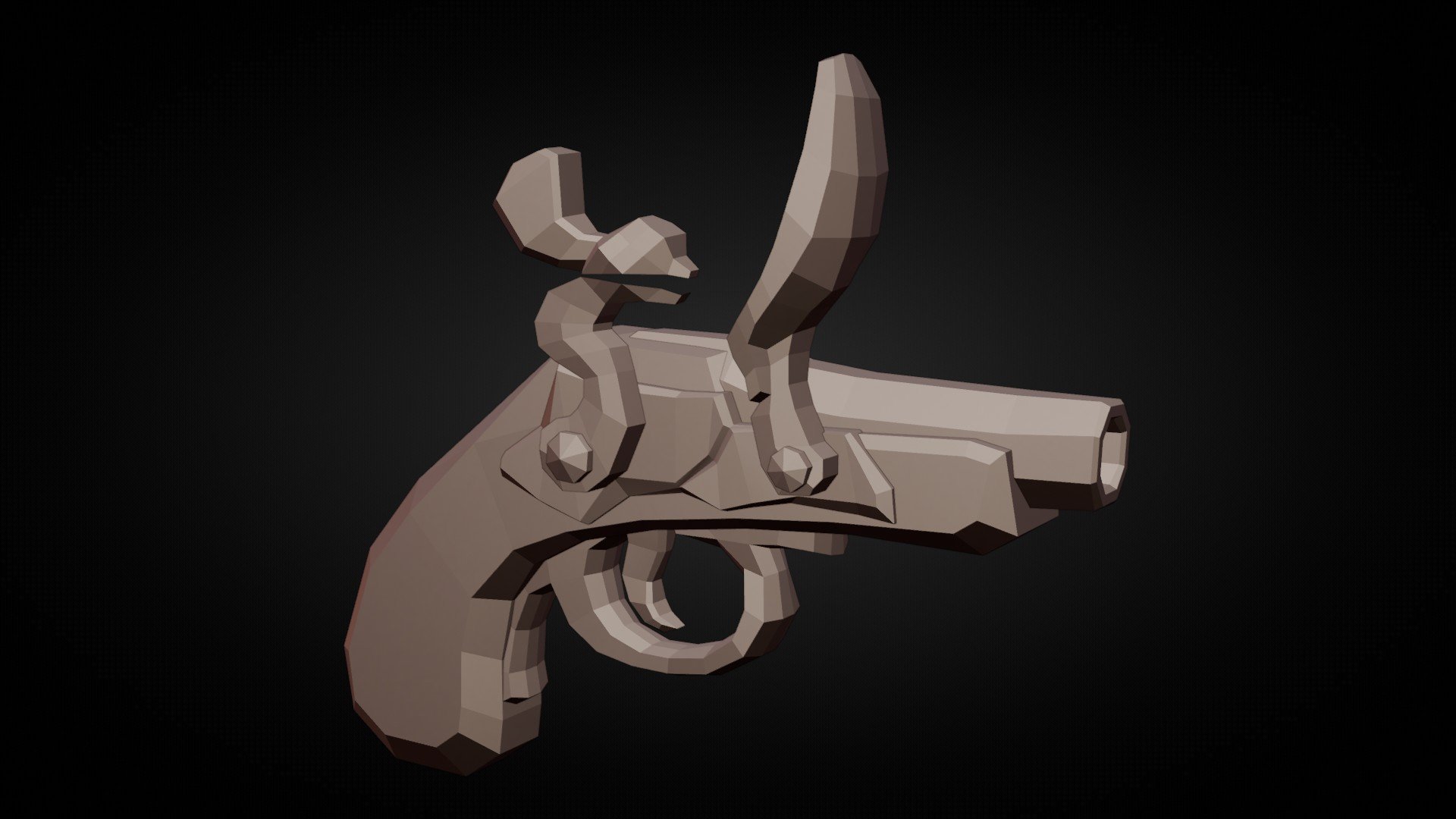 Current modelling WIP. This project is me revisiting and older model I made, improving and expanding with everything I've learned since. Goal is to have a nicely detailed model for handpainting, inspired by assets like in Ruined King, but pushing for a more grounded and higher-fidelity geometry and shape-language. TOOLS:…
 -
Re: Bamboo tablet and concept art?
 If you're looking to save money go with a refurbished Wacom [ame=http://www.amazon.com/gp/product/B003LVKQ18/ref=pd_lpo_k2_dp_sr_1?pf_rd_p=486539851&pf_rd_s=lpo-top-stripe-1&pf_rd_t=201&pf_rd_i=B000RSNVTW&pf_rd_m=ATVPDKIKX0DER&pf_rd_r=01K29130RNNPW6AJQTFG]here's a bamboo for $69[/ame] I've owned a refurbished Intuos in the…
 -
Re: Affinity Photo - Someone using it?
 I was on the beta and got a mail saying that right now it's 20% off. I really want to like it, but the one thing I couldn't get past was the way you change the brush size/hardness. In PS you can hold ALT while moving the wacom pen above the wacom surface, but in Affinity Photo it's a lot more complicated. I think it was…
 -
Re: Intuos 3 6x11" widescreen tablet
 I would suggest that a wiser investment for your company would be to get the A4 intuos3. I have one and can say it is one of the finest bits of input hardware I have ever used. You can crop off an area of it that it equal to the pysical size of a widescreen wacom, but also limit it to one of your screens for ulta high rez…
 -
ZBrush - Intuos4 Problem
 For the past 6 months Zbrush has worked flawlessly with my Wacom Intuos4 Tablet, But just this afternoon the Touch wheel stopped responding ONLY in ZBrush, Photoshop worked fine as well as every other program. I haven't done anything to my settings in Zbrush or in the Wacom Drivers and after multiple tries to fix it, I…
 -
Zbrush - Windows Ink - Pen pressure issue
 Hi! I have a problem with Zbrush and my wacom tablet. If Windows Ink is enabled in Wacom preferences, my pen isn't reacting instantly in Zbrush, I have to move the pen around until ZB notify the movement. If I disable Windows Ink in Wacom preferences it fixes the problem, but then I don't have pen pressure... I seen there…
 -
Re: My new art tool addition
 Can't think of any videos, but some quick pointers for ya if you're using photoshop: Set your brush settings so pen pressure affects pen opacity rather than size, then use the bracket keys to adjust size. This is the most accepted setting for drawing with a wacom. Aside from that just play with some brushes, some you'll…
 -
Re: Tablet issues?
 I had several crappy tablets in the beginning (like 4 or so) and noone of them could draw a straight diagonal line - it always ended up with a zig zag line. Wacom the only true device you can get. If you dont have the money look out on eBay or somewhere else for a use one - they are as good as new usually. The same can be…
 -
Pressure Sensitivity - Windows Ink is killing me!
Hey all, I've recently built a new PC and I have had nothing but dramas with my wacom tablet. I followed the Flippednormals video regarding the usual Windows Ink issues, and as a result Photoshop works perfectly. I seem to be having huge issues with everything else though! In ZBrush and Substance Painter the pressure… -
Re: Want to downsize my tablet
 All Intuos tablets are now wireless, so that is no longer an issue thankfully :) I hated the cord for all my Intuos products. Looks like I can buy one for even cheaper on Amazon, only $60! I don't need all those fancy touch controls either. It's funny I never got one of these earlier. I turn off all my express keys and…
>1775 results