Search
-
Moved: [Q&A]Baking id color map with Turtle
 This discussion has been moved.
 -
Moved: Substance Painter normal bake not working for me.
This discussion has been moved. -
How to bake non-antialiased ID map?
 Hi guys, I'm working on a project that requires completely sharp, non-antialiased ID maps. Any way to generate these in Marmoset 3 (or 4)? Nearest neighbour filtering or something similar?
 -
Re: Head sculpting | Start with a sphere or base mesh?
 Use base meshes, 3d scans, and 2d reference to help you understand what you are missing, but not as a "shortcut." You won't always be able to rely on pre-made stuff, so you've got to know what to do. Looks like the main thing wrong with that female head is lack of skull structure. Why not start with sculpting some human…
 -
Sketchbook: Arrow Allen (Locus7)

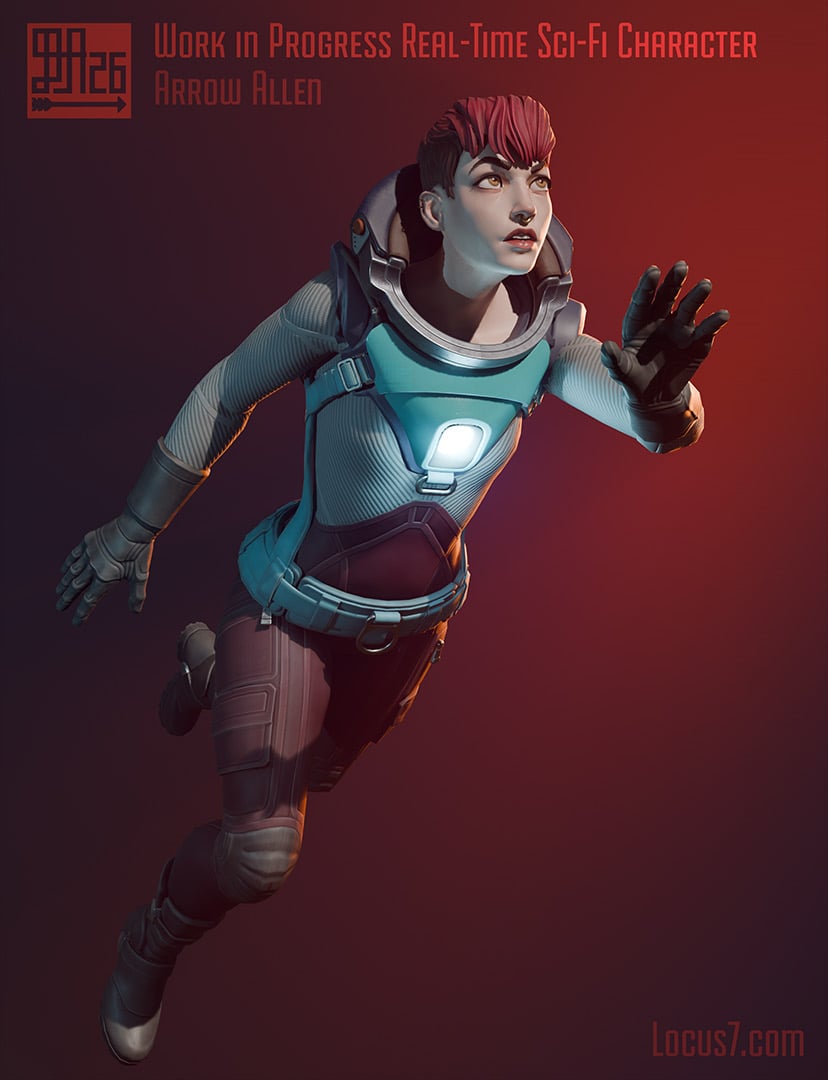 Hey folks. I'm Arrow - been doing art of all kinds for ages, digital and traditional, and freelancing for quite a while with a focus on game art mostly in the indie world. I've been meaning to start a sketchbook thread on here for ages. Social media and Discord channels are no replacement for forums. For personal work…
 -
Baking hi poly to low poly
 I'm not really sure how to do this.Are there any good tutorials on the matter?I'm using 3ds max.Does the Hi poly have to overlap the low poly and then I select the low poly and press 0.Or does the low poly have to over lap the high poly?Please help.I've been trying to learn this technique for a few months now.
 -
Free Update: Toolbag 3.04 - Viewer animations, lots of baker stuff and more!

 We’ve just released a huge update to Toolbag! Jump to our site for more information: https://www.marmoset.co/posts/free-update-toolbag-304/ The latest version features tons of new baker features, including new maps, texture set support, a revised interface and more. Viewer now supports animations, refraction and fog.…
 -
Re: KTM Dirt Bike
 Here's a shoddy max render of the HP wires. Main body turbosmooth set at 1 for visibility sake. Used 2 for baking maps. Whole HP model including welds(8m) at baking was about 40million :) Lots of bolts, welds and other small bits and pieces that no one will probably ever notice. Main body made in Maya, welds in zBrush.
 -
Xnormal Baking Problems

 Hey All I am having some strange things happen when i try and back my high to my low. I am using Maya, Zbrush and normal. From what i can see is the problem is the High and low meshes are two different sizes, however i have checked them in both maya and zbrush and the sit in the same world space. i have attached some…
 -
3ds Max Normal Map bake problem
 I'm not getting a Tangent-space normal map when I do render to texture I keep getting Object-space normal map is there a setting that needs to be changed? I'm using 3ds Max 2012.
>114886 results