Search
-
Maya to Marmoset animation not looping !???
 Hi folks, So I have a character with a looping idle animation within Maya, but in Marmoset is doesn't loop. It does only seem to loop when i enlarge the timeline length with a big proportion, but the problem is that it will reach the end of the timeline anyway and from that point on wont combine with the beginning, so…
 -
ZBrush panel loops
I'm following some ZBrush tutorials on panel loops and everything I find seems to assume that I already have panel loops activated but I do not. I don't even seem to have the Edge Loop tab that so many tutorials reference. So how do I activate this? -
Re: Abandoned Dacha Environment - Modular Kit with interiors
 Hey everyone! Just wanted to share a quick update on this project. I was recently invited by the 80 Level team for an interview and a deep-dive technical breakdown of this environment. Since it turned out to be a massive 19-page piece, I won't cross-post the entire text here, but I really wanted to share the link with the…
 -
Adjust loops Tool in Maya
 I am wondering if in Maya there is a "Adjust Loops" tool similar to 3ds Max. When you pick a loop and use the up and down arrows it pinches or expands the edges on either side of selected loop.
 -
Re: Maya - Quadraw - Loop issue

 It's an annoying quirk for sure. The multi cut and quad draw loop mode behave the same, and sometimes try to loop "inverted" to where you're actually hovering over. Generally it wants to create a closed loop whenever there's a crossroad as seen on your ear. One workaround is to prematurely stop the loop by creating an edge…
 -
Re: How to recreate One Piece anime-style shading & glow (Paint Tool SAI 2 + After Effects)?

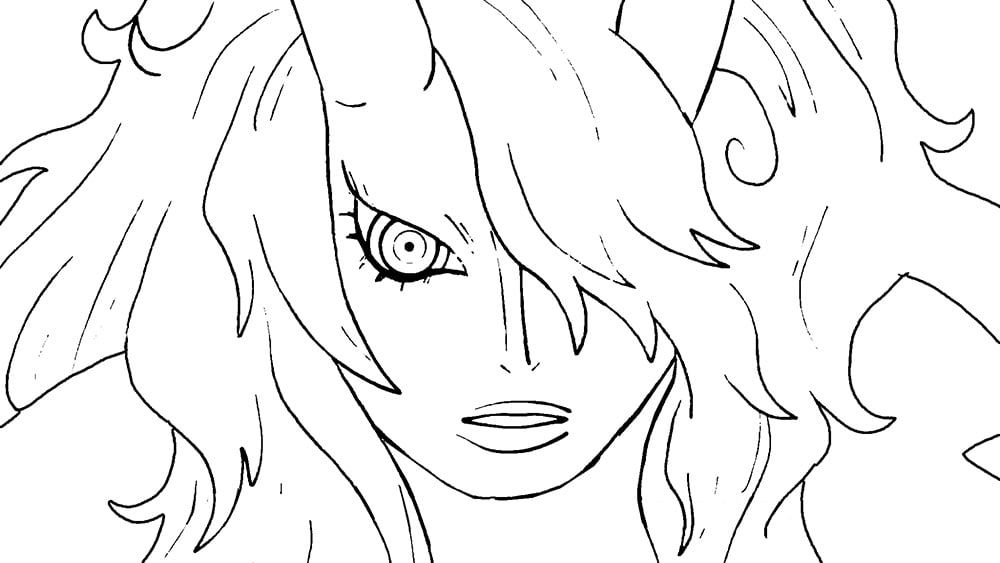 I think you've already got a good understanding of how this kind of anime post-processing works based on your initial post (a faint blurring on a duplicate of the lines layer, some glow effects on the flats, some color correction, and so on). But, attempting to recreate it on your own lines and flats loosely based on a ref…
 -
Re: my face loops , crit ?
 looks pretty good overall, although i would try to avoid that pole right between the eyebrows. you could probably run the loop from the centre of the nose all the way up over the top of the head, and have a bit cleaner geometry in between the eyebrows there.
 -
(Zbrush) My Zmodeler technique for terminate loops!
 Hi!! After fighting for a couple of hours, I finally found a technique for terminate support loops in Zmodeler ( So instead of having 3 loops in a supporting edge, you have one). With this technique you have less edge loops going through your mesh, and doesn't distort the curved parts of your mesh. And it smooths…
 -
Re: [Solve] Support edge loop problem
 You would need to add edge loops on the curve before and after the area with pulling. It also looks like you could get away with using a separate piece of geometry for the inset area.
 -
[REMOTE] Indie studio hiring for multiple positions

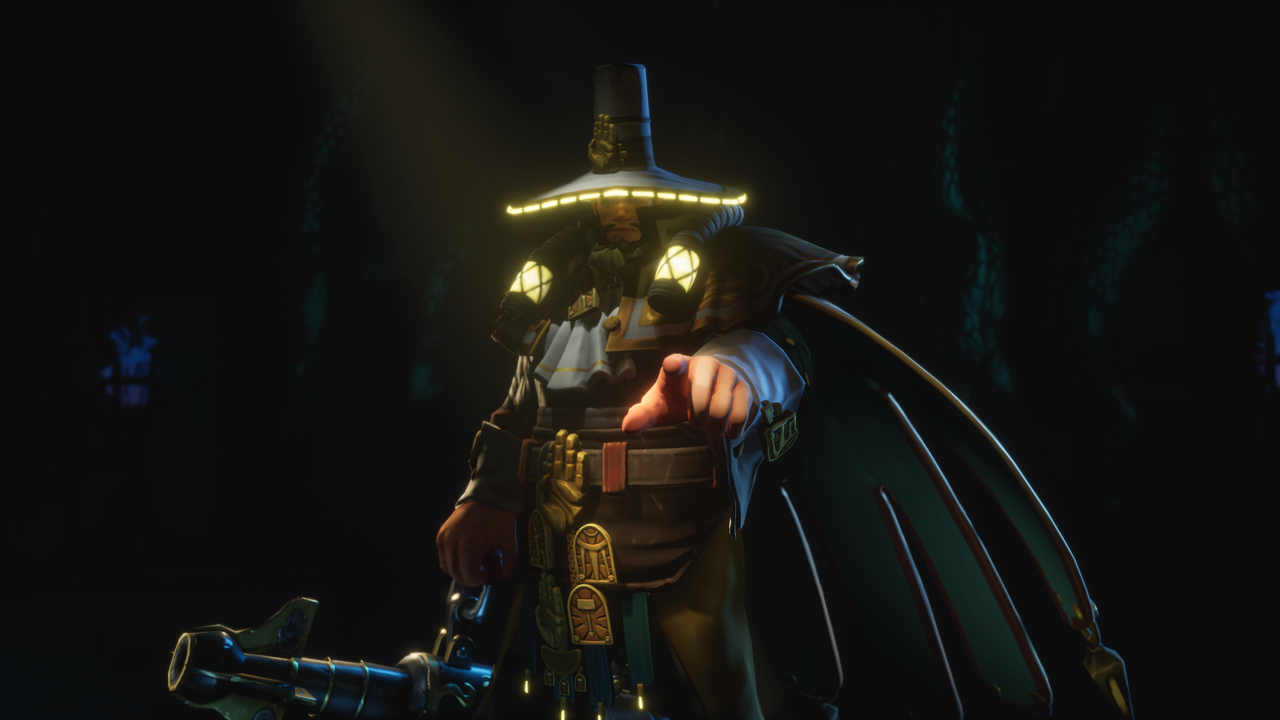 Would like to share that studio I'm working in has started hiring Here's list of positions: - Technical Game Director (developer to lead the dev team) - Lead Game Producer (general producer / manager) - Unreal Engine 5 Client Side Developers (c++ devs with UE experience) - Rust Developers (rust system engineers) -…
>108964 results