Search
-
How to remove that thick layer from the normal map?

 I have a problem – this layer appeared on my model, and I'm looking for a way to get rid of it. I'm trying to create a normal map for my low-poly version based on the high-poly version. The issue is that the high-poly model has this thick layer that I can't remove (the high-poly model was created using photos,…
 -
ZBrush: layers and morph targets
 I've stored a morph target and then sculpted on a layer. Now it seems that my morph brush isn't working. Do layers interrupt morph targets? I've tried baking the layer info but that doesn't work either.
 -
Re: How to recreate One Piece anime-style shading & glow (Paint Tool SAI 2 + After Effects)?

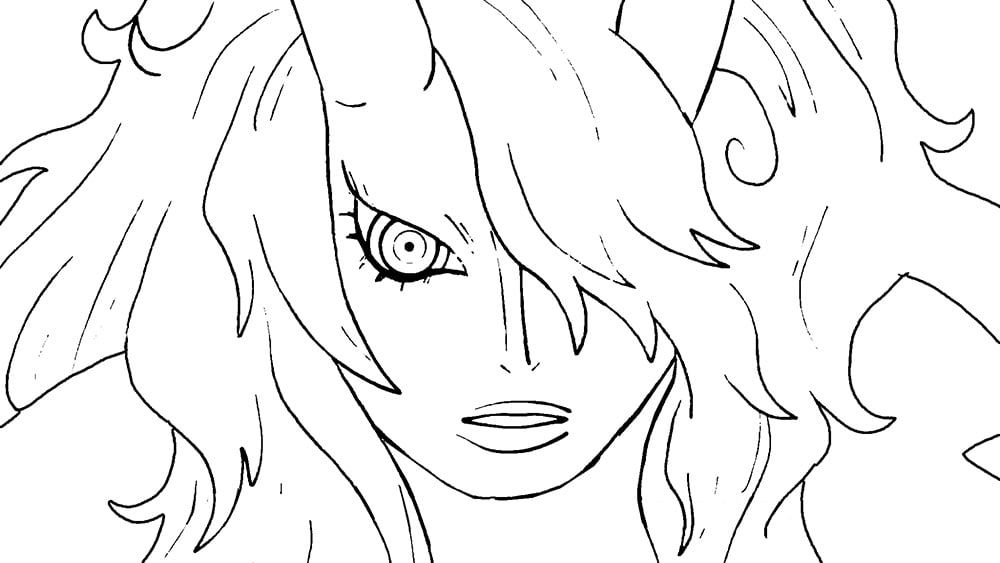 I think you've already got a good understanding of how this kind of anime post-processing works based on your initial post (a faint blurring on a duplicate of the lines layer, some glow effects on the flats, some color correction, and so on). But, attempting to recreate it on your own lines and flats loosely based on a ref…
 -
[SOLVED] ZBrush, Bake all layers from all Subtools
 Hey! When i am done with modeling, i want to prepare some stuff for exporting the mesh. Current workflow: 1. set all subtools to highest subdivision * Subtools -> all high 2. now, to decimate in the 3. step, i need to make sure all subtools has baked layers * select the first subtool * "Layers -> "Bake all" * arrow down…
 -
Photoshop undo always changings the layer I have selected?
 I find this quite annoying, I'll select a new layer, move something on that layer and then hit undo. Instead of just undoing the thing I moved it undoes that plus it takes me back to the previously selected layer. This is a bad feature, is there any way to turn this off so layer selection is recorded in the undo?
 -
3ds Max: Animation layer breaking procedural materials
I have a character that has a bunch of procedural textures on him and I've been importing him into all the scenes of my animation that I had animated earlier with an older version of that character. First couple of scenes, everything was fine, but now, the animation somehow managed to break all the procedural textures. I… -
[Feature request] SP : colors for layers and stack visibility
Hi, When the painter files are becoming bigger, it gets harder to differentiate layers(working with folders don't make a big visual difference when you want to navigate quickly). Would it be possible to assign a color to layers and folders like in Photoshop? Another UI detail that bugs me : would it be possible to collapse… -
Answered: Show all materials when painting colour layer
 Greetings I recently bought Quixel suite and honestly, I must say it significantly improved my workflow! But nothing is perfect and so far I've had only one slight problem with the suite. I can't see any of the layers which are higher in the hierarchy when I'm in dDO's colour paint mode. Reason for this is I like using…
 -
Layering editable poly
Is there any way to apply for example 40 percent of what a editable poly modifier do to object like layers in zbrush -
Re: 3ds Max Biped - Planted feet with animation layer?
 That is perfectly normal for Biped, planted keys are anchored in world space and only really active on the base layer of animation. When you apply a layer it breaks that connection and enables you to move the entire animation to a new place or orientation, without it's feet being tied to the world place they where…
>27689 results