Search
-
Re: Sharing tips vs keeping tricks to yourself
 When you share tricks/workflows/whatever the input from other people tends to improve said workflow, or in some cases you are put onto better ways. Even if your trick is the be all end all, you build a positive reputation by sharing.
 -
Let's talk sculpting/modeling likenesses: Tips and tricks
 Anyone willing to share tips and tricks for when you're working to replicate a likeness, be it from a concept or real-life example? Wouldn't mind some tips towards this sort of stuff.
 -
Re: SDF. what do you think of it?
 okidoki Thanks for interesting links but still sounds like a toy not very relevant to actual game art production. Same as Metaballs. Rather an interesting toy. I am for example still waiting when Designer would get any convenient manual touching/finishing tools or otherwize Painter get something like node based level of a…
 -
Revolver "Ritchie" (Brink)
 Hello. I wanted to show you my latest personal work. It´s the Revolver called "Ritchie" from the game Brink. I think someone from PC made the original version (Earthquake?). Not sure who to credit for the design, but it´s not mine ; ) My version is not optimized for first person view. The barrel is actually a tube and the…
 -
Likeness Sculpt tips and tricks?

 So, I've already sculpted a few stylized characters and I want to move on to realistic and Likeness Sculpting. I've been watching Game of Thrones recently and I've figured out I wanted to sculpt Arya Stark. I've already watched Frank Tzeng's tutorials and a few youtube tips and tricks but I'm finding it very difficult to…
 -
Brink bust WIP
 Hey errybody! I am currently student at fullsail and have been lurking for a long time here. Finally grew a spine and figured it was about time I made a thread. I really, really loved the style of the characters in Brink so I figured I'd try my hand at one. Still needs a lot of love atm, the forehead, neck/shoulders, and…
 -
Re: Sketchbook: Sahir Irfan
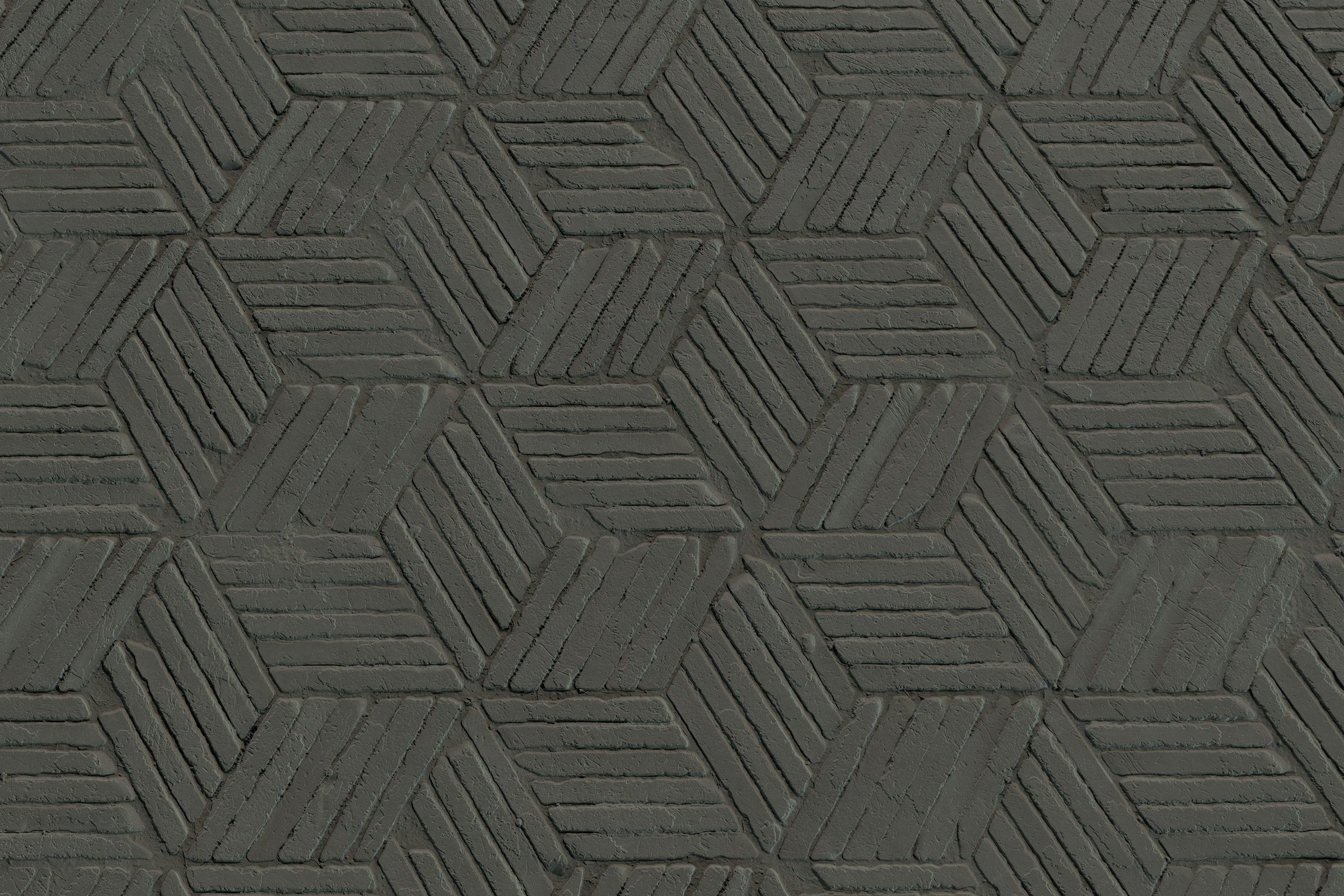 Taking a break from the GitS scene and started working on a material. Did a trip a while back overseas to south asia area and came across a lot of nice bricks :) WIP toolbag renders of height/nrm/roughness progress
 -
Game Lighting Tips And Tricks?
 Hi all I'm trying to put up a small game and have a lot of question regarding industry standards and some general tips and trick regarding lighting, texturing, light baking and stuff. I wish to learn here and hope that others would also benifit. So I'll start with this one question that has been haunting me for a while…
 -
Re: LODs tips & tricks or pure drudgery?
 it gets better than that. just select an edge or loop of edges and ctrl+backspace to remove both the verts and edges....one of my favorite tricks when creating hand-made LODs. also useful is setting your own shortcuts for selecting edge loops and rings. using preserve UVs and what not it can be very quick to just eyeball…
 -
Any trick to control spacing between hard surfaces?

 Basically I want to use fill effect to apply a hard surface (normals) onto a layer, but because it's considered a texture, I cannot control the spacing between them. Using paint effect with brush would work, but doesn't allow me to dynamically adjust spacing neither. Is there a trick I am not seeing?
>12287 results