Search
-
Zbrush panel loops
 When I try using panel loops with the default settings I end up with a gigantic mess. I start with a dynmeshed object, use the slice curve to define a few poly groups, then hit panel loops. What can I do to fix this?
 -
[Challenge] Looping Fight
 Happy New Year! To start off the year why don't we do a looping fight similar to Stephen Vyas' looping animations Eg. http://gfycat.com/EverlastingLinearAtlanticsharpnosepuffer Maybe spend a couple of weeks on this? Or suggest another idea that we could do?
 -
Re: What AI do you use to solve CG software puzzles ?
 I use both GPT and Claude. Whenever I run into a problem and one of them starts losing the thread or hallucinating a bit, I make them challenge each other. I'll tell GPT, "Claude said this..." and then I'll do the same in Claude, passing the responses back and forth until they converge on a solution. Surprisingly, this…
 -
How to flow from high to low edge loop amount on a subdivided mesh?
 I want to have more edge loops in some areas, while having less in other areas. How to you go about that while maintaining good topology? For example, here is a car I'm modeling. I only need to have about 5 edge loops for the hood, but I want more for the fender. The font of the car also requires alo't of edge loops, but I…
 -
Are edge loops around the whole object necessary?
 Apologies I can't remember the actual term for it. A lot of modelling tutorials seem to tell you that you should be creating edge loops around the whole object (i.e. if I select a face it'll go around the whole object). Is it bad practice to not do so? For example I'm modelling this sword and have made the loop go the…
 -
Re: Edge loop tool-3dsmax??
 Also assign shortcuts to Edge Loop, Edge Ring and Connect. I have it on Ctrl+1 = Select Edge Loop, Ctrl+2 = Select Edge Ring and I use space key for Connect. And swift loop is awesome! I have it on Ctrl+Space which activates it and then I can I just hold Shift to make the new edge loop follow the polygon flow. Definitely…
 -
Edge loop pinching on poleless sphere for bowling ball
 If I create a poleless sphere in max using spherify (on a subdivided cube) and then turbosmooth I get tight shading around the four quadrants that the sphere is composed of (caused by where the edge loops are closest together). Changing smoothing groups doesn't seem to prevent this. I'm basically making a bowling ball with…
 -
Re: 3DS Max edge loop system
 When using SwiftLoop, one thing you can do is insert the loop and then ALT+DRAG the loop afterwards. Depending on which side you drag towards, the loop edges will align to the edges on that side of the loop. Err, that sound confusing but it's super intuitive when you get used to it. Give it a shot...
 -
Re: The Bi-Monthly Environment Art Challenge | March - April (101)
 Great work on it @BillyJackman! Glad to see you stuck with it and put some great details into the walls with the drips and dirt. :) The only thing I'd want to point out for your next project would be to look into ways to make the pipes feel more embedded into the concrete. Particularly the copper ones feel like they're…
 -
[FOR HIRE] 3D Modeler - Low Poly Accessories & Wings
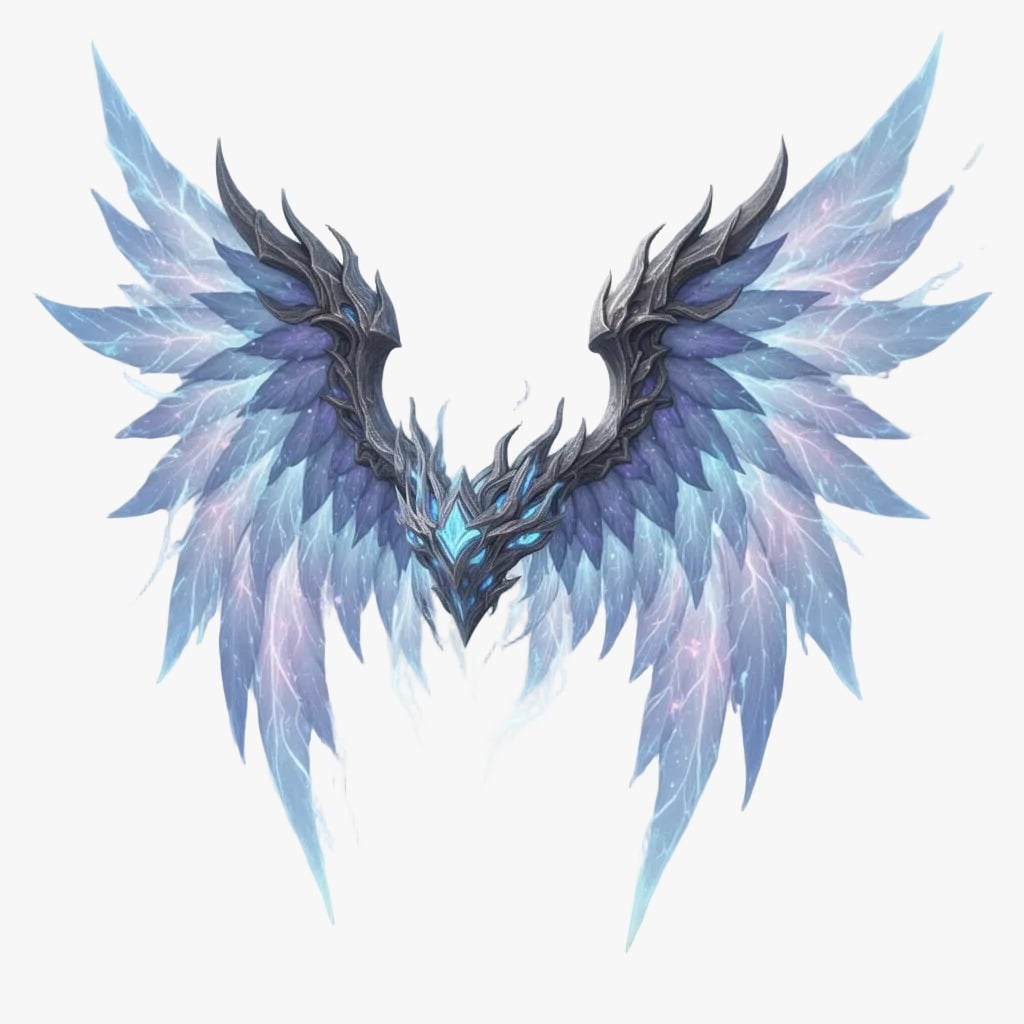 Hi! I'm a 3D Modeler specializing in Low Poly assets and accessories. I just finished these Crystal Turquoise Wings and they are ready for your game. I work fast, keep my models optimized, and I'm looking for freelance opportunities. Here is a preview of my work in the image. * Payment: PayPal (USD) * Contact: Send me a…
>108964 results