Search
-
Displaying Input Node Labels?
 Hi, I've made a function which takes various image input nodes, however how do I display the labels for these inputs so I know which is which? It would be nice if the bitmap showed the name of the texture file too...
 -
Red wire when connecting my tga normal map bitmap to the normal node in SD
 Hi guy's, Just can't believe i have to ask here such a simple question but i am Googling for a solution for more than an hour without success and the substance designer documentation is useless on this. I just have a series of normal map render from 3ds max in the tga format and i cannot connect them to the normal node, i…
 -
Re: [3DS MAX] Moving UV shells after peel mode does some wierd stuff!
 You had a pinned vertex in Peel mode. That's why it was behaving like that. Also, quick tip for Peel mode: turn off 'avoid overlap' so that all your islands don't get jigged around every time you enter the mode.
 -
3dsmax's "Peel Mode" - Maya equivalent?
 Hey, in 3dsmax there the amazing "Peel Mode" where I can pin verts and pull and push the UV's to get straight results really quickly. Wondering if theres a Maya equivalent? :)
 -
Re: Coke Commercial
 [ QUOTE ] now if coke were still made with actual fucking sugar instead of high fructose corn syrup in this country, that might be a different story. [/ QUOTE ]You can't get regular Coke in the US now? What sort of madness is that?
 -
different colors in game mode
 I have a post process chain applied to my scene that is only visible in game mode. However when I try to play the game I get very different color and contrast than what appear in the editor window. What causes this?
 -
Quadify Ultra — ML-Routed Retopology for Blender 5.0 | Tool Release

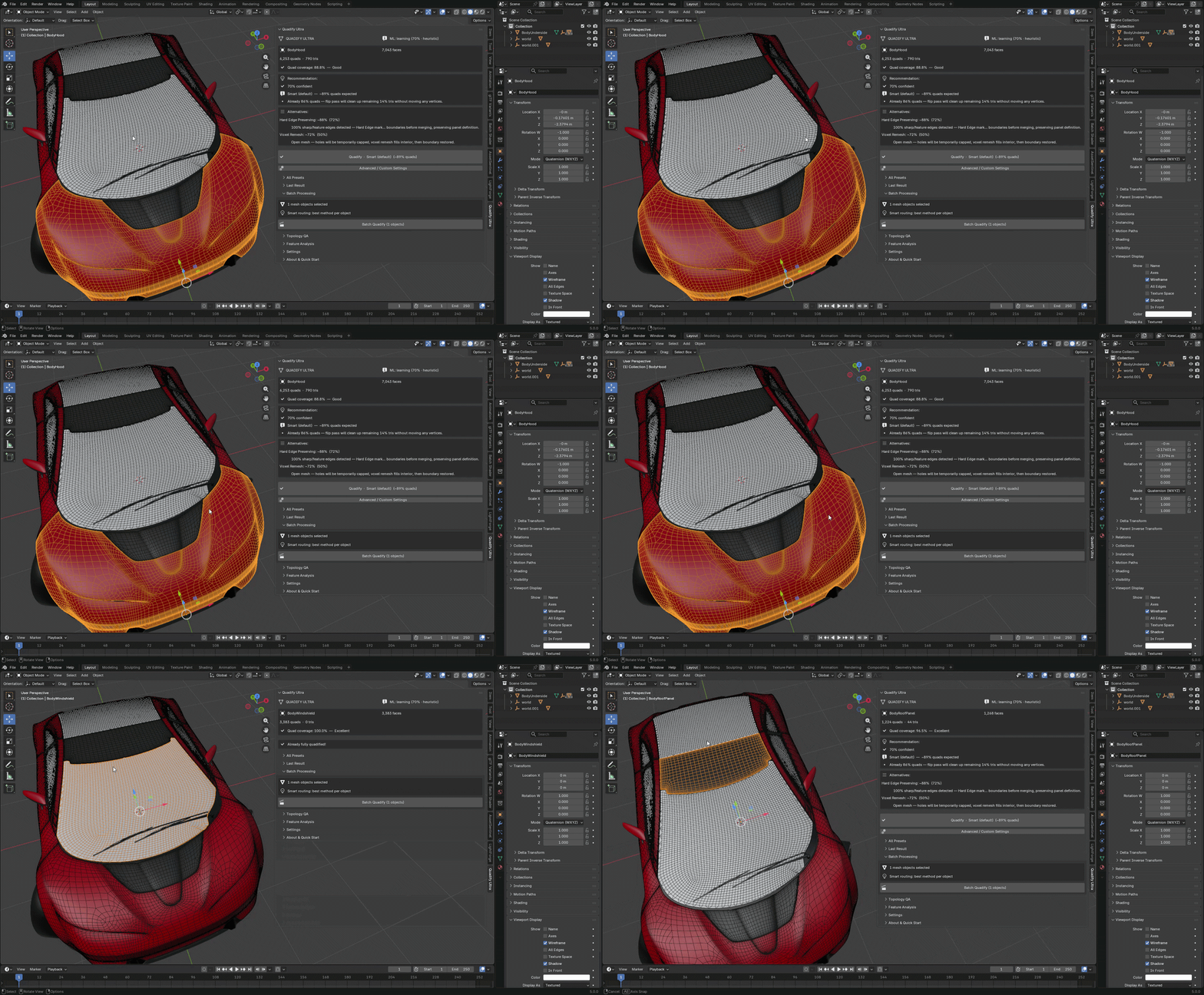 Hey Polycount, Releasing Quadify Ultra today, and wanted to share it here since this community has always been where serious topology conversation happens. https://youtu.be/1_7xRSyeLUc What it is Quadify Ultra is a retopology addon for Blender 5.0 with an ML routing engine. You select a mesh, hit Ctrl+Shift+Q, and it…
 -
Weird Graph Nodes
 Hi, i have a problem for which I can't find a solution. And my own experience with Designer is not big enough to solve it by myself. My project has the dimensions 512x512. I have (successfully) created the usual maps (PNG - AO, normal, curvature, opacity etc). In other programs the maps appear completely correct…
 -
How can I improve my baking in SD6? my normal/height maps come out blurry.

 I hope the image explains what Im talking about. i made a panel with 4 screws in the corners, if I bake in Blender they come out perfect, nice and flat, and but in SD6 they come out terrible at a weird angle. any suggestions?
 -
[FOR HIRE] 3D Environment Artist // 8.5 Years AAA Experience
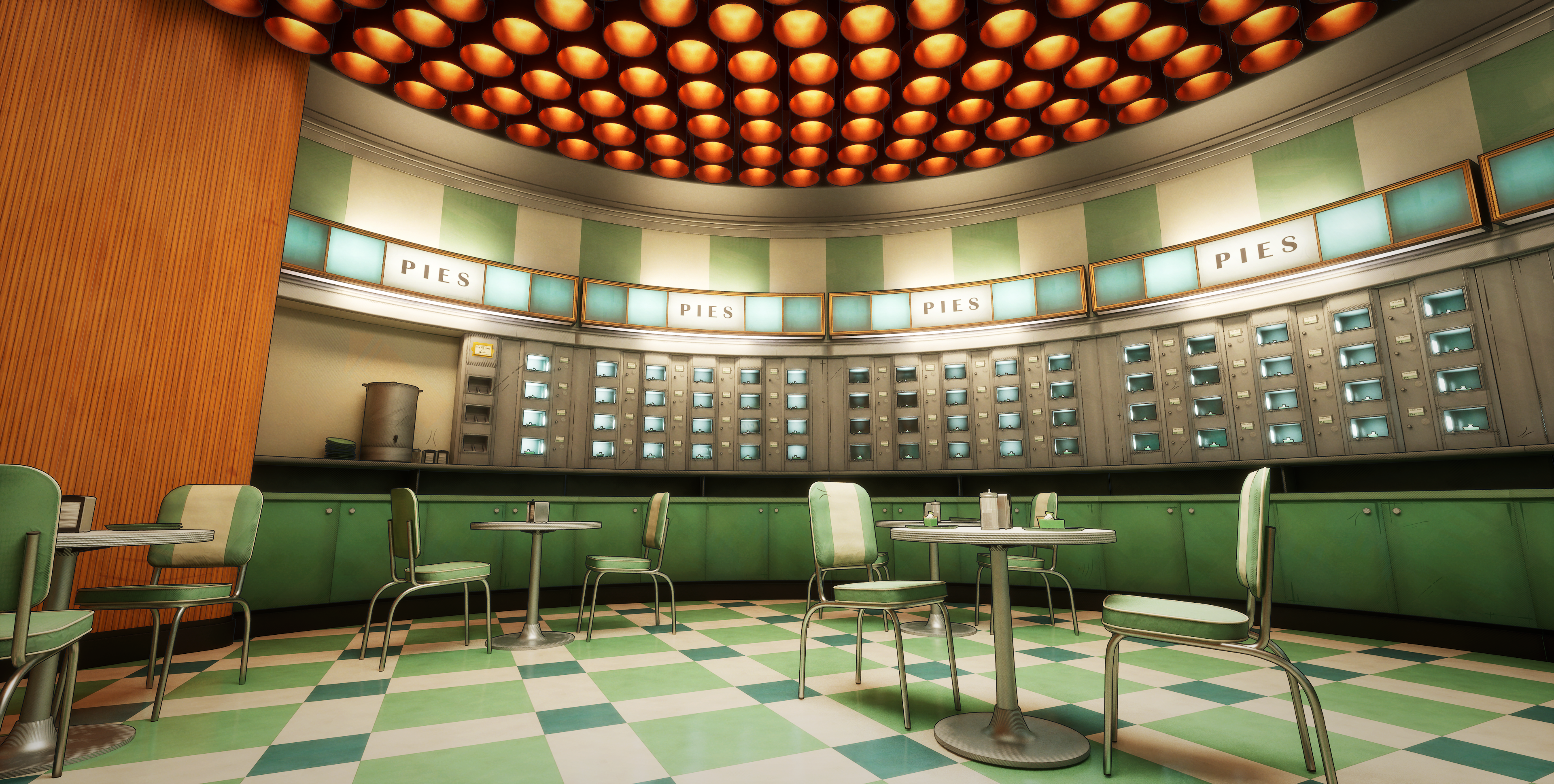 Hello! I'm a professional environment artist with 8.5 years of experience. I'm open to taking on work in a freelance capacity! A little bit about what you're getting from me: I've been in the games industry for 8.5 years, and worked at several AAA studios, including: * Electronics Arts/Codemasters // EA Sports WRC *…
>58107 results