Search
-
Project AstrCrab - Getting dirty in ToolBag
 I've been working on this project on and off for some time now. Finally got it finished enough that I don't completely hate so many things about it to get it into Marmoset. So much fun tinkering that can be done at this point that it's fun and a bit scary. :D The one thing I'm really having issues with is trying to get the…
 -
Max: Creating reset xform toolbar/shortcut
 Reset xform is a utility I use frequently in max but I can't for the life of me find it's command in the customize toolbar/shortcut menu. There is a 'reset selected' command but when I place this on a custom toolbar with the object selected it is grayed out. Anyone know how to assign this command to a hotkey/toolbar?
 -
Marmoset Toolbag User Survey | Win Free Stuff!

 User feedback is very important to us at Marmoset, so we’ve put together a formal survey. The survey should take 3-5 minutes to fill out, if you have time we would appreciate hearing from you. Your responses will help to determine the future direction of our products. Fill out the survey here:…
 -
Re: how to export max (2010) animation (to maya) ...and output it to marmoset toolbag?
 well, I spoke with a friend that does animation, and he simply told me this is not possible to achieve accurately between max and maya....because of several incompatibilities in those programs in regards to animated objects, so yes it sucks. I guess I'll just render those frames and do a video straight from max... instead…
 -
How to set up HDRI as a light source (like in Marmoset Toolbag)?
Hello there. I was looking in to using EU4 as presentation tool for my work, and first thing i looked into after importing my mesh: how do i setup HRDI lighting? Surprisingly, i found no good explanation/tutorial on the topic. From bits of information on official forums, the whole things seems surpsingly hard to do. Please… -
Re: Suite focus and cross-app issues
 Sure, this shot is after I've enabled cross-app: Suite has exported to /Flats, the .tbmat created, and Suite now docked inside Toolbag 2. The scene in Toolbag is still empty. Quick Edit: I just noticed that when mousing over the main Suite toolbar (but not DDO), window focus goes to Photoshop without clicking on anything.…
 -
Zbrush UI Removing Side Toolbar

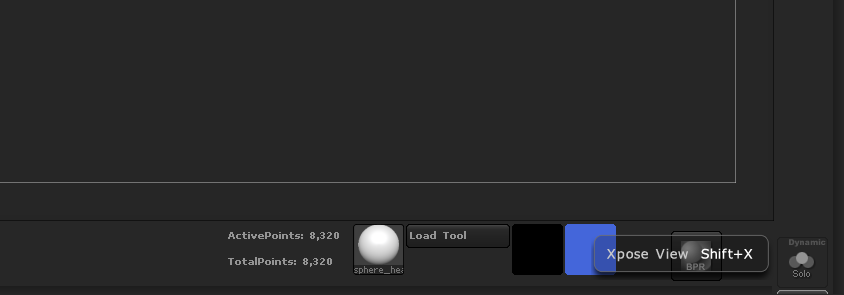 How do I do it? When I try removing every single button in Enable Customize mode, it keeps the toolbar but there's no buttons on it. I just want to be able to remove the side toolbar. I've been able to do it with the top and bottom toolbars. I see I have these two buttons in the tool bar, but I literally can't remove them…
 -
Marmoset Toolbag 4 - Alpha Mask not keeping back faces (cull back faces unchecked)
-
map looks normal in 3ds max and uvs seem ok but in marmoset toolbag it looks messed up

 this one happens when i export as fbx,as obj all looks ok, is there anything i should be doing different? in max it all looks ok too as you can see below
 -
[SHADER] RGB Masking - Marmoset Toolbag 3
 I created this shader to dynamically add more variation to my scenes without baking it into the main textures. This is incredibly handy especially on trim sheet style mapping, though it can be used on anything. You can create many styles of your model quickly and easily (Clean vs Dirty) This shader utilizes RGB Texture…


>5502 results