Search
-
Re: WebGL normal map issue
 Hello, thank you for the reply. We're using WebGL 3. Our programmer is only using the .mtl I export from 3ds max to import the maps, which isn't working quite properly as it seems. Do you have any suggestions on how a normal map should be setup in WebGL for it to be working as a normal map?
 -
Maya Normal Map bake error
 Hi guys, I am trying to bake a normal map and I am getting the following two errors: 1. I though this usually gets caused due to low padding but mine is set to 10 pixels which should be plenty 2. I though this usually get caused due to intersecting cage but mine isn't intersecting. Any ideas how i can fix this? thanks in…
 -
Need help with Normal map issue
 Ive been working on a dagger and I cant get the edge of this blade to bake right. The blade is mirrored with smoothing splits for each uv island. Could it be my topology on the high poly? if so what is the best way to model a blades edge for a clean bake? Help would be met with many songs of appreciation. Problem (circled…
 -
Normal maps baking out too bright
 Below's a pic of what I mean, anyone know why? Using max, happens regardless of map size, supersampling or cage position, it seems to be random from I can tell too as it fixed itself when I made a small adjustment to the high poly model (didnt do anything else after and baked and it was the normal colors again)
 -
Floating Object related issue & normal map

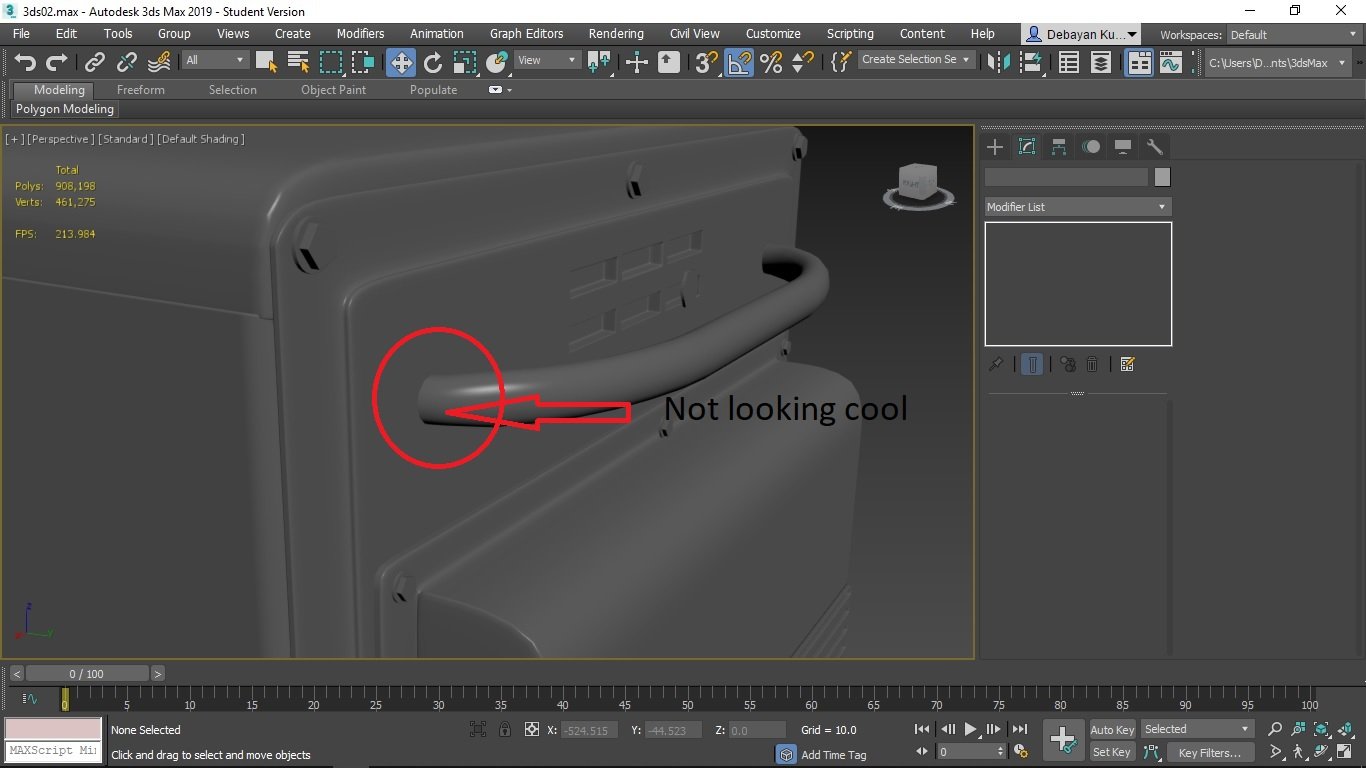 Hello there, what are some best ways to smooth out the area where floating object intersected to the parent object, It's always better to keep less floating objects but time efficiency I do that often, so, is there anyway to make it look like both are same object(just like extruded) through normal+ao? see the image.
 -
Re: Normal Map Problem - with no cause! Please help
 Make your blue channel in your normal map 127,127,127 everywhere. Re-import the normal map. Also reset the Xform and collapse your stack and re-export the corner piece.
 -
Fighting normal map's resolution
 After learning how to bake I've encountered the next problem I'm sure everybody here familiar with - normal map's resolution. Personally I see two solutions here: 1)Pack everything VERY tight. 2)Separate meshes, do UV sheets for every one of them and then join them into a prefab inside a game engine (like for example…
 -
How do you view normal maps in max 2013,14,15? ;\
How do you view normal maps in max 2013,14,15?... ...since DX doesn't work -> viewport shaders doesn't work! http://www.laurenscorijn.com/future-xoliulshader-support.html -
Re: New Maya 2014 normal/tangent space options
the new vertex normals came in at 2013, but are usefull as hell and result in cleaner normal map bakes. -
Re: Designer normals not appearing in substance painter as it would be.
 I have used a normal map in a separate fill layer later applied an anchor point to set up micro normal in the main blue painted layer, thanks for replying btw.
>37656 results