Search
-
Re: Stuck: My Topology Journey Has Hit a Wall

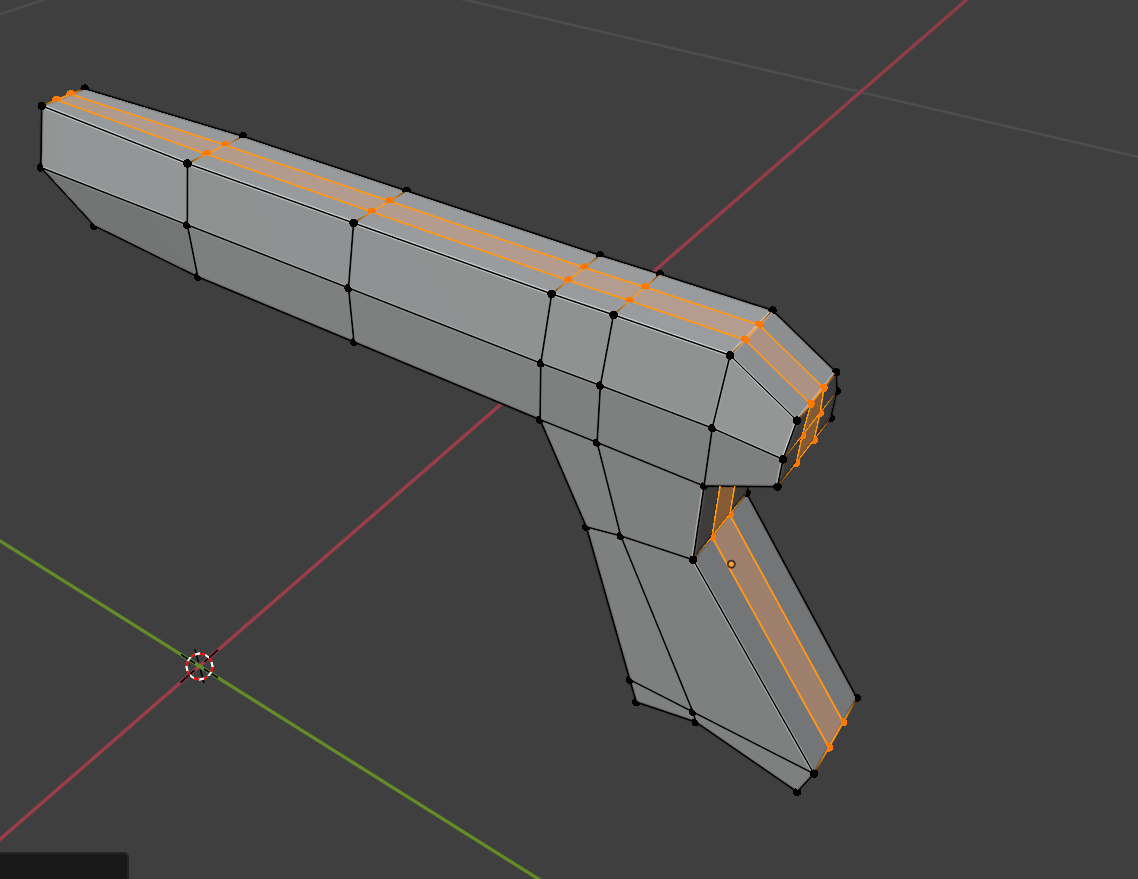 The problem isn't so much about a single mesh but about a process. Over time, trying to improve, I've actually gotten worse in terms of topology. I used to model much better, even if I wasn't improving. https://www.artstation.com/andrea_g Here's what's left because I deleted everything out of frustration over time. ;( The…
 -
exporting smoothgroups and UV´s (maya/max)
 Alright guys, I´m tired of having to remake everytime my smoothgroups, or sometimes having to make in max/maya my uv´s and getting problems when exporting. I usually export between Max -> Maya and Maya -> Max. My version of Max is 9 and Maya 2008. When exporting OBJ from Max to Maya I get some wrong smooth edges and when I…
 -
Answered: Can Someone Help Me Identify What's Going On Here?

 I'm completely clueless when it comes to texturing pipeline, and unfortunately every tutorial I can find (Quixel or otherwise) is tech-specific (they explain the software, not the craft of UV'ing). I was hoping someone could at least help me put a word to some of these issues so that I can Google them further. My pipeline:…
 -
There is a white halo around my object when I capture it using the transparency feature.

 Hey, so I'm trying to use the transparency feature so I can composite my render to a background plate, but there is this annoying 1 pixel white edge around my image that is not there when I render it with a background image. How do I go about fixing this, it's like the alpha channel Toolbag outputs is incorrect. For…
 -
3DS Max point-to-point seam issue
 Hey guys, I'm working with an optimized model imported from Meshlab. I've reduced the face count in Meshlab with no apparent problems, and have imported the mesh as an .obj into 3DS Max 2009. While the mesh is still in Editable Mesh state, I've applied a Unwrap UVW modifier to the mesh, with the intention of using the…
 -
3D Coat splits mah UV's!
 Hi all, don't know if anyone's tried UVing in 3D Coat, I like it a lot but on reimporting the UV'd mesh back into Maya I find the edges of the model are now split all over, as if I've created seams on every edge of the mesh. Here's an example: http://img.photobucket.com/albums/v338/Blinnx/UV.jpg (You can see the thick…
 -
How do I Rig / Animate a rolling egg in Maya?
 Hello, Basically I'm trying to create an animation of an egg rolling around across a surface. I'm inexperienced when it comes to rigging and so far my research has come up short. I would appreciate and advise, or at least a point in the right direction. Regards,
 -
Re: 2 Week Student Project - ART DUMP
 @peanut : Thanks! My group members are currently on it! Maybe the designers will post a video or something, no promiese though. @JamieRIOT : Thanks! We tried to go for a kind of Mirror's Edge meets Portal feel. Lots of contrasting colors etc. The pictures are posted "in order" so the idea was for the levels to go from warm…
 -
Re: WIP - Dalek
 EXTERMINATE! Man I love these little fellas. But you realy should work on that UV layout, I think. Also since you're working with a normal map, I'd suggest to bevel out the edgy parts a little bit. Not much, but enough to see a nice slightly rounded edge instead of a hard transition like it has now. Oh and btw could we see…
 -
Asset Production Pipeline
Hey fellow members, I searched a bit and found only something similar to my questions but forgive me if repeat something already said... I always wondered about the process from highpoly to lowpoly assets(same applies to characters ofc aswell). Lets say I want to build a column with some brick standing out and beaten up…
>27984 results