Search
-
Re: Topology Help: How to Split Faces to Fix Choppy Lighting?
 Ok an N-pole shading error - (a vertex where 5 or more edges meet) which forces Blender to average face normals across different angles, causing dark spots or "pinching" artifacts when using smooth shading. And here's a few options that may resolve the problem 1. To fix the Normals and Smoothing often, shading artifacts…
 -
Re: Shuttle Altair

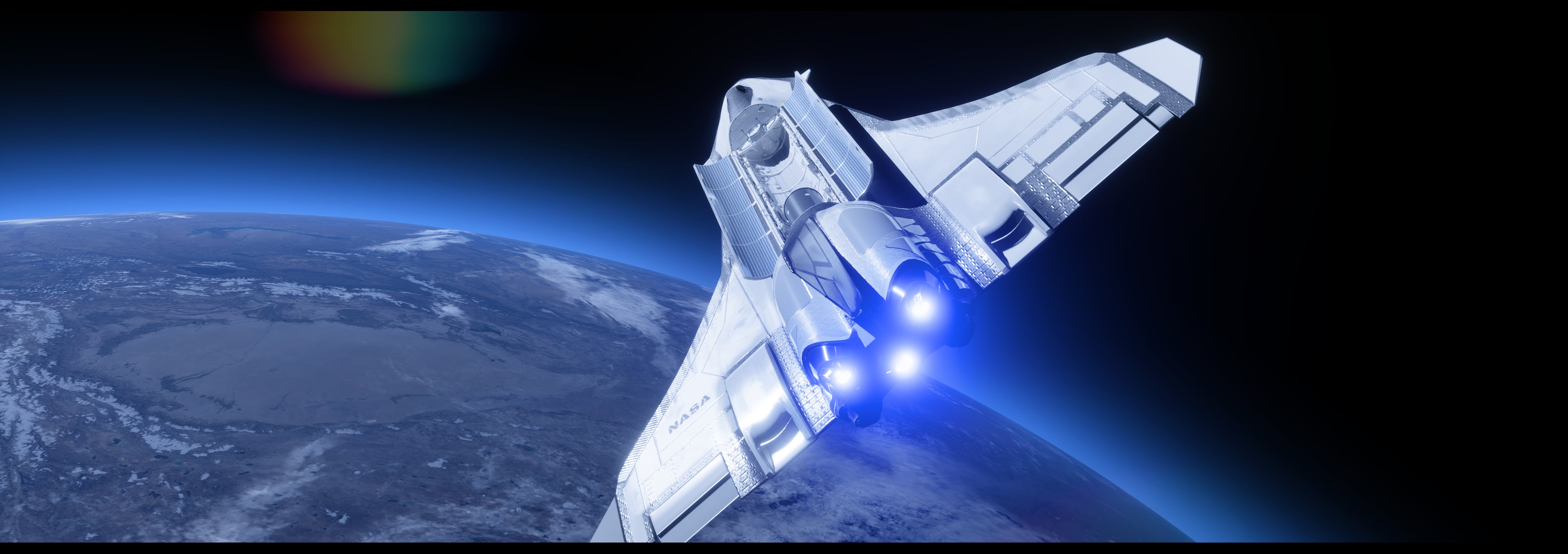 Final update! Added Earth and some beauty shots to give that sci fi orbit feel. I gotta say I learned a lot from this project! Pretty happy with the result. I rendered some video clips on my artstation account : https://atomicarmy.artstation.com/ Edit: Did Minor adjustments
 -
Re: Halo Elite WIP
 is this based from the halo 3 or reach elite? it reminds me of both so im not positive edit: nvm went back and read, i have some really good refs here somewhere soon as i find them ill get them to you double edit: these should def help, the first one looks more like the elite youre going for this second one helps with…
 -
Clean edits from a reference per-attribute in Maya (MEL)
 Does anyone know a nice way to clean edits from a single attribute on a referenced node? I know you can clean all edits i.e.: file -cleanReference "refRN"; And that you can specify which type of edits to clean using the -editCommand flag. What I would really like to be able to do, however, is to clean edits on a…
 -
Re: What Are You Working On? 2011 Edition!
 I suck at tiling textures [edit] meant tileable* textures, dur. [edit2] flipped green, durrr... Thanks ZackD.
 -
Re: [WIP] Mavica FD71 - Floppy Disk camera

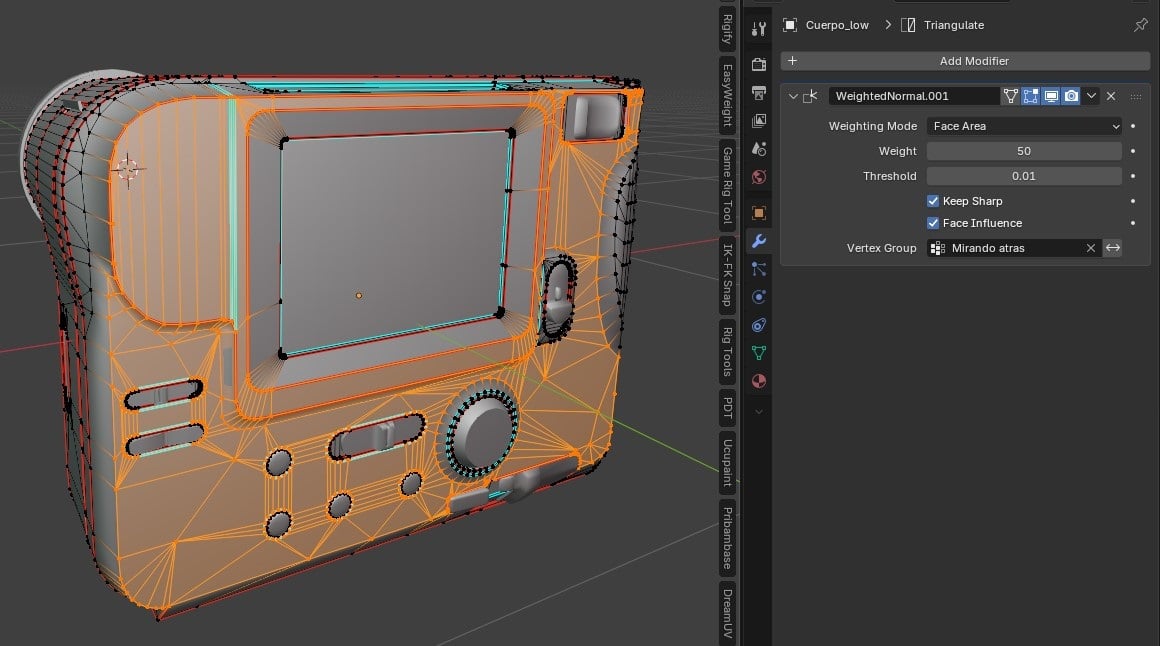 Thanks for the forums, I've learned a lot from them the first time I read them. I think we had the same chat the first time I've posted at this website xD. I've ended up creating a vertex group from the back faces, setting their Face Strenght to Strong and adding a Weighted Normals assigning the created vertex group.…
 -
Darksiders PC Hellbook edition
 I just picked the game the other day in play.com and i was wondering if someone will do the same. 35 euro for the hellbook edition! "All customers who have pre-ordered the standard edition of Darksiders will receive the Darksiders: Hellbook Edition at no extra charge"…
 -
Possible to edit uvs of multiple objects in Max 9?
I have a file that contains 20 trim pieces. I need to edit the uvs of all 20 pieces and move a row of the uvs down a few units. In later versions of max, this would be really simple, however Max 9 seems to be only be able to edit the uvs of a single object at a time. The trim pieces are linked to havok geo, and are named… -
3d coat edit projection issue
 Hi all. I am using 3d coat and Photoshop to paint my textures. When I edit all layers "ctrl+p" then the result in 3d coat is fine but if I use edit projection in external editor "ctrl+alt+p" then the result is less detailed Here what I mean: This is how my layer looks in ps when I am editing it and this is how it looks…
 -
3DS MAX, Edit Poly and scripts on the quads menu
 In 3DS max, I've started using the right-click quads menu more to speed up my workflow. I've also been using the Edit Poly modifier a lot more to preserve the stack. Now I've run into a problem where some of the scripts I use regularly (such as EdgeStraighten and loop regularizer) don't appear in the quad menu while I'm…
>35066 results