Search
-
Help increasing contrast on landscape using the Layer Blend node

 I'm trying to blend two layers together but I can't get the look that I want. I want to blend a layer of dirt with a white canvas background and this opacity gradient effect is ruining the transition. How can I fix this?
 -
Re: Answered: Group to all layers
 In the dDo menu, there's two options: Copy Mask to All Maps, and Copy Layer to All Maps. The first will copy any mask to all of the relative layers on multiple documents, the second will copy a single layer to multiple documents.
 -
Lightmass and Deco Layers
 Hey everyone, I've been playing around with terrain in UDK trying to create a small environment. It's still pretty early along but I've already hit a snag. I'm using deco layers to quickly place trees on my terrain, but it seems that lightmass doesn't work on these meshes. I've double checked the mesh to make sure it…
 -
Mari is changing my diffuse color when I add "Height as Normal" layer in Normal Channel

 I don't know if i can properly explain this without it being convoluted, but here goes: I've painted out the majority of my diffuse map and there are a few textures/ layers that I need to have affect the normal channel. When I copy the layer into my normal channel and apply the "height as normal" adjustment layer it…
 -
Mudbox Layers Blending Interpreted Differently In Photoshop
 Hey, Layers Blending is interpreted differently in PSD. After exporting Diffuse Channel to PSD this is result It has some screen, overlay layers etc. Mudbox 2016 ext1 Any ideas?
 -
help me about CAT rigging LAYER
I have a problem about layer CAT rig, i dont know why i turn on layer animation in CAT. a rigging moving. please show to how to fix that. thanks -
Re: Sculpted Dragon Head (wip)
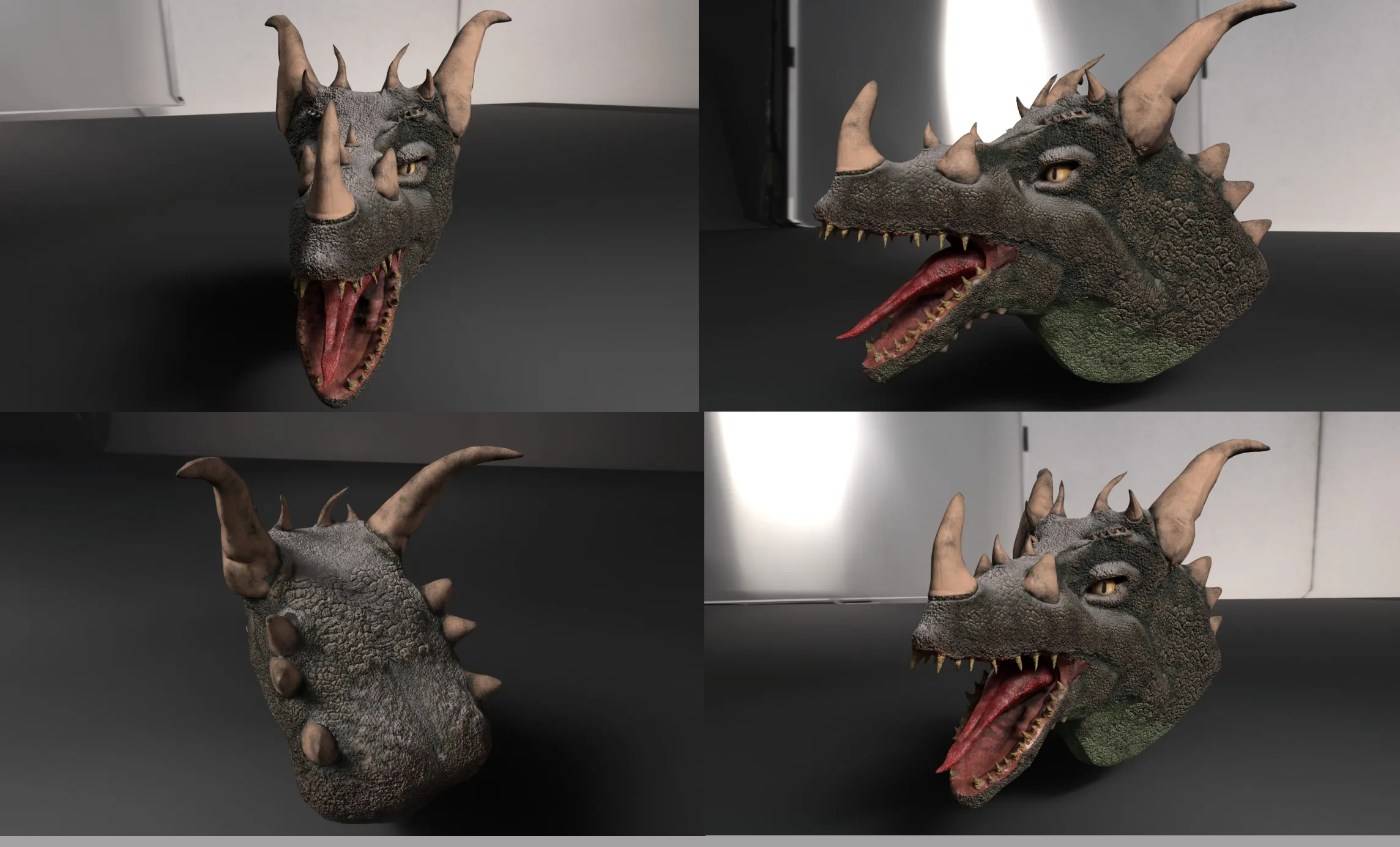 So thought i share how the render come along. Now here is how it turned out and I will say I already got some feedback and will fix it but thought i see what else I could get. This is feedback i got. "can see you have used a grungy, much more yellow saturated texture for the teeth. I can see some height values taking…
 -
Re: [UE4] - Blurry textures with WorldAligendTexture node [Solved]

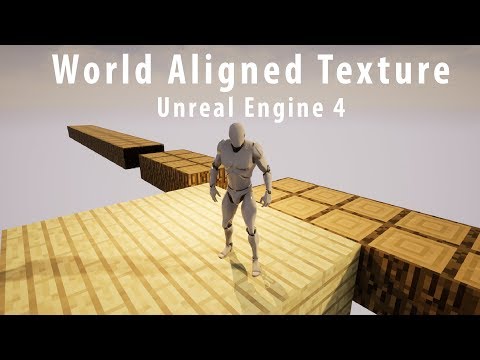 Relevant video to this post that I never posted, here it is 10 years later: https://www.youtube.com/watch?v=BMbV4I4acaQ
 -
Foliage layer offset from terrain?
 My terrain has two foliage layers. They both work fine on the terrain, and I can adjust them easily. However, there is this extra bit floating off of the terrain that I cannot change. I can't select it without selecting the rest of my foliage layer, so it's definitely connected. Any ideas on how to get rid of this?
 -
Can I link layer nodes to materials?
I'm playing around in Alchemist. I have some materials stacked and blending, and I'd like to rotate the topmost layer. Is there a way to link the transform node to the topmost layer so it doesn't globally rotate the whole material?
>27695 results