Search
-
bake hdri light and reflection on object
-
Explode bake methods- a quick script issues
 Yo all! Wondering how i can move this components shell in absolute without them to collapse at the center point :( I saw an artist do it on max and want to do it in maya , and i just copy this phython script : import math, sys, osimport maya.cmds as cmdsimport maya.mel as mel##Convert selection to vertssF= (cmds.ls…
 -
Is this bake even possible?
 So the way I normally get this map is by simply converting it from the normal map What I've always wondered is if there's another way do do it, namely, without the need of a low poly model? Was just thinking it would be nice to have a high poly model with UVs that I can somewhat texture with the aid of this map, say in Ddo…
 -
I am open for 3d models commisions for 3d printng
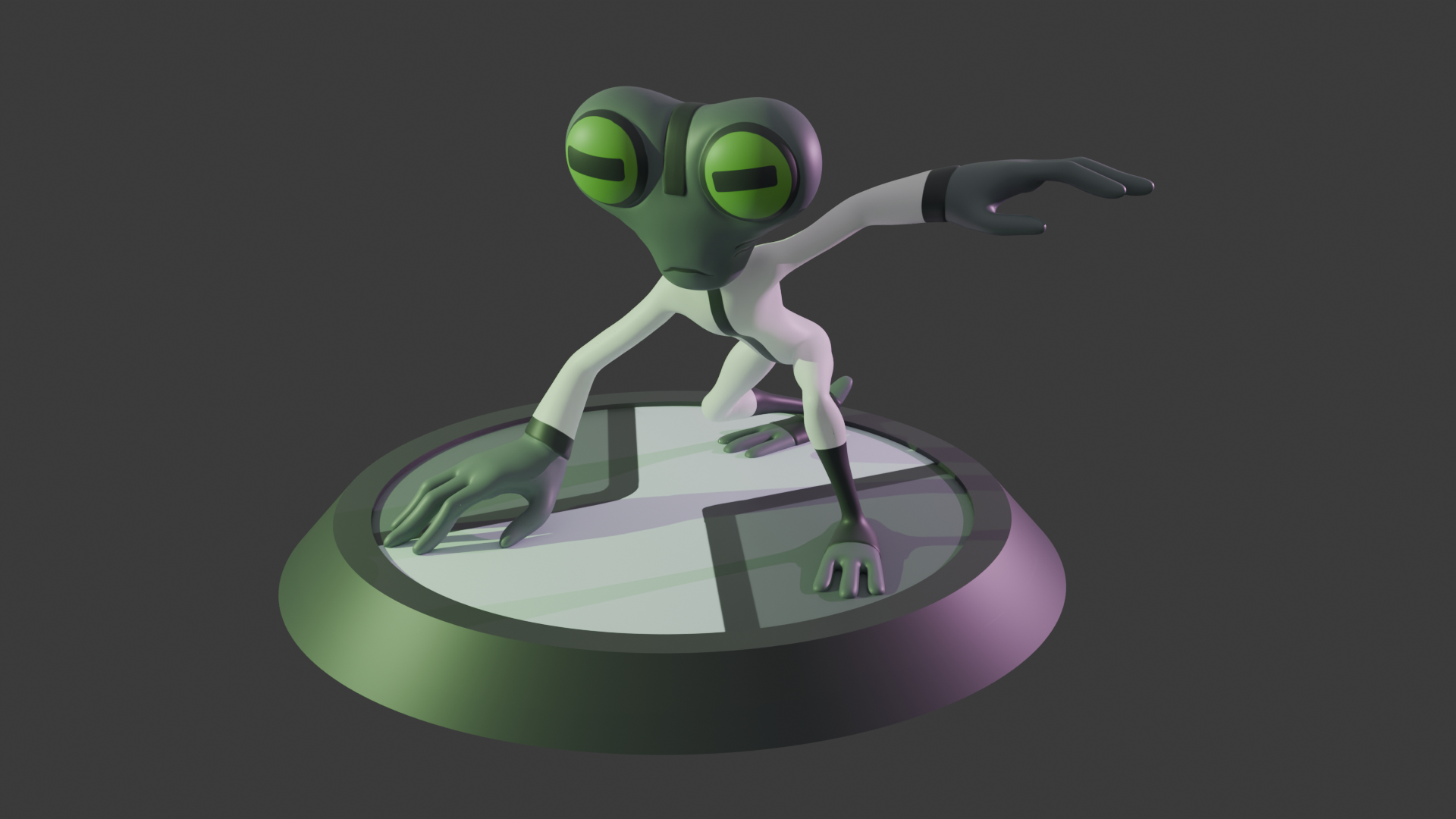 If your favourite character is too niche and dot have stl model for print, i would be happy to make special one for you. Here is my portfolio - https://cults3d.com/@RibaKaplja Contact me on discord- kicca0427
 -
Normal Map bake in Substance Painter looks weird - Lowpoly sticking out

 Hey! I'm trying to create a sword asset - so I built a low poly model, unwrapped it and then created a high poly version with turbosmooth and supporting edges. When I bake the normal map in substance painter the normal map looks weird and the low poly model is sticking out of the high poly model. Can you tell me how to fix…
 -
Need help baking xnormal
 Hi, I'm new to baking high poly with a cage and i'm having problem with x normal as you can see on this picture. There are strange fucked pixels. I don't understand because my low poly retopo is precise. Need your help guys. What must i do ? Thanks in advance. Massimo
 -
3DSMax8 baking normalmaps in greyscale
 As thread title, max is baking my normalmaps in greyscale in the same fashion as a lightingmap, despite clearly having normalsmap checked in the RTT options. Any help would be much appreciated. Example (Yes, I'm aware of the cage errors I'd just rather fix the more fundamental problems first) Render settings:
 -
Need help with baking & Maps
 Hello! If someone can answer some questions and give some insight to a few problem that would be great :) First off when i bake my AO map it comes out with these black areas Also what are convexity maps? Here are some other maps incase they help :D Thanks a ton -Matt
 -
Re: Baking Normal maps in maya using floating geometry
 Not sure what the problem is, I got this result with all default settings. Make sure you center the pivot and freeze the transform of both models before you add them to the baker. Oh yeah and what the f is up with this thread, I can't link in thumbnails so enjoy the gigantic picture.
 -
Baking Lightmaps for Unity in 3dsmax
 If I've setup a scene in 3dsmax using a bunch of instanced objects is it possible to bake a lightmap for this scene in max to use in Unity? I'm thinking you cannot because the instanced geometry needs to be given unique uv space on the atlas, and that's not something you can do in max and translate to Unity? Has to be done…

>114874 results