Search
-
PS CS5: The Undo/Layer Dance
 Know what I'm taking about? It goes like this: 1. Work on layer 200. 2. Move to layer 1 to work. 3. Make a mistake and 'Undo'. 4. Try again 5. Realize you're working on layer 200. /facepalm 6. 'Undo' 7. Go to step 2. I find this mildly annoying. Is there a way to disable this Photoshop "feature"? thx, -kp
 -
[Solved] Landscape Material layer blend with texture height

 Hi Polycount community ! I am currently struggling with the Unreal Landscape material system.I want to have my layers blending together depending of the heightmap of theses textures (not the height map of the terrain). I want that type of thing (look at the two screenshot below this anchored link) :…
 -
Re: zbrush layer introducing artifacts
 Its possible that a layer's record mode just isn't supposed to be toggled on and off 50 times. If you have heavy tweaks to make to an existing layer or are using blendshapes, it might be better to make them on a new layer and then merge down into the original layer? (Or does that produce artifacts too?)
 -
SOLVED: Copy Layer to All Maps Causes Suite to Hang
 -edit- Uh, I'll take my crow deep fried please. Disregard this thread.. the Layer Propagator was popping up underneath my open documents (I run them windowed/floating instead of docked as tabs) instead of on top of them which only gave the appearance of Suite becoming unresponsive.. /edit Maybe I'm just not understanding…
 -
Re: Shuttle Altair

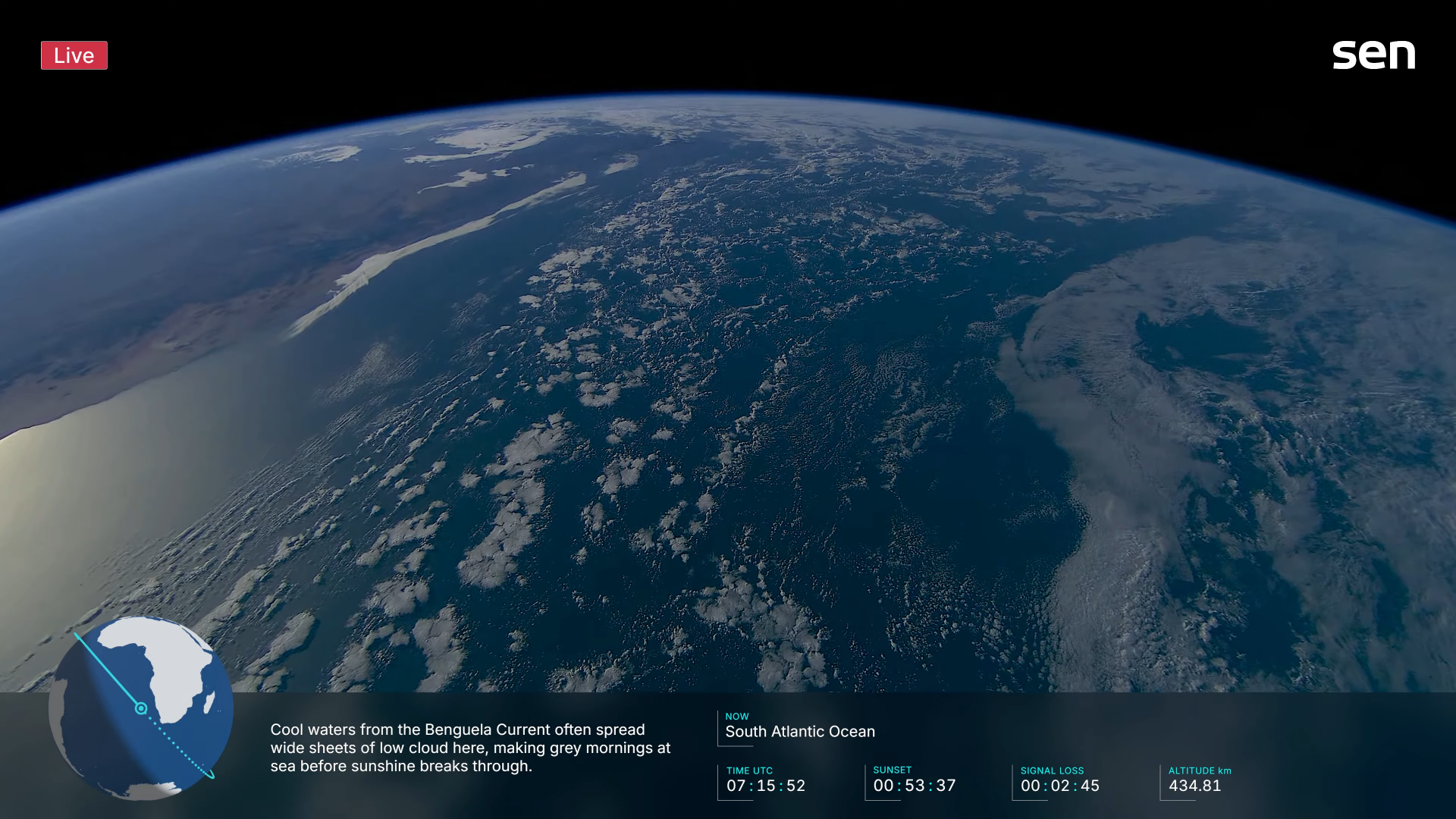 From my perspective, had thought the previous series complimented your scene nicely, although admit was focused more upon the asset itself so missed those points you've mentioned above, indeed earth has an extremely thin habitable layer/zone at only 3000m (12.500ft) altitude without need for an oxygen mask and 100km (62…
 -
Dual Layering textures for an iphone scene?
 I am trying to set up a scene with a dual texture layer, as the character moves over the first layer anywhere he/she has touched becomes transparent showing the layer underneath. So foot steps for example, wherever they step, you'd see a foot print. Or a snowmobile, wherever the snowmobile went the tracks would show. Can…
 -
Re: Erza Draksya — Fantasy Character Design & Illustration
 Hey everyone, thanks for the feedback on this piece — the anatomy critique on the foot was correct, so I went back and fixed it. I've updated the image in the original post with the corrected version. Quick note on my workflow, since it came up in the comments: I work with AI generation as a starting point and do extensive…
 -
Maya layer shader reflection map with reznel fall off is this possible?
 I'm trying to simulate a in game reflection map shader in maya. This is what I have so far, layer texture, top layer is an environment cube set to additive, buttom layer is the diffuse texture, this is working great and I have a reflection map plugged in where I want it to be reflective. My question is can I some how hook…
 -
Re: Zbrush 2,5D layers. Nondestructively?
 Are you sure? I have pretty limited experience with Substance Painter so perhaps I missed something but what I saw were layers just simply adding its depth over what were beneath , no proper z combine, no resulting mask for color /spec. No non destructive "smart" style layers either. I mean a layer of bumpy ground for…
 -
Answered: Add layer to a single map?
 OK, so another newbie question, apologies if this is just plain stupid, however I want to add layer to a single map (an Emissive map). Is the correct workflow to add the layer and then turn it off in all other layers (click box on left and then shift-click it?). I have made a right mess of the masks attempting to do this.…
>27675 results