Search
-
Materials blurry in viewport? (3dsmax)
 This is probably a nub question, but i applied my skin to the head of my model and the texture appears to be a much lower resolution in view port. When i render it out it looks fine like the 1024X1024 map that it is. But when im in viewport it looks like its 256X256 or somethin and all blurry. Is there a setting for this?
 -
Tuto - Substance Painter Material: Warmish pavement

 Download the complete tuto (with the working files) on Artstation Orb Gumroad: https://gumroad.com/orb Jron Gumroad: https://gumroad.com/environmentdesign
 -
Re: Remington 870 material practice
 I would like to know if you dig the attachment, i feel like its missing something, it may be the materials, anyways! please continue criticing this pice :)
 -
Unity - Change Property Order in Material Inspector
-
Moved: changing the default material in zbrush... from pixologic
 This discussion has been moved.
 -
Half of characters material not showing in udk
 Here is how the model looks in the udk example scene. Half of the map is showing up as blue. This is how it looks in max. Anyone know a fix to this, I am sure it has something to do with how the uvs are mirrored.
 -
Re: Apache Helicopter
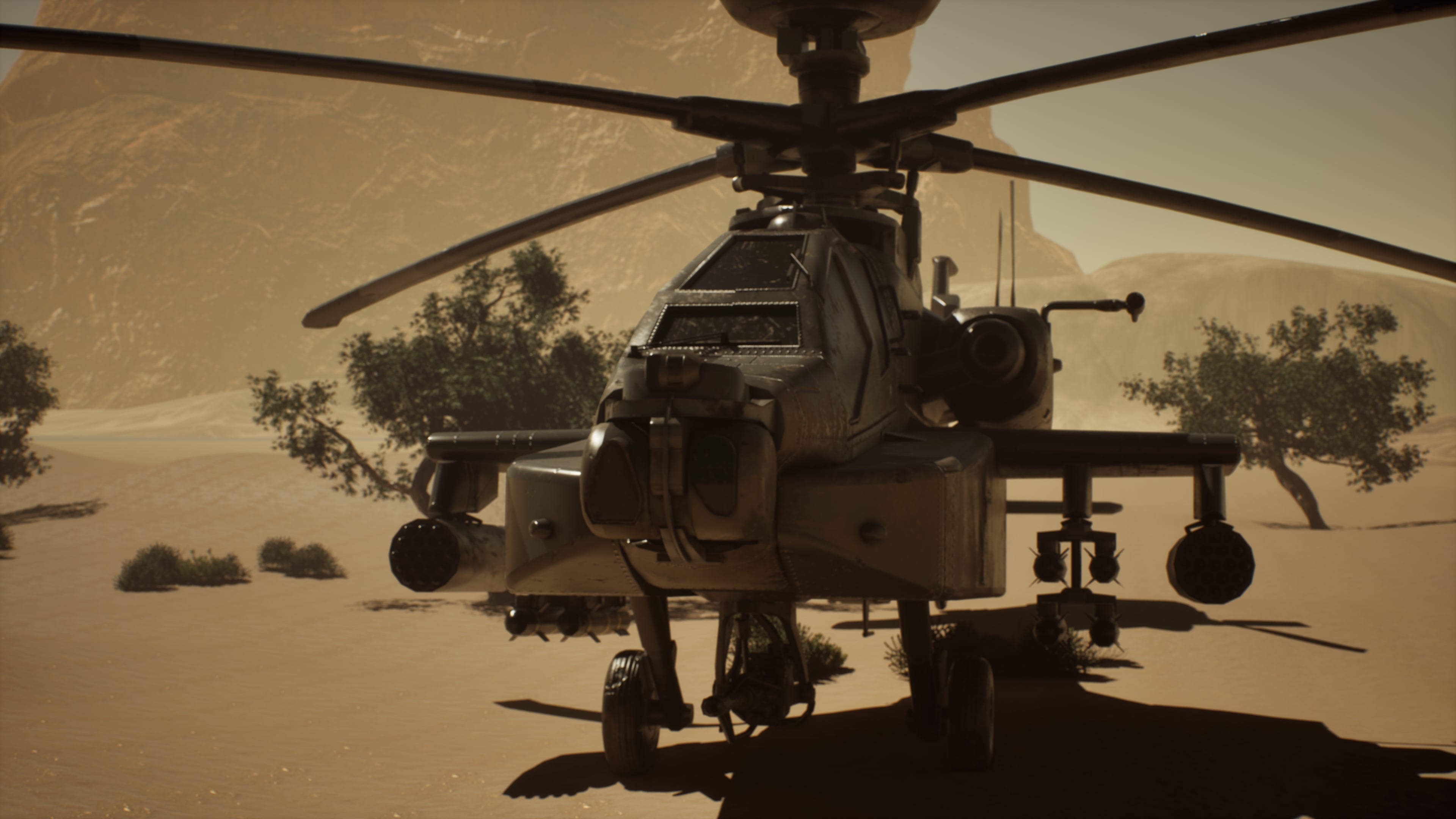 This week I focused on finalizing the project presentation. I completed all final renders and refined the lighting setup to better highlight the materials and overall composition. After reviewing the output, I made several small adjustments to improve balance, contrast, and visual clarity across the shots.
 -
Tarmac? Material study in substance Designer.
 https://www.artstation.com/artwork/DgwPn Rendered in Marmoset Toolbag. Something I've been working on inbetween exams and gaming sessions. I learned a lot and I think it turned out great Please enjoy, and drop me some critique if you want to!
 -
Materials for high poly presentation
 Ive seen a couple shots of high polys using a cool shaders that changes color within ambient occlusion. I'm digging the created effect and was hoping somebody could explain that process to me? I generally use modo and keysot for my renders so if any documentation is catered to those softwares in particular, that'll be…
 -
how do you make uour material cartoonish?

>32889 results