Search
-
Re: Derelict Candelabrum - Handpainted PBR

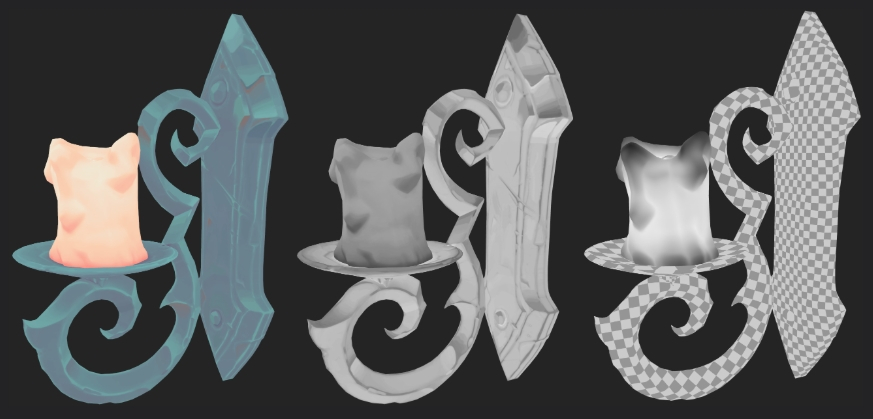 Love the handpainted style. I was a bit confused by the PBR part of it. Only thing I see for PBR is you have a Roughness map, but the map itself doesn't seem to make sense? The candle should be smoother where it has melted into drips, and nearest the flame. The lighting on the upward-facing parts of the holder shouldn't be…
 -
Weird lines in render
 Hello. I get this weird black lines in the far of the render in UDK and also when I do render in maya, but it doesn't show in the maya viewport. I overlaped almost all the faces on top of each other using a mel script, can this be the problem? thanks in advance for any help.
 -
Re: SpiderPumpkin

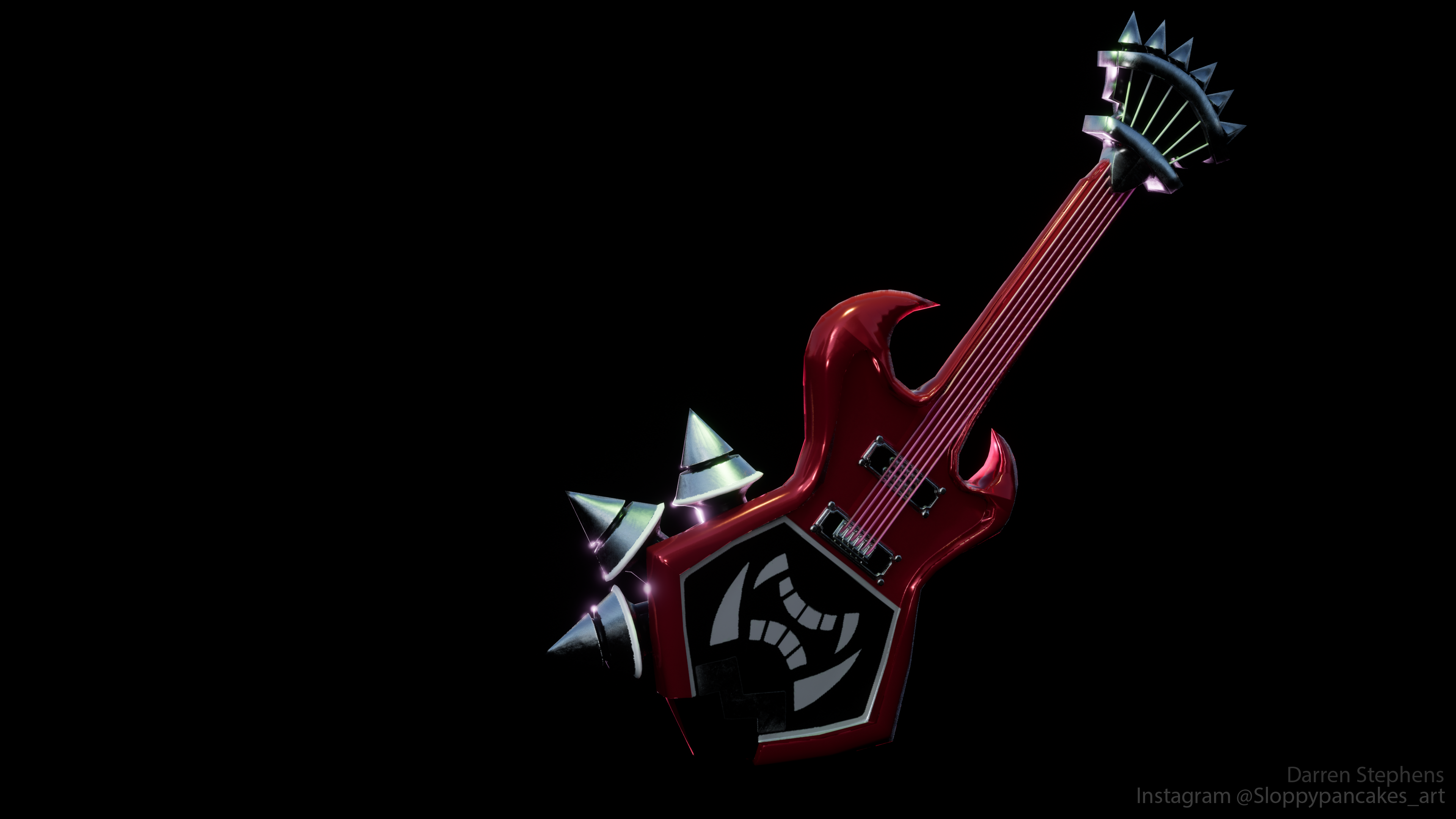 This is what I was able to do. From what I know I could get better with using materials in Substance and get better with branding/formatting my renders better also maybe I should look more into Cel-shading and trying to get better render with it
 -
Hello. I am having troubles with compiling an animated prop to mdl
Hello guys in polycount. I heard that you guys can help me with this problem. Basically, I am trying to compile an animated smd file and this is the qc file. $modelname "props_volcano/sliding_metaldoor.mdl" $cdmaterials "models/props_volcano" $body sliding_metaldoor "sliding_metaldoor_ref.smd” $sequence idle… -
Re: Maya Inset
 Don't want to hijack your thread, just that also I found another tool for Maya that mimics Max's shell modifier, check this out and see what you think: http://hugobozzshih007.blogspot.com/2010/12/my-mel-tools-shell-modifier.html
 -
Re: Select beveled faces in Maya?
 This should work. Go into face selection mode of the object you want to bevel, then run the first 3 lines, then do your bevel and run the last two. MEL Script. SelectAll; string $faces[] = `ls -sl`; select -cl; select $faces; InvertSelection;
 -
Re: Machinae Supremacy (Videogame inspired Metal band)
 I've been a fan of Machinae Supremacy for a few years now- I love their rendition of the Bubble Bobble theme tune and I turn to You (dunno if that is the name of the track but Mel C did a version when she went all punk n stuff)
 -
3D Character Rigger/Animation TD
 Hi, My Name Is Karim Ahmed I am A 3D Character Rigger With 9 Years Experience in Character Rigs With All of Its Types (Humanoid - Cartoon - Machines - Hybrid - Cars -Animals). I also can Do Cloth Sim and import it to any software using Alembic Extension, and I can create Cloth For Games or Cinematics Directly inside Unreal…
 -
Re: Problem with Maya 2014 Help!
 After looking at the MEL for that script, my only hunch is that somehow you're selecting the transform node instead of the shape node somehow, but that's a shot in the dark. When in doubt with Maya, either delete or rename your prefs folder and restart. That will force Maya to re-create the default preferences.
 -
Re: Share your maya custom marking menus.
 Nah "Snap together" -tool got it's own area on the MM. Move A to B is a MEL-script:string $sel[] = `ls -sl`;string $sel1 = $sel[0];string $sel2 = $sel[1];parentConstraint $sel2 $sel1;string $constraint = $sel1+"_parentConstraint1";delete $constraint; (And it operates on meshes)
>10507 results