Search
-
Learning to bake

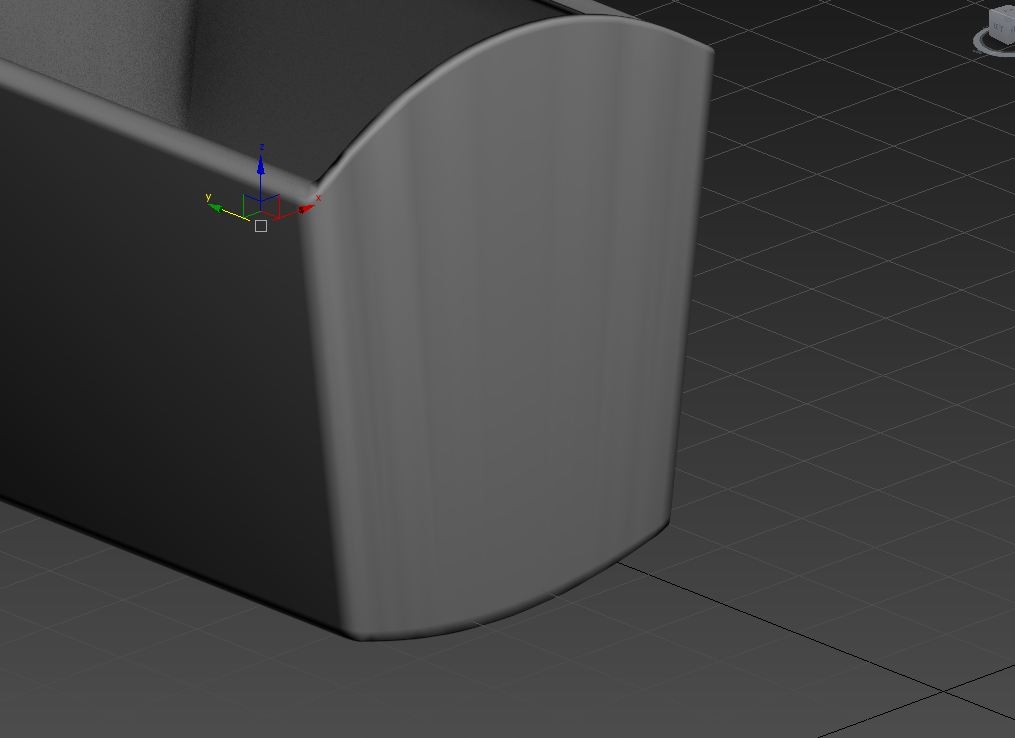 Hi guys, I have a request, I've been reading about baking and how it all works and what are do's and don'ts and for practice, I've decided to make a quick little asset I wanted to bake onto a low poly object. I plan on making a ton more assets as a practice in the next few months as soon as possible. The only time I…
 -
Paid Animation work (again)
![TorQue[MoD]](https://us.v-cdn.net/5021068/uploads/userpics/978/n9Y8GE4KMHMJB.jpg) All right, so the last animator I found didn't quite pan out as well as I'd hoped, so I'm looking for another animator again and I'm putting up some requirements this time. If you're interested in this contract, please e-mail me at torque_mod@surrogateinteractive.com *Must work with 3D Studio Max 8 *Must have…
All right, so the last animator I found didn't quite pan out as well as I'd hoped, so I'm looking for another animator again and I'm putting up some requirements this time. If you're interested in this contract, please e-mail me at torque_mod@surrogateinteractive.com *Must work with 3D Studio Max 8 *Must have… -
[Resolved] weird selection thing with Maya

 https://www.youtube.com/watch?v=sT4R6A9VUiM video hopefully helps explain what the problem is... basically I'm selecting different objects from viewport and outliner. How do I set it so viewport selects the same object as the one in outliner?
 -
Re: Baking single mesh with one area adjacent to another
I find this separating and piece re-naming tedious and annoying . In many cases you have to keep UV on hi res. Especially when you start from low res and detail it. Sometimes UV on hi res is necessary just to do small details there. Then it's just baking object space normal map and converting it into tangent space in… -
Render To Texture - Ambien Occlusion(MR) ???
 Is it possible to exclude the low-res object(the actual projection cage) from the Ambient Occlusion pass, done with the Render To Texture ? I know in Max9 there is an option to exclude objects, but how to do that using Max8? Any suggestions ?
 -
Maya2012 FBX Export Error - BumpMap
When I try to export an object as FBX with a normal map, I get an error of "Error: No object matches name: normalMapForObject_1.bumpInterp". And when I open the FBX there is no normal map in it. Why is it not exporting the normal map? -
Gradient by Actor Bounds?
 Hi, how can I get a gradient by actor bounds? Only found a tutorial with object bounds: https://www.youtube.com/watch?v=4NqpGPjMi8I As you can see, the gradient gets applied on every single mesh, but I need a gradient for the entire Actor (object).
 -
Re: Normal map lighting issue
What exactly is the problem you are trying to correct? Are both the barriers supposed to look the same? Are they instances of the same object or is that one object sharing UVs? Duplicate polygons overlapping on the bright one? -
Re: Trouble with exporting TF2 model, dem bones.
 Yeah but, the engine has to sort all your separated objects, making 5 drawcalls when one object skinned to bones produces only 1 drawcall (bones arent sorted).
 -
Re: Maya shadows soft edges problem
Dont smooth the mesh in one single smoothing group it only works for sphere like objects. Smooth the whole object and select the edges with a very strong angle and make hard edges.
>26409 results