Search
-
Re: P.S.A. - Data Backups
 Here's a suggestion for those that don't want to blow half the PC budget on a SCSI setup (they are pretty expensive and not only the drive) get a couple of large SATA drives and set up a RAID 1 (mirrors on the fly) Many newer motherboards come stock with RAID 0/1 controllers these days and I've seen 300G drives as low as…
 -
Re: small zbrushproblem

-
Need help using the Simple_Hair_UV script for creating hair uvs
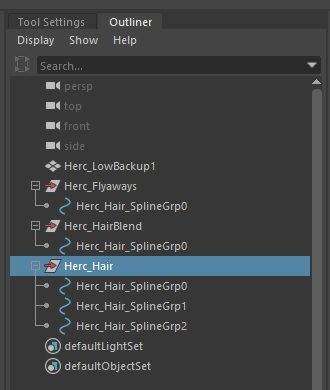
 Im using the Simple_Hair_UV script found in the Xgen UE documentation however when i imported my IGS alembic file that i exported, it has 3 different description and multiple splinegrp . How do i add multiple groups and curves in the script? Tried using " ; " and " , " in between each group and it doesn’t work.…
 -
Need help using the Simple_Hair_UV script for creating hair uvs
Im using the Simple_Hair_UV script found in the Xgen UE documentation however when i imported my IGS alembic file that i exported, it has 3 different description and multiple splinegrp . How do i add multiple groups and curves in the script? Tried using " ; " and " , " in between each group and it doesn’t work.… -
Problems importing FBX from MAX to UDK
 So I'm trying to figure out how to get animations in UDK, and I have been semi-succesful. I managed to import a skeleton mesh with one animation, and get it to play the animation in the mesh preview. However I ran into a problem when I tried to export animation sets. No matter what I do, the exported animation is always…
 -
Re: Animation plugin/scripts. Do you use any?
 I use Alt+w/e/r to reset values to 0 in my controllers. Inspired by Blender's alt+transform shortcuts. This works either by selection or current character set (which is default with no selection). This is very helpful when moving things around and to reset things back to default. Very useful for both rigging and animation.…
 -
Re: Bake deformer to vertice animation (maya 2009)
 If not enuff memory and If deleting all history anyway... How about transfering the pnt animation to a duplicate? if yes save following code as cly_bakeVtxDuplicateTransfer.mel select poly object and execute like: cly_bakeVtxDuplicateTransfer 1 substituting 1 for the desired step increment for keys ( integer fer now ) //…
 -
Re: What is wrong with my UVs? Or is it the baking process?
 Check UVs for overlaps, and make sure they’re not flipped/facing backwards? Since you are reusing uv space for repeated elements, it might help to offset all the overlaps 1 unit in UV space, leaving just one element inside the 0-1 space.
 -
share: maxscript > store camera resolution per camera
 what: simple maxscript that stores and reads per camera stored rendering resolution settings (width and height). You simply click on a camera of that list (list of your cameras in the scene) and it will change the aspect ratio of the safe frame and change your render width and height settings. Its quite specific but…
 -
Re: Paint vertex normals in 3dsmax

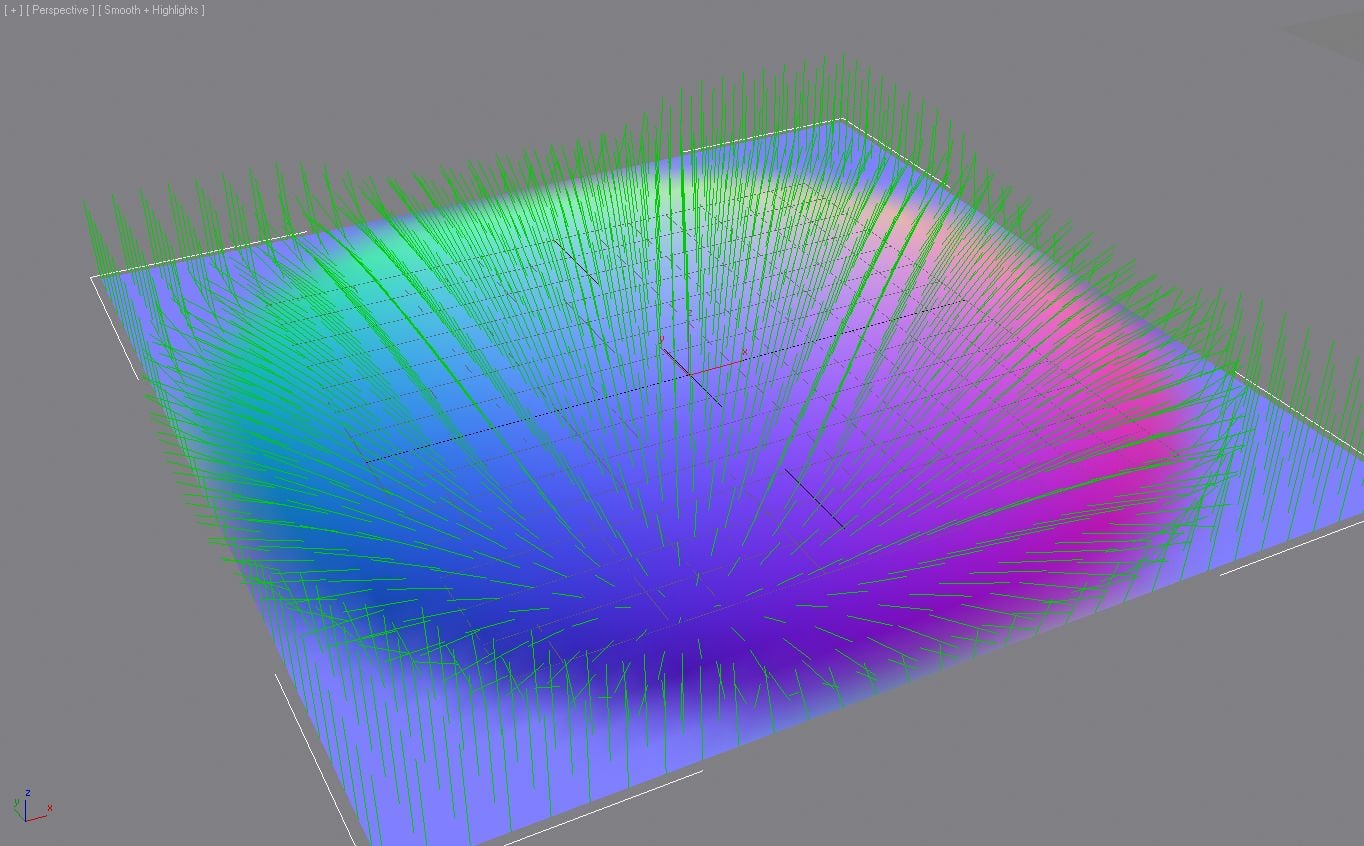 another alternative method is to use a basic normal map shader - paint into the map with photoshop (rtt a sphere to a plane normal map gives a good palette picker) or a 3d paint app (to give you your "real time" interface) then do a map to map channel (IIRC there a free plug that does this) then do a map channel to normals…
>20934 results