Search
-
Re: [Completed] The Staircase - Environment

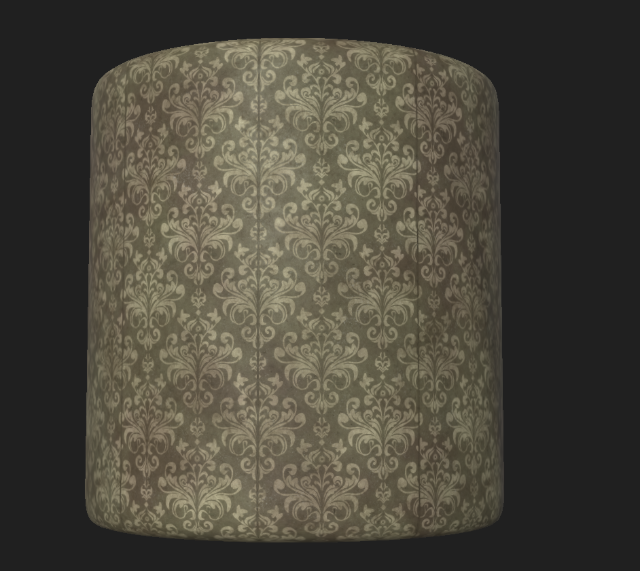 @pixelpatron @sacboi - Thank you for encouragement, much appreciated :D Continued to work on the materials. (Made the wood lath in Zbrush and then exported the heightmap to SD and finish the rest of it there.) I've been learning Unreal material nodes for the past month. So far, I've implemented vertex painting, ability to…
 -
Lightmass keeps failing. Ugh.
 Recently upgraded from a 2010 version of UDK to April 2011. As I am running XP64 here at home, I can't get much more current than this. As a side issue, if anybody knows the most recently possible build of the UDK I can get is, that would be nice... ...but that's just a tangent. This pathetic cry for help is about…
 -
Re: Jay's "Creating little games while learning to Code" Thread
 Thanks for the feedback! Howl and Vailias - Any chance is there some documentation on how to go about doing thing? I semi know what you're talking about, but not too sure how to implement that in code yet. I'll look up the raycasting way and see what I can find.
 -
3DS Max Walk Cycle problem
Hey forum, I'm animating this character using 3DS Max. What I'm doing now is trying to make it a walk cycle. The character is rigged, but needs a custom keyframed walkcycle since its way of walking is very different from Max's preset walking animations. I created the entire cycle, but now need it to loop. I tried using the… -
Lighting MIPing? LODing?
So there was a post earlier about Texture Quality by "reanix", and it got me thinking of a current issue I am having. My meshes and shading seems to look like sh*t at certain distances. I have separate channels for my light maps and nothing is overlapping all I have in this mock scene is a spot light, and I am using… -
Re: The Vagabondage of a Novice
Not exactly sure what your looking for but heres my 2 cents. If you would like to be able to move those 2 verts and still have them connected to the original verts at the same time you can select an edge in subobject mode and shift+drag the edge and it will stay connected to the original verts. Something to note, this is… -
Re: (Finished) Research Outpost - Unreal Engine 5 Environment

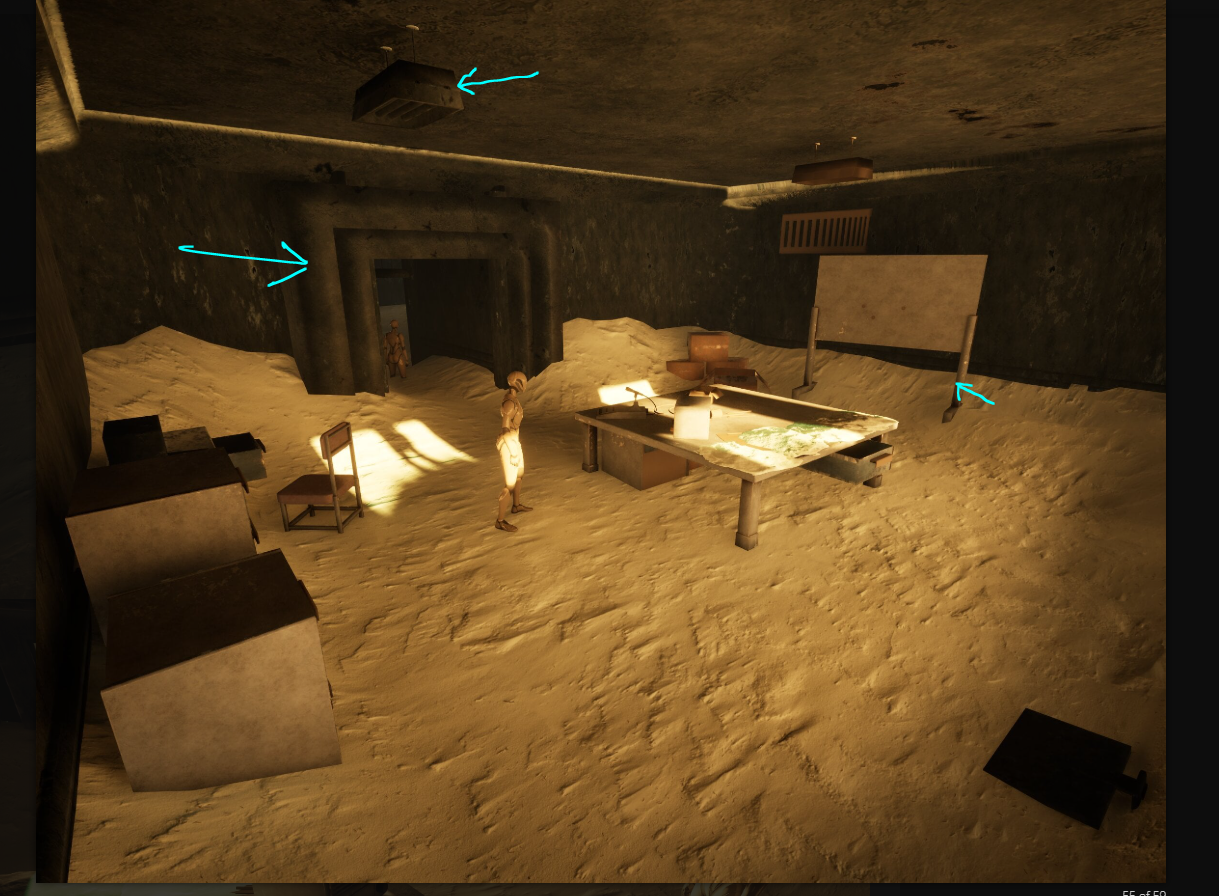 Re-watched The Thing recently because of this thread :lol: One note (possibly mentioned before): shading of some elements has very strong gradients making them look blobby/ undefined: Is it supposed to look like that, does it look different in your modeling software, like hard edges? I would always double check that the…
 -
Re: Non-destructive thickness in Maya?
 In maya 2018 and later you can do this by ctrl+middle mouse drag with the move tool and component selection activated. m4dcow got it, but an important detail to note is that you have to be in object mode, not face/component mode.
 -
Layout and Labeling substances for Painter
Hi, How can I label and layout single nodes in SDesigner due to export for Painter. If I import my substance in painter, all node parameters are in one column with no dividers or node titles/labels. Thx -
Moved to Coding: 3Ds Max Script "Different commands stacking and auto cycling" under one hotkey?
 This discussion has been moved.
>37262 results