Search
-
How to reduce normal map strength in Photoshop ?
 Just like title says. I have nice normal map. It was good base for generating Cavity and AO in nDO, but it way to strong to use in CryEngine and procude very poor result. Question is how to reduce strength of normal map in Photoshop ?
 -
DDS Plugin for photoshop cs4 64bit?
Oh, I just realized that the nvidia plugins don't work for photoshop cs4 64bit. Does anyone have an alternative? I assume the best course of action is to get one of those free image viewers and save the images out in some other format. But I figured I'd check with people here before going through the hassle. -
UDK Screenshot colours different in Photoshop
 When I take a screenshot from UDK (either through tiledshot or just using printscreen) and open the image in Photoshop, the colours are different. If I then upload the screen to photobucket and view it they match UDK colours I understand this may be due to different colour profiles, but I am unsure what to change to get…
 -
Photoshop not letting me place images.
 Hey all, Recently Photoshop decided to become awkward on me, the GIF below shows what i mean (It may take a sec to kick in) https://gyazo.com/272da1dcdea2d049cf1c2148f31f291d Im not sure how to fix this but its making placing images much more time consuming than it needs to be. Any help given would be very appreciated,…
 -
photoshop pointer color
 ok i admit i'm using an oooooold ps5.5 here. and i totally love photoshop's pointer color which blends so nicely with grey. lovely for painting displacments, etc, you get the idea. just wanted to ask if they did fix that in newer releases? maybe by putting a shadow under the pointer or let the user change color on the fly…
 -
weird photoshop problem......HELP!!!
OK...this is really weird. i create a new file. set it to grayscale because i need to block out a composition of varying greys. however, whenever i paint everything is a tint of brown. i tried to take a screencap of my problem...however when i uploaded it to imageshack...everything was in greyscale. it's not my monitor… -
Huge photoshop file size.
 With game art shifting to larger texture sizes and 4096 being close to the norm how do you guys deal with large file size? Normally I work on all my maps at the same time, diffuse, normal, specular, gloss. One of my PSD files was 3gb and only had 115 layers at 4096x4096. Saving times are slow and huge there is huge memory…
 -
Help with Photoshop CS6 brushes.
 Hey, So I am quite new to photoshop, but have learned how to make a new brush tailored for what I need. After making it it went into the brush settings to mess about with the shape dynamics act. however every time I use it it resets to how it was before I changed the settings. Can anyone help with this? I'm sure it's me…
 -
Tutorial: Easy way to make welding seams in Photoshop.

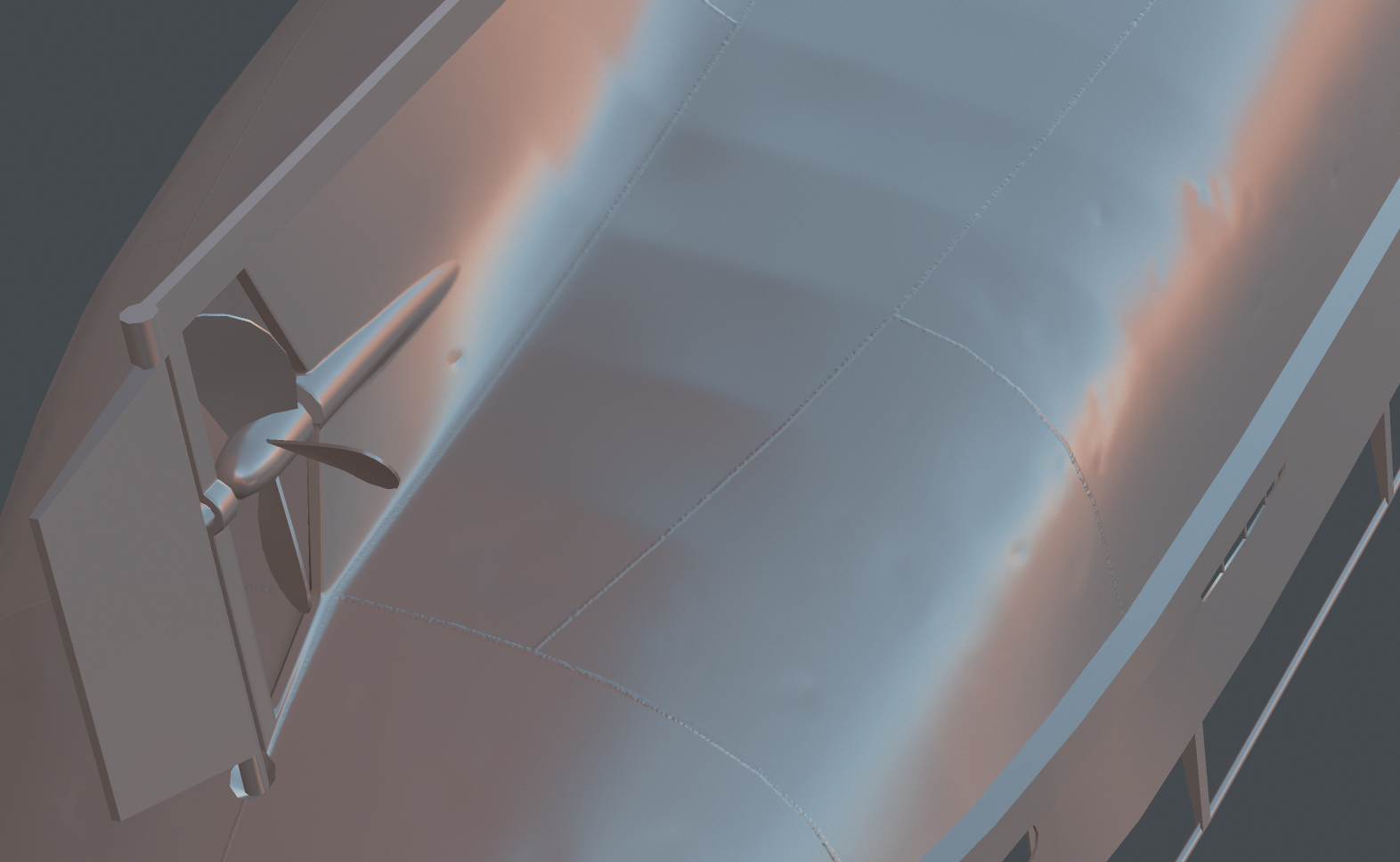 Hello polycounters! I’m making normal maps for my tugboat model. And I just found super-quick-easy way to make small welding seams on normal map in Photoshop. May be everyone know this method, maybe it too simple, but i think it can be usefull for beginners. Pros: * Very fast * You can erase or paint new welding seams…
 -
Speedpainting Mecha thumbnails in Alchemy and Photoshop

 I did a tutorial for my youtube and patreon site. Speedpainting Mecha thumbnails in Alchemy & Photoshop. Alchemy is a real fun program to use. You can see the timelapsvideo here: youtu.be/IogWyvoqwes?a Or check my patreon site for the full length video: www.patreon.com/olimueller I will detail the heck out of ONE of the…
>20137 results