Search
-
That's the whore that bit my nose off!

-
Masking out Subsurface color in Unreal Engine 4
 Good day. I am new at creating shaders for Unreal. Does anyone know how to set up a Mask that was painted in photoshop in after my color texture that is driving the Subsurface Color slot? I'm trying to render my branch correctly and only have the leaves pass light through the texture. I don't want it to effect the branch…
 -
Translucency Issue
Has anyone out there had similar issues as this with an Alpha placed in the Opacity channel? My Blend Mode is set to BLEND_Translucent, which should be correct and I also have "Use Lit Translucency Depth Pass" on. Without that, I get worse results. No matter how I rotate this object, you completely see through to the… -
Dota 2 Hero Shader
 I'm working on some Characters/Items to submit to the Steam Workshop. I'm building them in Maya 2010. In the Dota 2 Shader Masks Guide it is stated that every hero, item, courier, and creep make use of 'the hero shader in Dota 2.' I'm wondering if anyone has made a material network for Maya, or has a setup for an external…
 -
Re: Abandoned Dacha Environment - Modular Kit with interiors

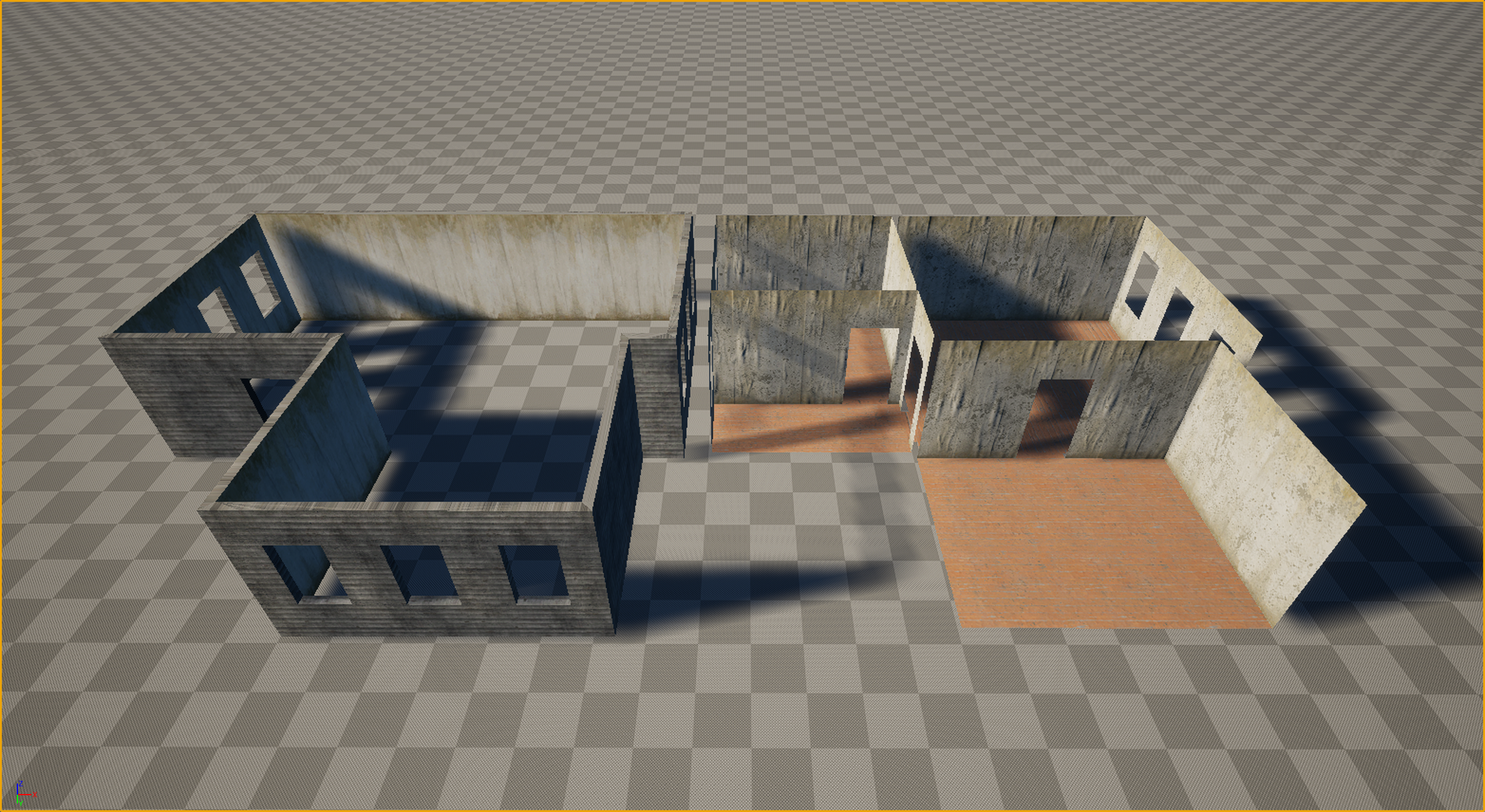 Thanks everyone for the kind words and the great questions! Let’s dive in. Working in VR is truly like walking on a razor's edge. It’s a technical hell where every decision must be calculated ten steps ahead. Performance requirements (high resolution across two displays + high frame rates) leave no room for error, and you…
 -
3dsmax7 OpenGL and DirectX
 It's already been noted on a few occasions that max has problems withDirect X. I need to use DirectX to view my materials in real time, but I want openGL for speed. I can load max, and switch the rendering mode, then restart it, but does anyone know if it is possible to have 2 config files? SO I can click an GL icon and…
 -
Re: [MAYA] MEL script to switch vertex color tool option
 You should start by checking the procedure defined in Line 30-74 in your [Maya Install Directory]\scripts\others\artAttrColorPerVertexCallback.mel Really quick investigation got me this commands to set the paint mode to vertex, vertex face and face respectively: artAttrPaintVertexCtx -e -paintComponent 1 `currentCtx`;…
 -
Re: Vector Normals, Cross Planes, and The Attempt To Make Lower Poly Trees Look Good
 In unreal there would be 2 ways to solve it, a. You dont use a doublesided shader, but duplicate the faces and invert your normals. B. Use the two sided node in your material; need to search for the correct node name. Not on a pc right now From a quick google search: "Try multiplying the normal map with "TwoSidedSign" node…
 -
Re: Maya 2016 StingrayPBS shader Lighting issues
 Maybe you are updating a value directly on the "master node" which is a referenced entity, and therefore this behavior? If so the correct way to set number of lights would be to create a "Int Value" node, connect to the parameter you used to set manually directly on the node before and set the value in your new Int Value…
 -
Re: 3DS Max - Schematic View
Unfortunately selecting it didnt tell me anything. It turns out that the node (circled green) was importing from Maya, into Max as a helper node. I have no clue why it did since it was exactly the same set up as the node 1_0256_bo02. The only way I could figure out to fix it was to go back into Maya and copy the bo02 node…
>37264 results