Search
-
Looking to build team for Digital TCG
 Hello, my name is Kendall Kildare. I've been developing a trading card game called Days of Ragnarok's Awakening for a few months now and I'm looking for Programmers and Digital Illustrators to help me create the game. The game is planned to be a browser based game. The engine chosen for the game is Unity and we'll be using…
 -
Mytholojam A 2 months jam project for artist and coders looking to have a great experience

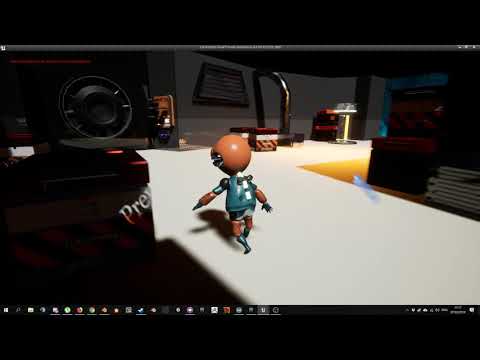 HI I'm Hetor Santamaria, a 3D artist and project manager for a small game development team. We will participate to a two month game jam with "mythology" as a theme. We would like to explore Slavic mythology.We are going for a first person game where you play as an exorcist, hunting evil mythological creature that haunt…
 -
[Rev Share] 2D Concept and 3D Artist for Fleet Hackers
 We are looking for a position for artists interested in VR game development. Roles available include: - Spaceship Exterior Concept Artist - Sci-Fi interior concept artist - Technical 3D Artist - Modular Level Design - 3D Character Artist What is Fleet Hackers? We are developing a VR game set in an open world space…
 -
[PAID] Technical Artist / Level Designer - Atmospheric Camera Puzzle Game
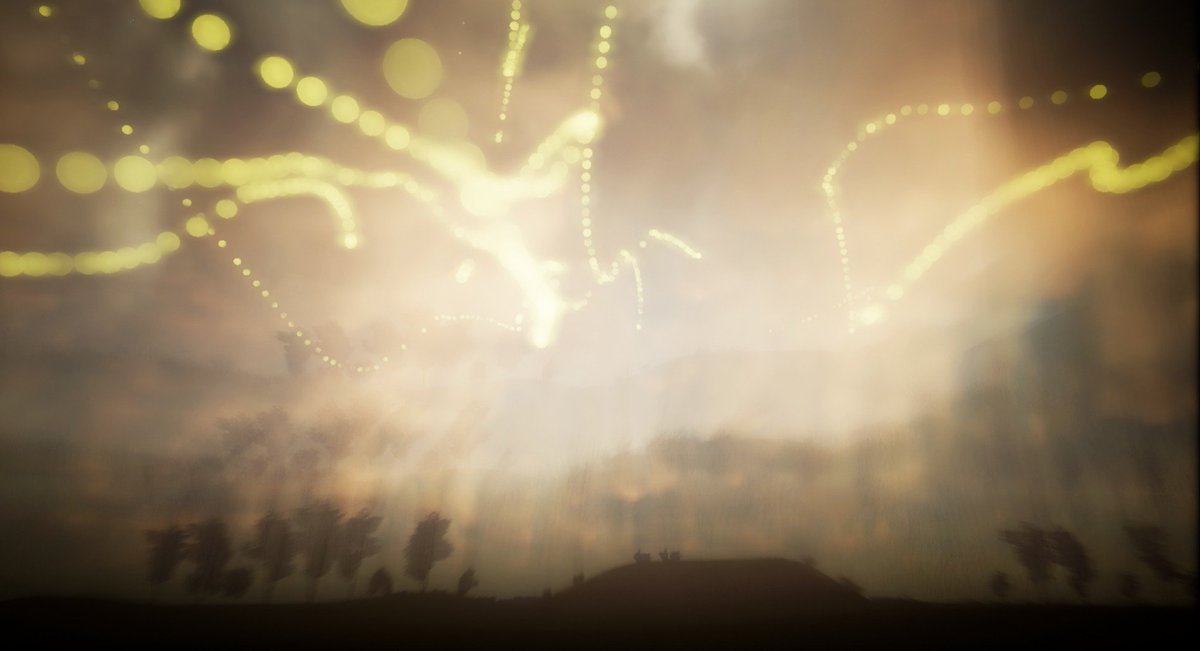 Technical Artist and Level Designer needed Background We are Drift Games, a team taking part in the UK governments 2017 Transfuzer game development competition. We won the first round of funding along with 22 other teams, and we are now halfway through building a 10 week prototype which will be submitted to a panel of…
 -
Re: The Bi-Monthly Environment Art Challenge | July - August (91)

 I've checked the proportions, which are roughly the same as your drawing. I'll post a screenshot of the arches without the distortion of perspective. Also, I adjusted the proportions to make the environment walkable for the player. the top of the pillars are to remake because they don't follow the concept art for…
 -
Re: About making roughness map

 If you're using substance painter this doesn't apply because that's not how the workflow works. What you do in substance painter is change the roughness values on the layer you want to edit here's a picture of the layer controls in substance painter: see where it says "rough"? that means that this layer changes the…
 -
Re: 3DS maxscript autorig
 You will probably want to read up on the layer manager in the maxscript help files. http://docs.autodesk.com/3DSMAX/16/ENU/MAXScript-Help/index.html?url=files/GUID-78B79975-7BA5-4A03-8FEF-27E78D14B575.htm,topicNumber=d30e259872 You will need to define the layer probably with "getLayerFromName" and then use ".addnode" to…
 -
Re: Hate painting weights? Of course you do: ngSkinTools
Can anyone share a rough workflow for how you would approach a single mesh humanoid? It seems like in his example video with just the shirt, he would put every joint encompassing the mesh on the base layer, flood the whole thing to 1, and then mirrors it. In a full humanoid, single mesh would you add every single joint to… -
Re: Answered: Decal/Text placement? Quixel Suite 2.0
 Hey Sir Apple! To add decals in the current workflow: Paste in the decal you'd like to use inside of Photoshop, positioned in the layer stack so that it's under/over the grunge or any other parts. When you select the layer (or any layer, really) in Photoshop, it will be selected in dDo as well. From dDo, click on the…
 -
Re: how do you make dds
 Its an error that happens before the export ever happens. the plugin fails to launch if it finds 5 or more channels. And as deja mentioned it has to do with having a document with just layers, and no layer at the bottom of the stack called background and locked (like is a default photoshop doc) However in that case if you…
>21889 results