Search
-
Re: How to recreate One Piece anime-style shading & glow (Paint Tool SAI 2 + After Effects)?

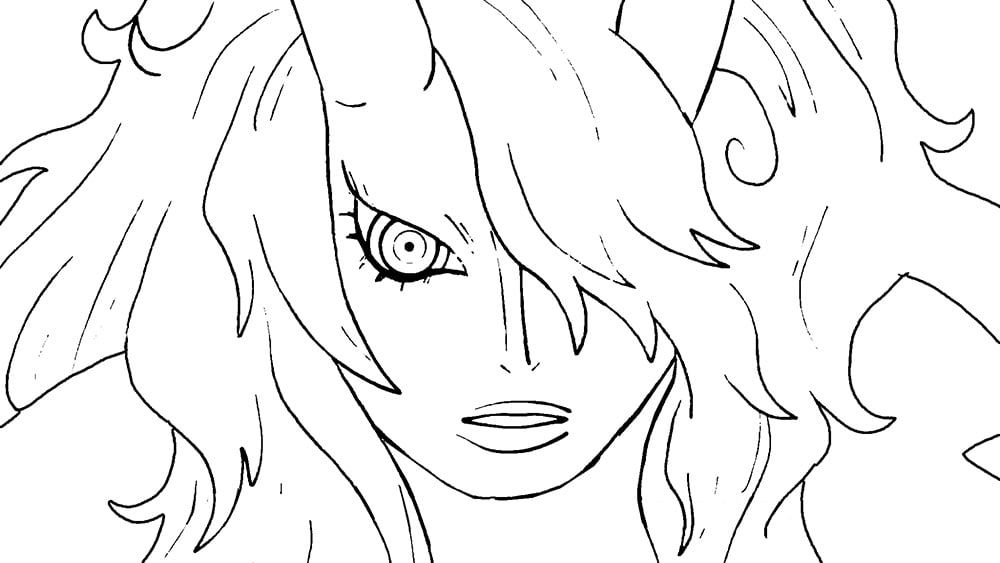 I think you've already got a good understanding of how this kind of anime post-processing works based on your initial post (a faint blurring on a duplicate of the lines layer, some glow effects on the flats, some color correction, and so on). But, attempting to recreate it on your own lines and flats loosely based on a ref…
 -
[Maya] Remapping PSD layers to optimized mesh?
 Hi! So here's the deal. What I want to do is to do a batched rebake of all the texture layers that are applied to one mesh (I'm talking about its source PSD layers here), and apply them to another one: a newly created mesh that I unwrapped individually. My "original" model has a PSD with ~50 layers, and manually applying…
 -
[Hobby] 3D Artist – Realistic MMORPG
 The ProjectWe are an indie team developing a medieval fantasy MMORPG built in UE5. The game is in early stages of development with a working demo.The RoleWe are looking for a volunteer 3D Modeler and Animator to help bring our world to life. You’ll be working on your choice of environment props / creature models /…
 -
Re: [WIP] Feedback on my first modular wall prototype (ProBuilder) + anime-style ground texture attempt

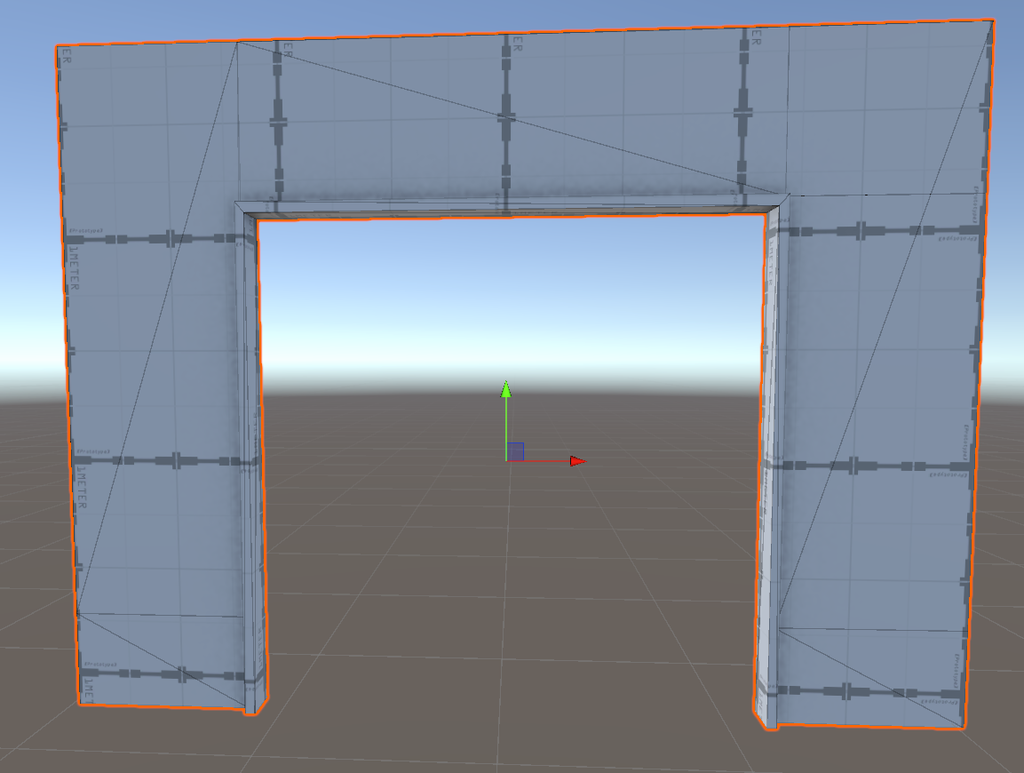 Update! -Added an exterior door wall. -Added a walkway. -Replaced the window opening model with a new one. I also had a question about the back faces of wall models. In the case of the school’s outer perimeter wall, I deliberately removed the back faces to save on polygon count, since no one will ever see that side, it…
 -
Exporting 3ds rigged game character to FBX error, due to layers?
 Trying to export my character rigged in biped to fbx to use in unity, but I keep getting this error. Warning: Unsupported 'By Layer' mode (14) The FBX plug-in does not support objects set to "By Object" mode in the Object Properties > Display Properties group. These objects are exported as "By Layer" instead. You can…
 -
Re: How to do Layered Materials in Unreal engine 4 UE4
 Layered materials are actually just material functions, which are blended with other material functions, and by doing that (combining them) you create a new material. Actually, you don't need to set up different materials ids (you can, but its not necessary for the material layers to work). I usually do this when working…
 -
Photoshop tip finding that one layer without turning them off one at a time!
 I just realized this, sorry if I am the last person on earth to start using this workflow. Hold ctrl and right click some pixels in your open document that has multiple layers. It will show a pop up with that layer's name that your mouse pointer is over. Select the layer name from the pop up and it selects that layer in…
 -
Re: PS: Painting tones affecting lower layers at different values

 To do this in Photoshop you need to use a smart object, multiply-blended groups, threshold adjustment layers and clip-masking. (Source image was this.) The layers needed (I actually used more for the above): (1) Group folder, always in Multiply blend mode. (2) A Threshold adjustment layer with the threshold set to what you…
 -
Layered texture help - Maya 3D
Hey guys. First off, I want to thank Illusions for the help on how to figure out my texture rig. Second my issue this time around: Rendering layered textures I was able to build a somewhat functional layered texture rig that I can fully control, managed to make all the connections and now I can control the way my textures… -
Re: Photoshop - Apply Blend If Layers
 There's no problem while u use Blend If - This Layer. You just have to create a new layer on top, select BOTH layers and ctrl+e to collapse them. It's a bit more tricky when you use Blend If - Underlying Layer, since of course, it depends of the underlying layer. Hopefully, the blend options between two layers are…
>21871 results