Search
-
Re: Maya subdiv problem
 Alternatively, if you did use bridge, select and split the offending verts. Then select the result and merge back together to fix it.
 -
Re: Toolbag 2 is on Steam! | Marmoset Toolbag 2 | News & Announcements
 Any reason why the Load Selection in Photoshop is giving me an error that no pixels are selected for what should be the Alpha of the model?
 -
Re: How do I bake only hard edges onto a wireframe texture?
 Couldn't you duplicate the model, select the hard edges, invert the selection, delete the edges, export the UV snap shot?
 -
Re: 3dsmax triangle count stats from camera view
 A simple workaround is this: Set this to Total + Selection. And then select everything in the viewport. It culls per object and not per polygon, but it should be useful.
 -
Re: Need your input...Mouse Button Short Cuts for Max
 split loop loop select ring select connect extude collapse cycle pivot mode repeat last operation
 -
What's happening here and is this common practise...?

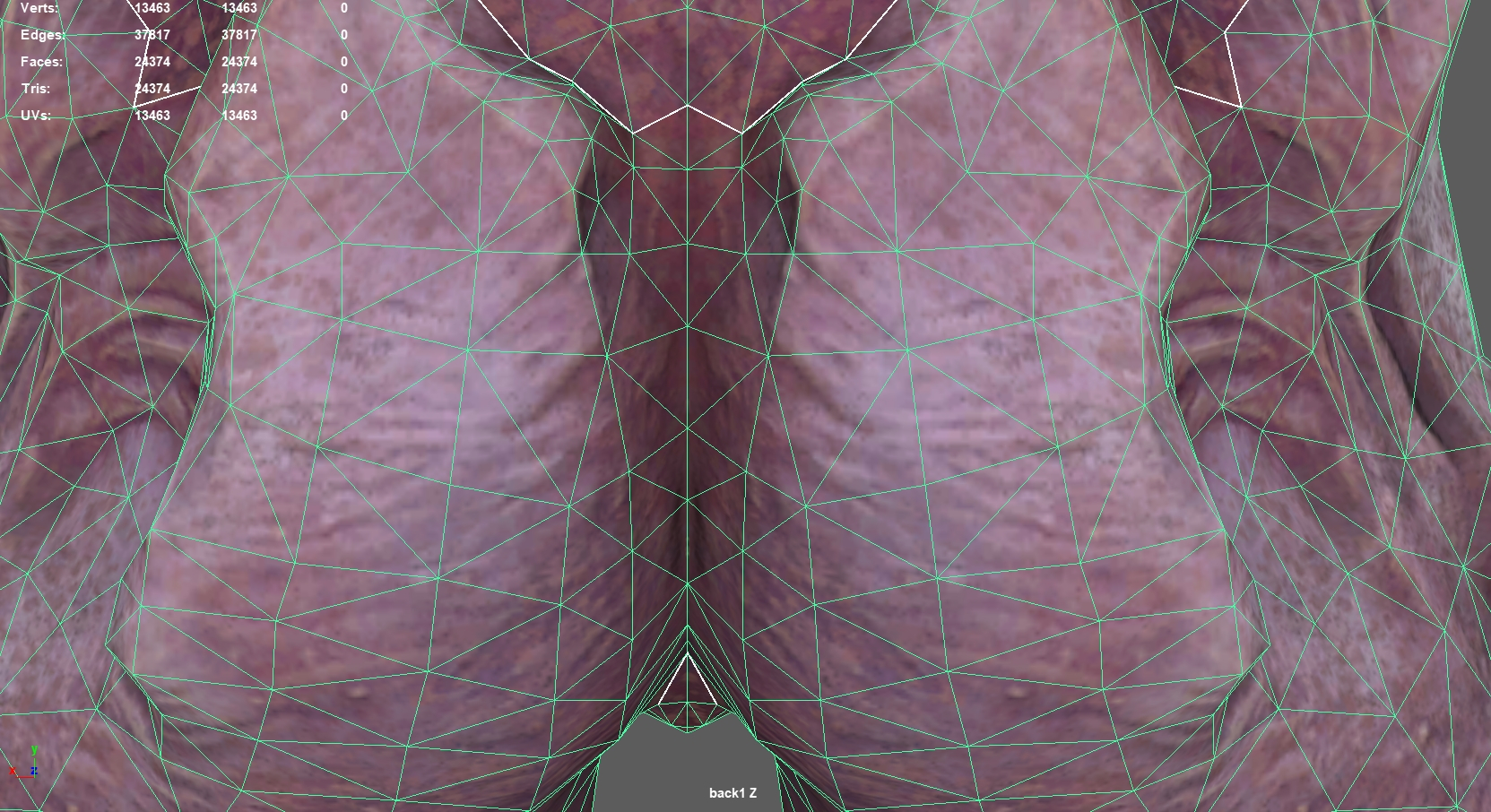 Hi I came across something strange whilst examining how the Hell Knight model from Doom Eternal was unwrapped. I swear I may have come across this before and possibly asked about it...? I'm not quite sure how this works. But also, is this common practise...? Around the butt area, the top, bottom, and around the upper leg…
 -
Re: Normal Map problem
 Using SBM and meshsmooth is the way to go, turbosmooth is okay if your just previewing but as a final product it's not ideal imo < that's from personal experience though some people like it :/ ======================================================= This is my method with some instruction from Santiago Orgaz; 1. Detach all…
 -
Zbrush Brush issue - Inverted?
 For some reason, its like the brush is inverted, its acting as if i've selected Zsub, but even when selecting Zsub, it acts the exact same. Seems to do the same for claybuildup too??
 -
What is this and how do I kill it?
 Something evil with grids and selections. Evil useless photoshop features be damned!!! CTRL-H hides it, but if I make some selection and ctrl-h again it pops back up.
 -
Re: two questions (3ds max)
 1)In the uvw editor -> Select Overlapped Faces, if none is selected nothing is overlapping 2) For example in Edge Mode ->Edit tri.
>15393 results