Search
-
Re: Robot character model WIP
 Good to know that I don't have to blame software when I will get bad normal mapping results... Now I have my low poly ready for test baking: It's 89 polygons so I exceeded my budget only by 14 polygon ( or by 18.7 % :shifty: ). I hope its OK to use both tri's and quads in model? I was surprised how fast the number of…
 -
Quixel Suite 2.1.1 is OUT NOW!

 Great news today! 2.1.1 just rolled out! With Smart Material Batching, and a dozen new Smart Materials too! Create & load presets made from entire projects, 1.8 preset conversion, plenty of fixes and much more: - A bunch of new highly requested Smart Materials - Introducing: Smart Material Batching (auto generate all…
 -
[UE4] Seized Town

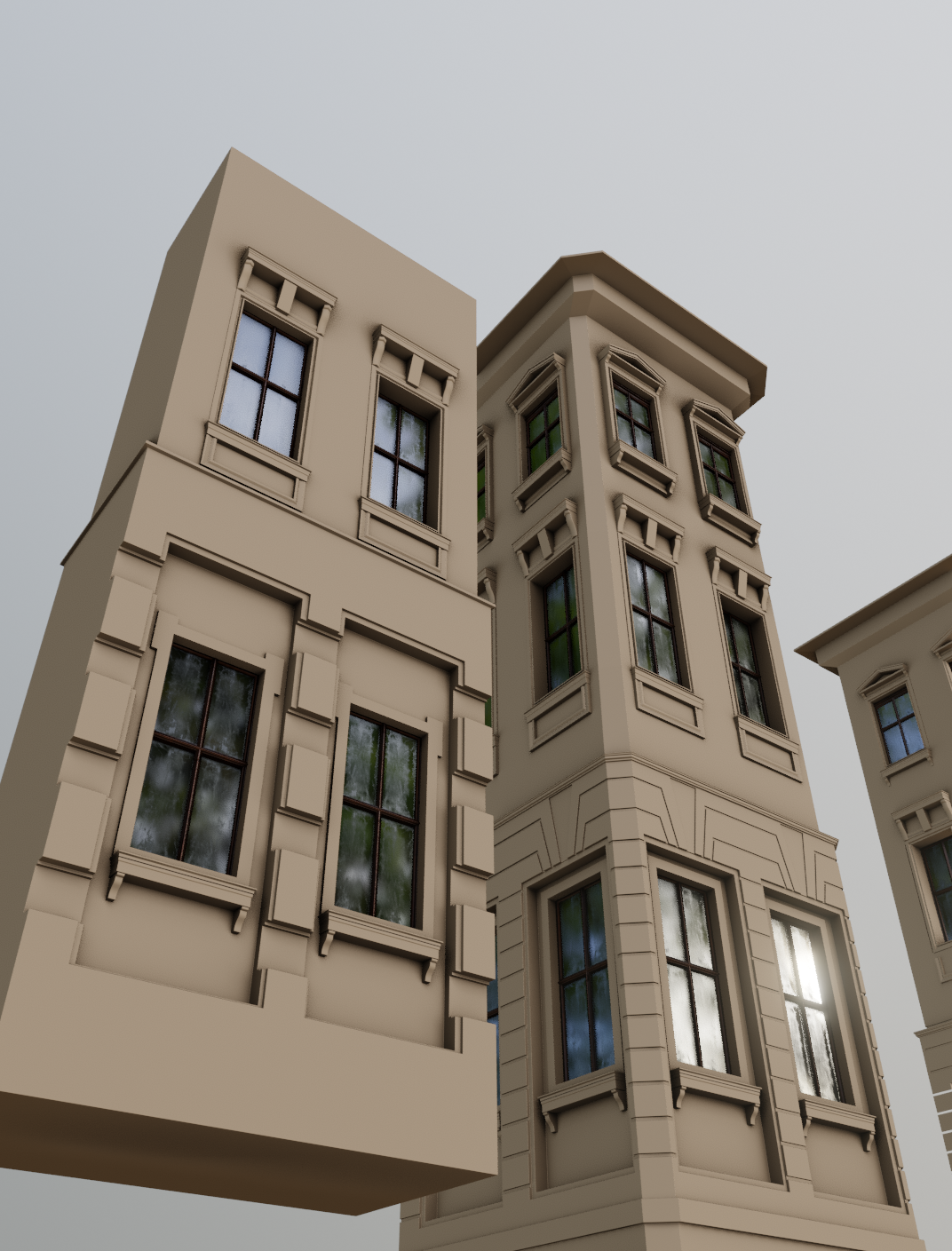 Hi all! I'm building a new environment in UE4 with another artist (Ilya) and decided to start thread here and share with you my progress and thoughts. I do this environment for a while now and at last have something to show. The idea of this environment is to build European town with some hostile alien sci-fi architecture.…
 -
Re: disseration survey on ai for games art
 I wasted so much time last year trying to find any generative AI that would do something helpful in gameart production. Very much to my surprise I found absolutely nothing . Especially after all those short AI youtube vertical videos. The gameart depends on subtle nuances too much, especially in realistic style . Too…
 -
Re: Hand-painted Wells
 dissonance - No way! hahaha thanks that is really flattering :] Seirei - I'm surprised too :0 I thought I was the only one was clueless about them haha. It is obviously not the first thing I learned when I started texturing. I just learned a very linear process of building a model, unwrapping it, and packing it into the…
 -
[UE4] Watery Wasteland

 Hi all, My new wip drug. Critz are welcome. :)
 -
Node Editor question?
Hello all, Very newbie question, but I've double clicked on a Material Instance, and it's taken me to a big material sphere with some parameters to the right. How do I get to the node editor for this material? Can you only edit nodes for a Material and not a Material Instance? It's a material from Megascans that I exported… -
Re: Normal maps in UDK
I only briefly flicked through that but I don't see them making a material in UDK at any point. If you've never worked with UDK before, make a new material in your package (right click in browser->new material) and drag your textures into the window that opens. Link them up to the diffuse and normal slots and close the… -
Re: BFA Final - Secret Government Base (UDK)
 The problem with the translucent material - in UDK you must have a separate material for any model that is using grayscale alpha (i.e. a material that has SOME faces that are not completely opaque nor completely translucent). Otherwise the mesh will look all messed up. In 3ds Max you'll need to set 2 material IDs for the…
 -
Re: Odd Render to Texture Issue in Max...
 Did you try moving everything except one piece of the tile out of the "live area". You should rebuild your material, it more then likely baked it into a shell material. Even if you see your old material and it has the white triangles in the corners its more then likely been added into a new "shell material". Eye dropper…
>32883 results