Search
-
Ninja Dojo 3.5
 Ninja Dojo for Maya Updated Ninja Dojo to 3.5 Ninja Dojo is an oraganized UI wrapper for all the ninja scripts and other mel scripts plus more. Feature List: * Ninja Mesh * Ninja UV * Ninja Fracture * Ninja Light * Ninja Rename * Ninja Assest * 3 Custom Shelfs which you can have each as a floating window. * A Mel manager…
 -
Re: Bake AO using Self Occlusion?

 One other benefit you'll see from merging objects in the low poly mesh is reducing aliased geometric edges. Anywhere that you have objects intersecting like this you'll see this kind of aliasing. But if you merge the objects, the seam between them will be anti-aliased in the bake and look cleaner.
 -
ZBrush polypainting on multiple subtools simultaneously?

 Hey,I was wondering whether anyone knows of a workflow, plugin, hidden feature, whatever that would allow me to polypaint on multiple subtools at the same time.I have a full figure creature sculpt and have managed to merge most of the subtools into one; except for the head (which is 12 million polys on its own). I can't…
 -
2 Random Max problems.
 I am having 2 strange issues in max that just started occurring a few days ago and I cannot remember if this followed a crash or what, but here's what's happening... Issue #1: Whenever I import an fbx (I havent changed my fbx settings) the mesh appears fine, but as soon as I do something to it (mirror it, break off a…
 -
Organic Environment Inspired by Southeast Asia – UE5 (No Megascans)

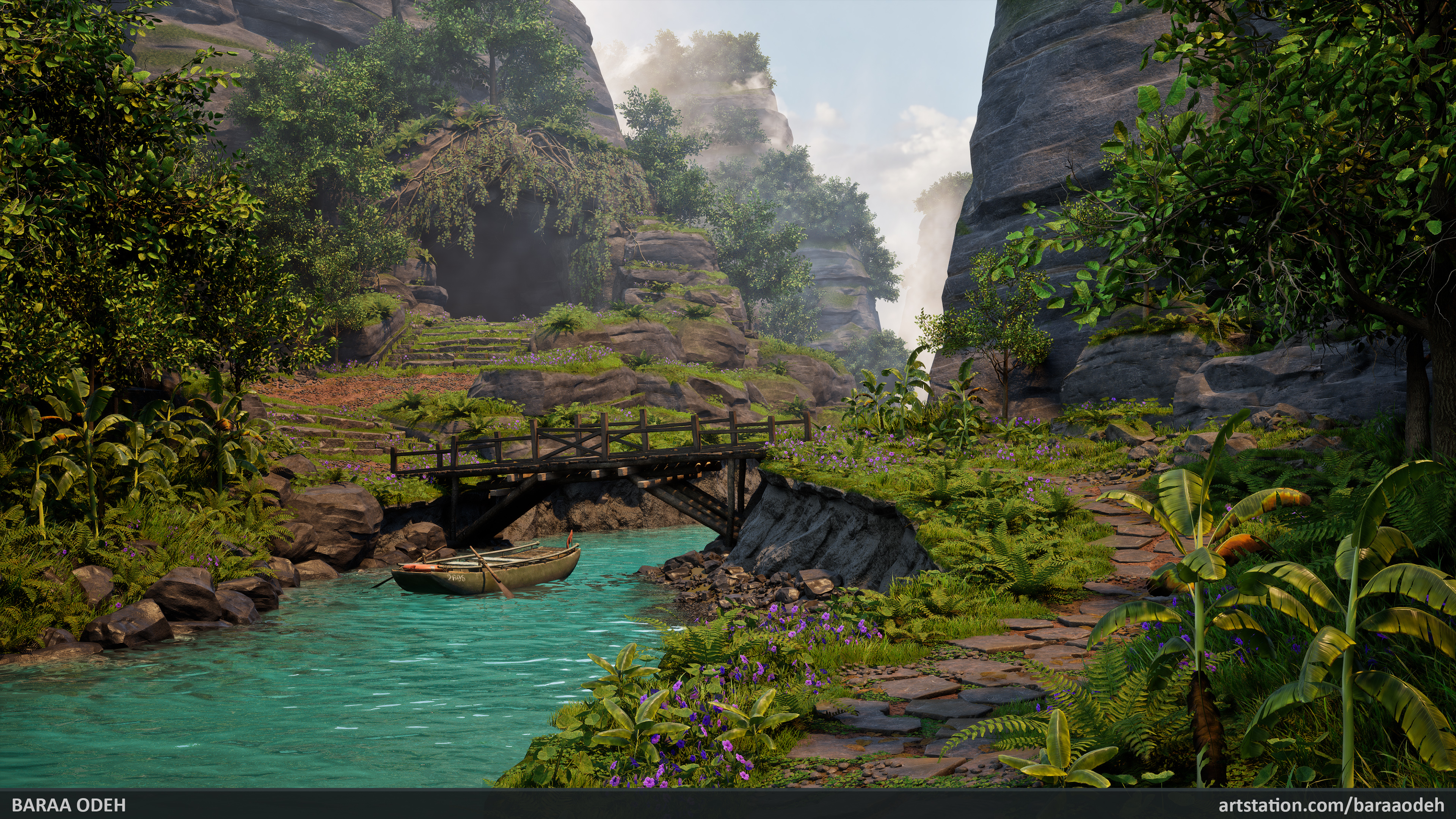 -Personal Project-I'm very excited to share my latest project – an environment inspired by regions of Southeast Asia. This project came with many challenges, and everything you see was created entirely by me from scratch, without using any pre-made assets… yes, that means no Megascans assets were used! The project took 17…
 -
Re: Cover Letter Critique
 While I agree with almost everything Nerf Bat Ninja said above me, I kinda disagree with his first point (intro). I would maybe not write stuff like "I am a big fan! I think Telltale is mega great!" (especially exclamation marks, I only use them in rare cases in cover letters). The thing is, I might be wrong to generalize…
 -
Substance Painter mask driving me crazy

 I am trying to combine two masks into one. Half of the mesh has a correct mask on one side, so I duplicated it and rotated it. Now I want to mask out half of Mask B, to combine them at the halfway point. The mask layers So I have Mask A and Mask B and a Paint Layer to make half of mask A invisible and then put Mask B on…
 -
Re: How I reduced eye fatigue
 @gnoop thanks, i'll check that out, would be interesting to see what default values for my screen is outputting. after using dimmed screen for awhile, going back to normal display feels like a mag light shining at me. lol, celine for the win. my mom used to listen to that on repeat during long car trips. great memories
 -
Re: 'Vanished...' Demo Development
 Vanished 0.0.2*Added FocusOnObject Function *Added Lightswitch Function *Added Item behavior scalability *Mag glass upgrade *Mag Glass animations *Mag glass zoom funtion *Basic Item functions *Better dragging *Toolbar Button toggling *Hover Glow script replaces materials on object hover *Left CLick Now Picks Up items OR…
 -
Re: Portfolio feedback
 I can't say too much about the posing methods, although once you get a better handle on that with whatever method you choose, I'd recommend relaxing his elbows a bit by bringing them closer to his body. Besides that, when you put a character or model into a scene, you want them working together as a whole piece. With that…
>22675 results