Search
-
3ds max view port
 anyone know why the texture goes dark when i go into viewport canvas tool to paint on the model?
 -
A view from the Brink
 CGSociety has a great 2 page article discussing Splash Damage's latest effort, Brink. They talk a lot about their art and design choices they made when working on the game as told through concept art samples. Lots of pretty pictures and some great thoughts to absorb.
 -
Albedo viewing mode in editor?
Curious if anyone knows how to look at my scene in the editor in just albedo mode - just the flat textures, with no lighting or anything. I'm assuming there is a way/command, yes? -
Re: FEEDBACK - Bugatti W16 Engine
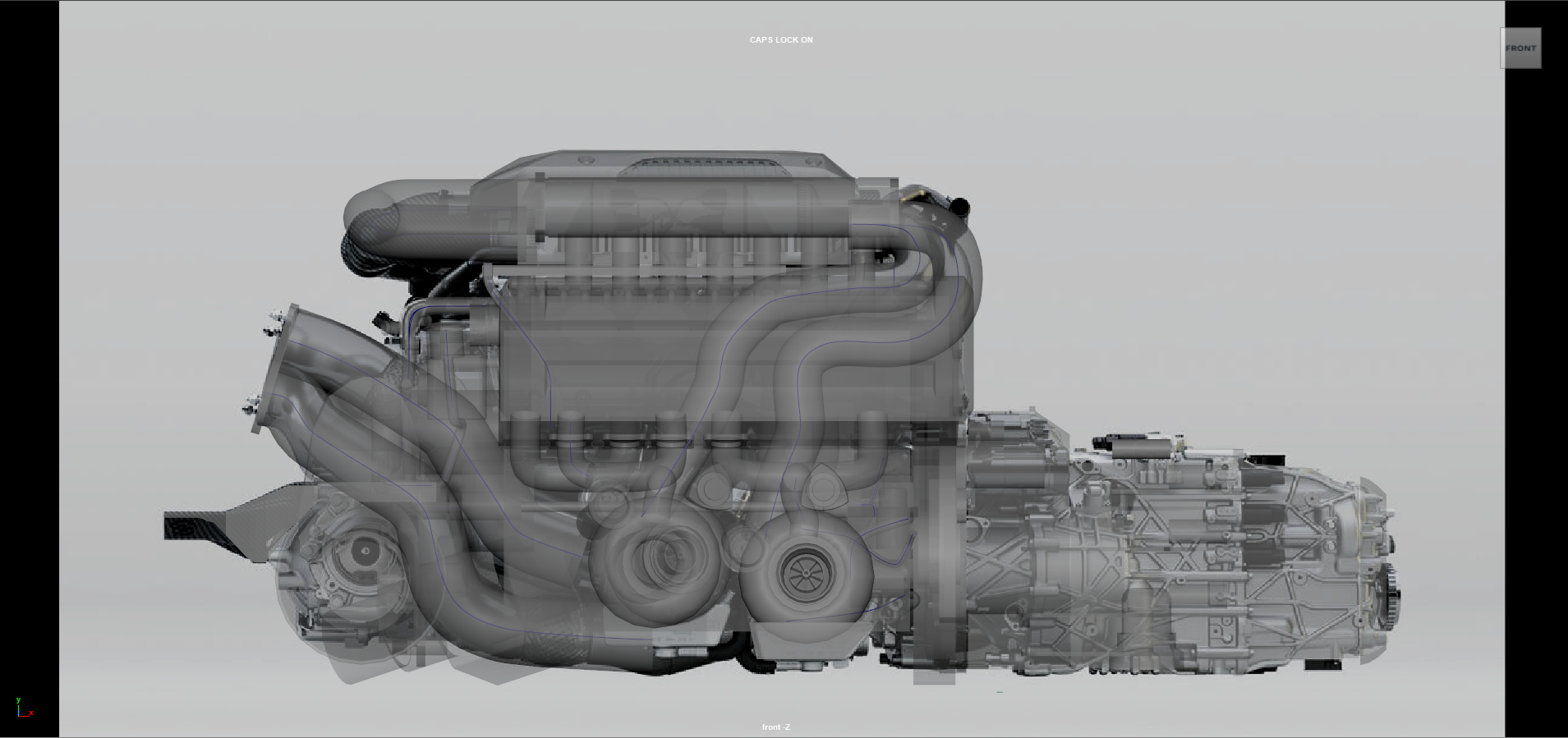 Ooo okay i tried something I do think that the front view has a lot more distortion just because how asymmetric it is.
 -
lights do not update in view
Can someone explain this to me. I am putting spot light in my scene ( static or stationary ) and I am changing the intensity, cone angles attenuation etc and its not updating in my scene? Why not? Alex -
view .tga dimensions in windows explore
i'm looking for this one quite some time now, maby someone over here might have/heard of it. Thanks.. -
"A short view back in time"
Electronic Virtual Productions first short 3D film. A 10 min journey through nature set to the music of Beethoven performed by the Musopen Symphonic Orchestra, produced by Alexander Diplock and all images were rendered in realtime using Cryengine 3. https://vimeo.com/54936451 -
Creating - Viewing Vertex Maps
Why must I subdivided edges on a mesh to get a acceptable results from a vertex map ? The method to create a vertex map as most know on a mesh is Lighting/Shading > Assign New Bake Set > Vertex Map, can't you see a vertex map in the viewport ? -
Re: How to reduce normal map baking artifacts caused by low/high poly mismatch?

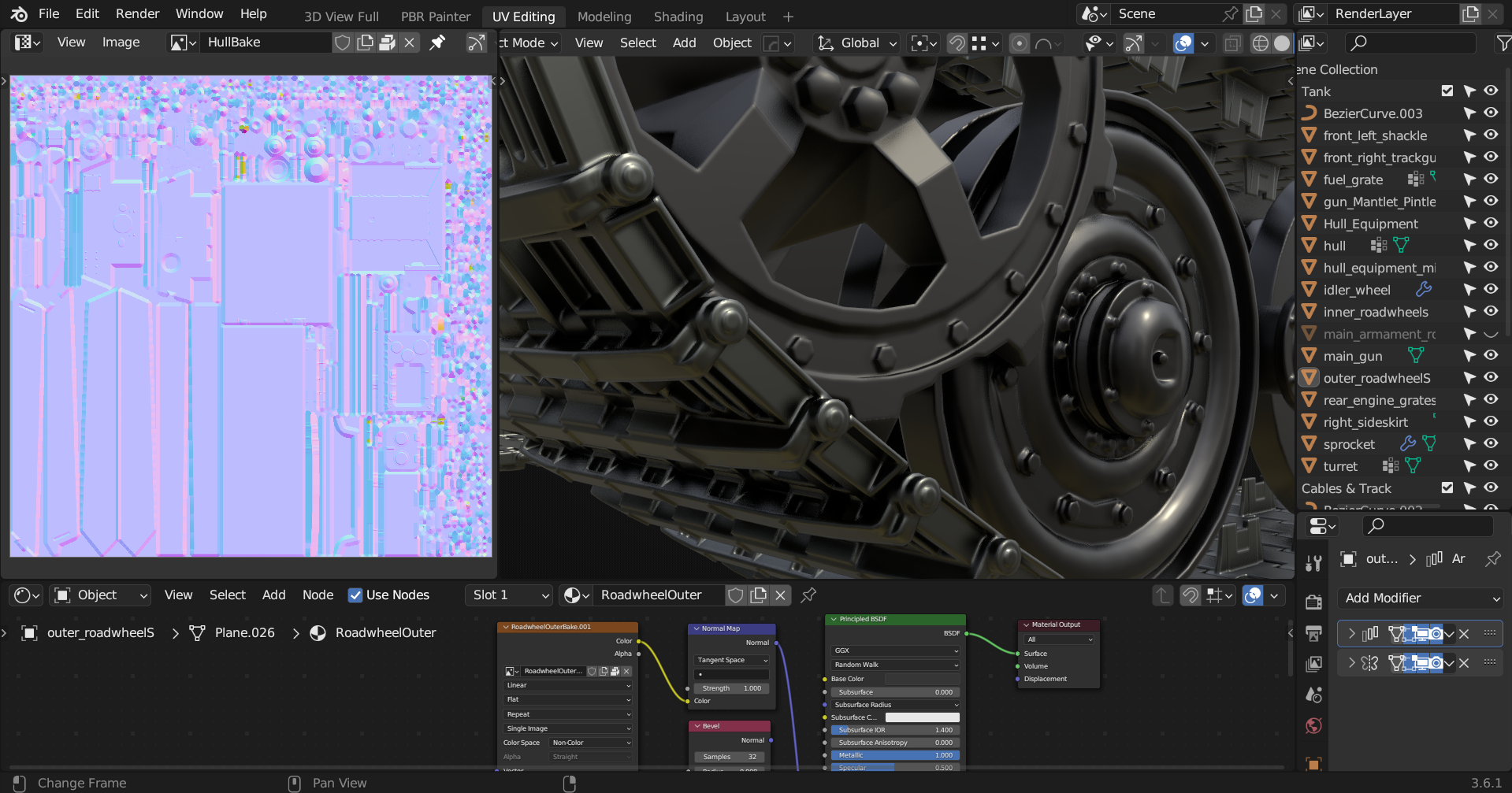 Nice writeups @Thanez, although apologies think I'm derailing this topic a bit but yeah I've dabbled with Blender's rounded edge shader which indeed does bear looking into for future reference, if the OP should wish to do so at some point. Anyway briefly vanilla workflow is imo fairly adequate in terms of most hard surface…
>29830 results