Search
-
Re: UDK planet model normal map lightmass seam issue
 Did you import the normal map with correct Compression settings?
 -
Re: low poly cage in maya for xnormal..
 * duplicate your model. * select the original and place it on a display layer and make that layer a reference layer. * take the duplicate model and switch to vertex component mode (RMB over model or F8 - i prefer F8 * select all the verts and hit "W" for the move tool * either double click the move icon in your toolbar, or…
 -
align objects to normal face in Maya

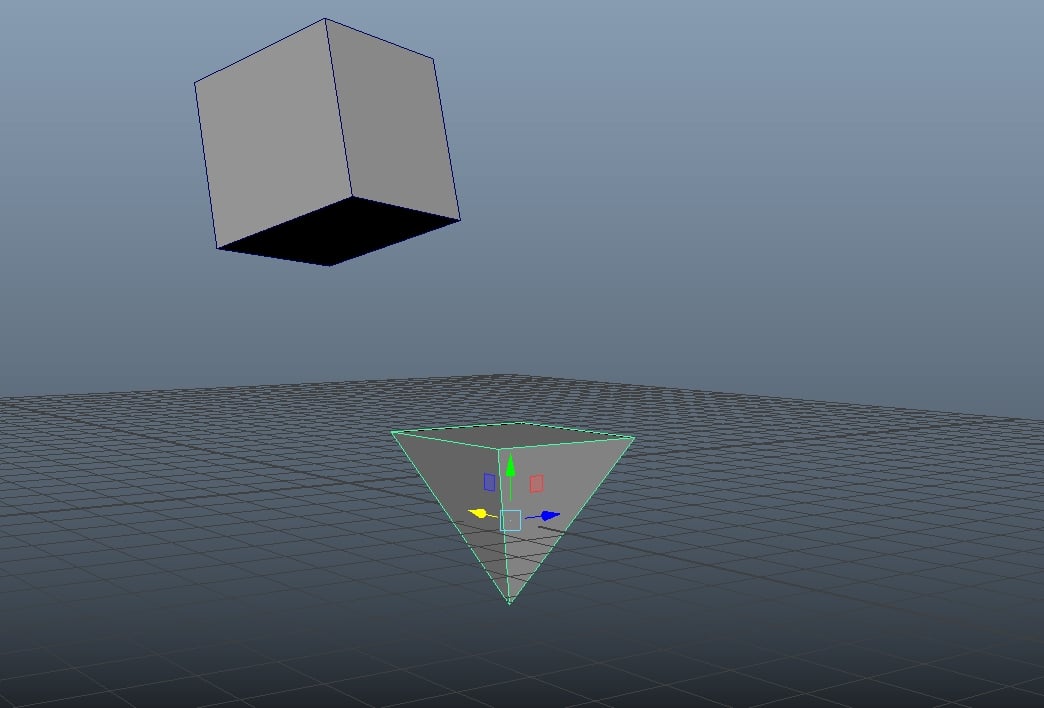 Maybe this is a newbie question but i was searching a lot and didnt found an answer. The question is if i want to align orientation by one face of an object to another face but i want to orient the y rotation axis to because when i use the snap two objects together tool it doesnt align the orientation perfectly. i made a…
 -
Triangles showing on bake/normal map
 Hi everyone! I'm working on this game asset and having issues with baking. I'm also using Marmoset Toolbag 4.02. As you can see in the picture, there are triangles that are showing up after I bake. I exported from 3DsMax and made sure to triangulate the model so that the triangles wouldn't switch between programs. I can't…
 -
Symmetrical Normal on X axis possible ?

 Hi everyone ! I'm actually facing an issue with seams. Here the frame body is divide in 4 parts in the UV, the part 1 has a mirror of itself. When working in Painter I noticed that the part 1 is great on one side, but the other side the part 1 mirrored, the seam is really obvious. I think the problem come from the part 2,…
 -
Toolbag to UE4 normal sync issue.
 I'm having some trouble getting UE4 to display this specific area of my model correctly. It was baked in Toolbag 3 using MikkTSpace with a triangulated mesh. As you can see, the results display correctly in Toolbag 3, however there are issues present in UE4. I've followed this guide with TB3 replacing xNormal…
 -
Weird Distorted Area After Baking Normal Map
 Those are some pictures of the problem. Has anyone here ever seen anything like this before? It is a Hover Craft that I am trying to do texturing on. I encounter this issue during the baking process. Every other part of the model looks fine except for the Hover Craft's Handle (see images above)
 -
lowpoly smoothing groups
Everytime I bake normal maps in xnormal I get extremely ugly results. I made this model to test out smoothing groups and perfect normal baking. In this image, my cylindrical bases will be divided like so: The cylindrical part will get a cylindrical map with one smoothing group on one UVW island. The top of the cylinder… -
Re: Answered: nDo not giving me options for normal maps?
I have the exact same issue as displayed... Tried this: Still the same result... After creating the NORMAL tab, I am still denied access to the edit tools. :/ -
If i bake normal with something thats covered by anothe obj, will it has artifact?
it has a different geometry island, but still in the same .obj file
>37666 results