Search
-
Re: New Environment render
 I added the fog a little bit, ambient occulsion, and sharped the image in photoshop. Personally like sharp pics. I will fix the wire after, and it's probably gonna be my final render, but still, all critics are welcome. Thank You very much.
 -
Re: Best workflow for creating materials based on photo captures?
 Joost's advice is spot on, but just a few more things to add: The aperture you'll want to use will depend heavily on distance to object. If you're very close to a small object, F8 may not give wide enough DOF, so some areas will be out of focus, so you may need to go down to F16 or so. For large objects that are further…
 -
Plasticity Learning Exercises

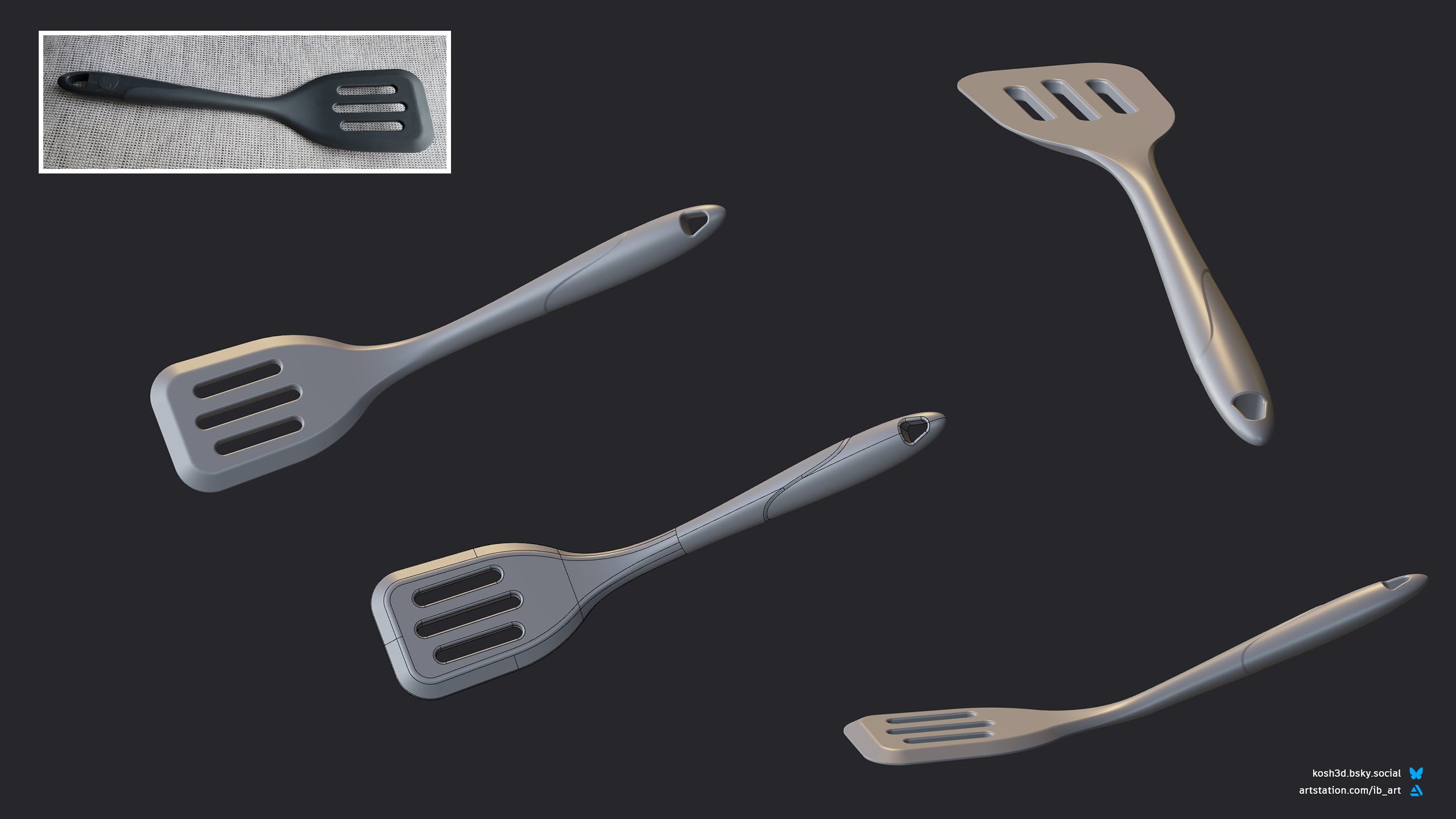 Hello! I started learning Plasticity recently and wanted to share some of my thoughts about the software. Maybe this will be interesting for people like me, who have a poly-modeling background and consider giving CAD a go. First of all I was pleasantly surprised how "artist" friendly Plasticity is. The interface is very…
 -
Re: Stlylized Character
 its a good start, the concepts are fun! I feel like you could carry over more of that angular sharpness into your sculpt, stay at a fairly low subdivision level and use the flatter or trim brushes to create those flat sharp angles in the concept.
 -
Max and maya spline
 Hi, I come from max (10 years xp) and need to learn maya. I want to make metalic tube with spline. With max it's really easy to create both sharp angle and smooth angles with filet for exemple. I don't know how to do sharp angles with a cv curve inside maya. Any help ?
 -
Nik Collection (now free)

 Very nice filters for PS, just started using them today with Quixel. Great to see the changes in 3DO. Worth checking out: https://www.google.com/nikcollection/ Below I am sharping the normals after sharping the Albedo, you can immediately see how useful this is and there is a load of other filters to play around with.…
 -
Re: Cold forged blade
 cool concept, coming along great so far. Only crit is it looks more like a big popsicle than a sword... mainly because there's not way to tell that the blade is sharp. Maybe make the texture lighter around the sharp edge of the blade?
 -
Re: High Poly Amazon woman..
 I agree with Notman + I thing the chin is to much sharp, especially in side view she looks odd. Eyebrow is also wrong. It should be wider and less sharp on the edges. Keep going, there has been a lot of improvement in last update.
 -
Re: My first almost complete piece
 Your model seems to be sharp edge. Pay attention at this. In the real world, nothing is sharp edge like that (except maybe knives). Another thing : the wood line arn't really logical inbetween them, try to respect their sense :) . Hope my advices will help you :)
 -
Re: Maya subdivisions
 @throttlekitty Hey, One more question when I use smooth preview I have my vertex boundary set to sharp edges and when I click on smooth mesh preview to polygons it uses the vertex boundary sharp edges and corners anyway to fix this?
>27681 results