Plasticity Learning Exercises

interpolator
Hello!
I started learning Plasticity recently and wanted to share some of my thoughts about the software. Maybe this will be interesting for people like me, who have a poly-modeling background and consider giving CAD a go.
First of all I was pleasantly surprised how "artist" friendly Plasticity is. The interface is very light, there are almost no buttons to click, which might be a big drawback for people who like clicking instead of hotkeys though.
The biggest difference is obviously in the way how things work in CAD. No polygons, no topology problems. Which is cool, but not gonna lie, I do miss the ability to just grab a vertex and move it, polygons are a lot more flexible in that regard. The CAD workflow does offer a lot of cool features though that I do like and see the benefit it provides.
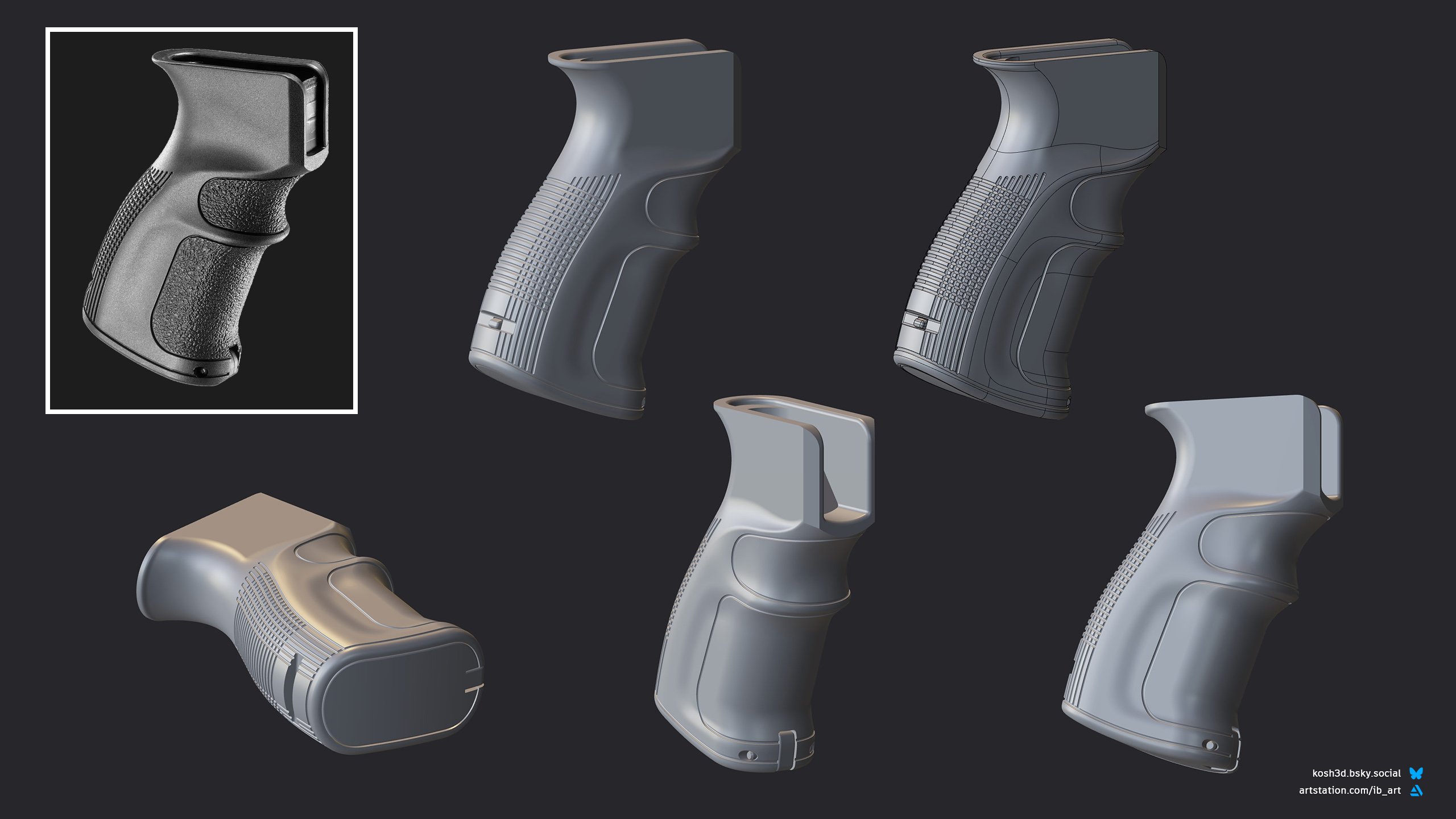
I started by reading about how CAD works and key differences between it and poly-modeling. After watching an intro video to Plasticity on youtube and following some simple modeling examples, I picked some small props to start modeling on my own, trying to get a good range of objects from mostly hardsurface things (like the handgun slide) to more organic shapes which usually present a bigger challenge.
Below you can see the models I did over the past two weeks. Things like the grip were the hardest, since surface modeling is very tricky. In production, my first pick for the grip would have been subdivision-modeling, but this might be just my bias since I have a lot of poly-modeling experience.
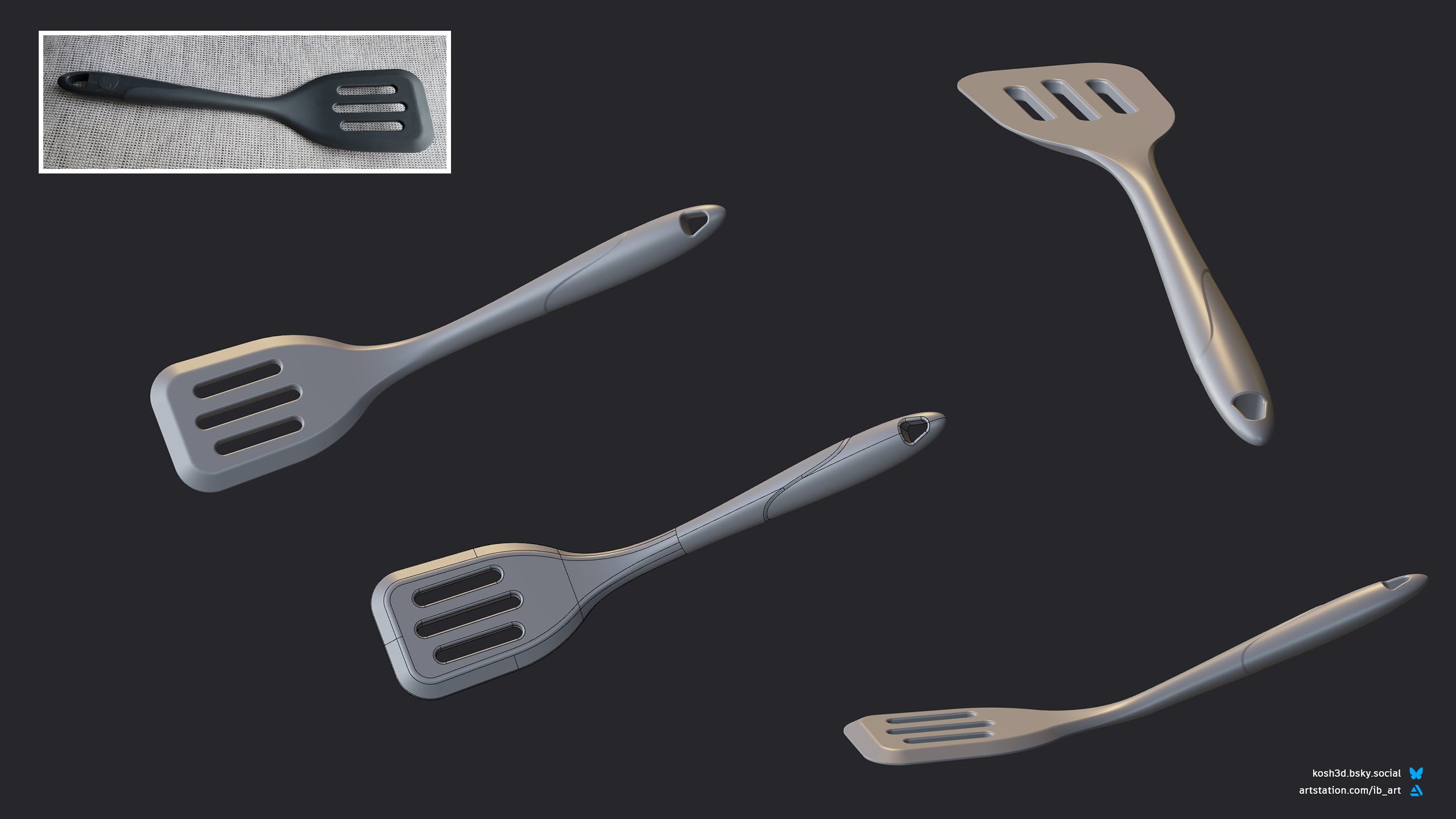
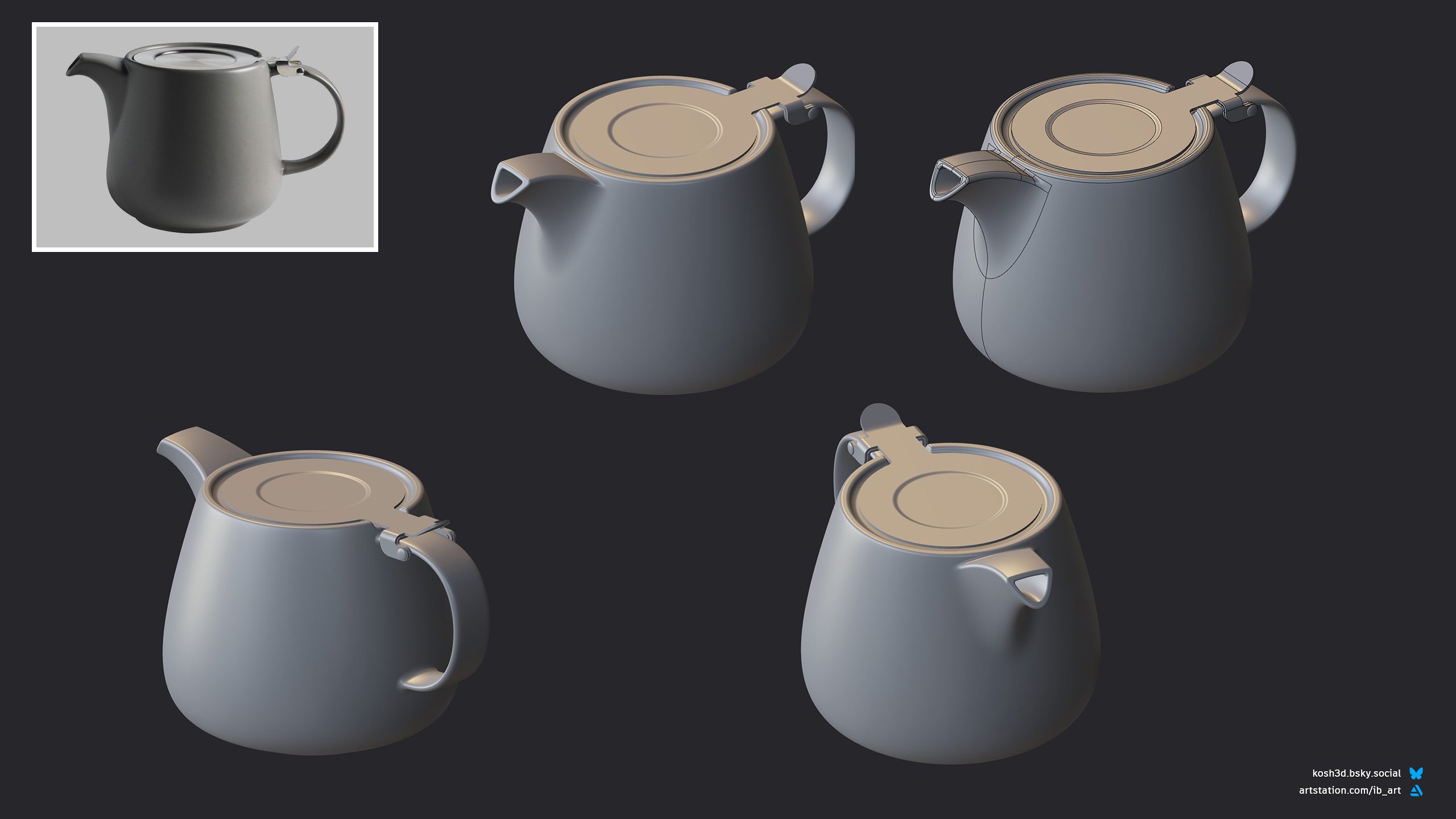
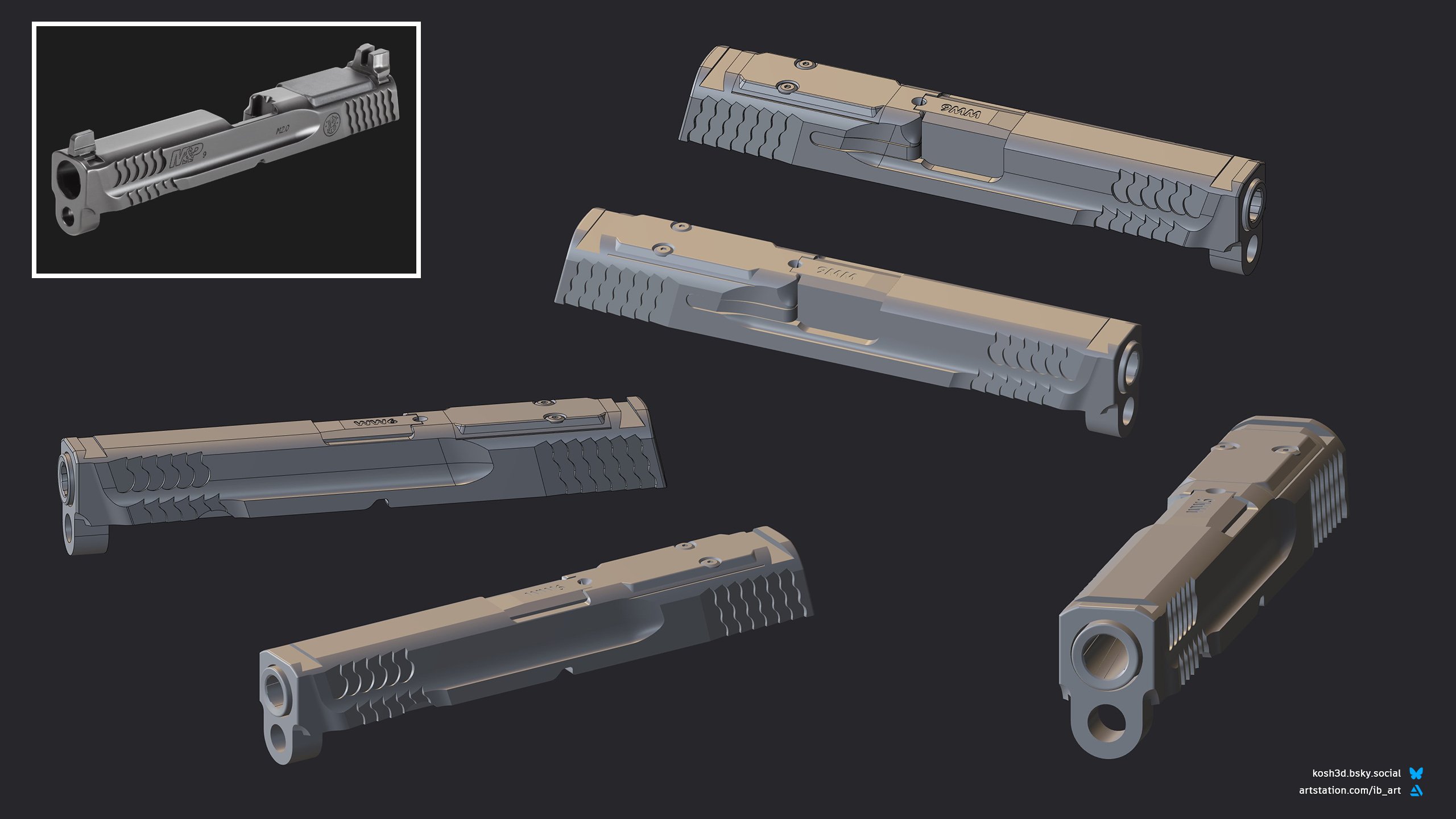
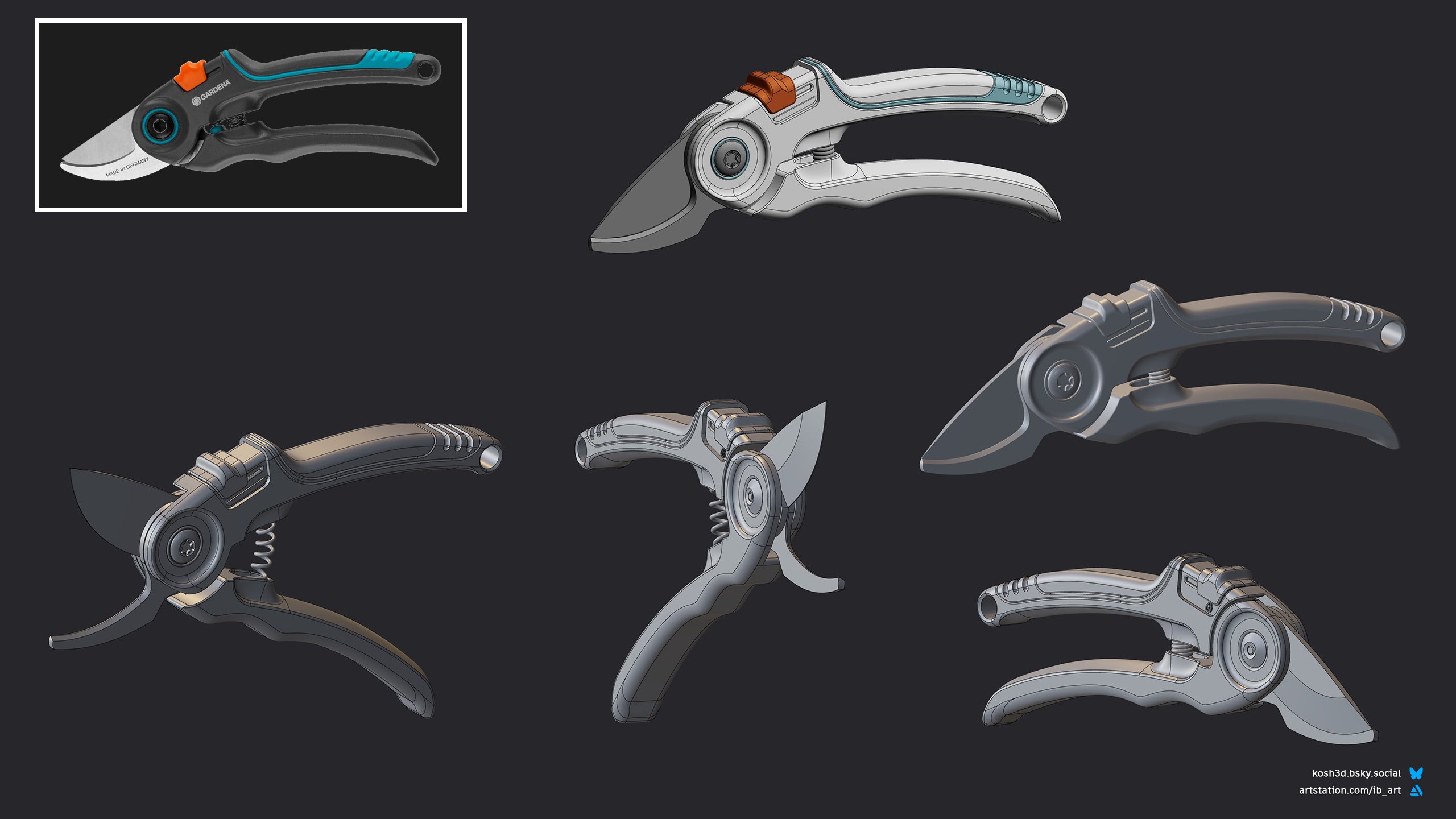
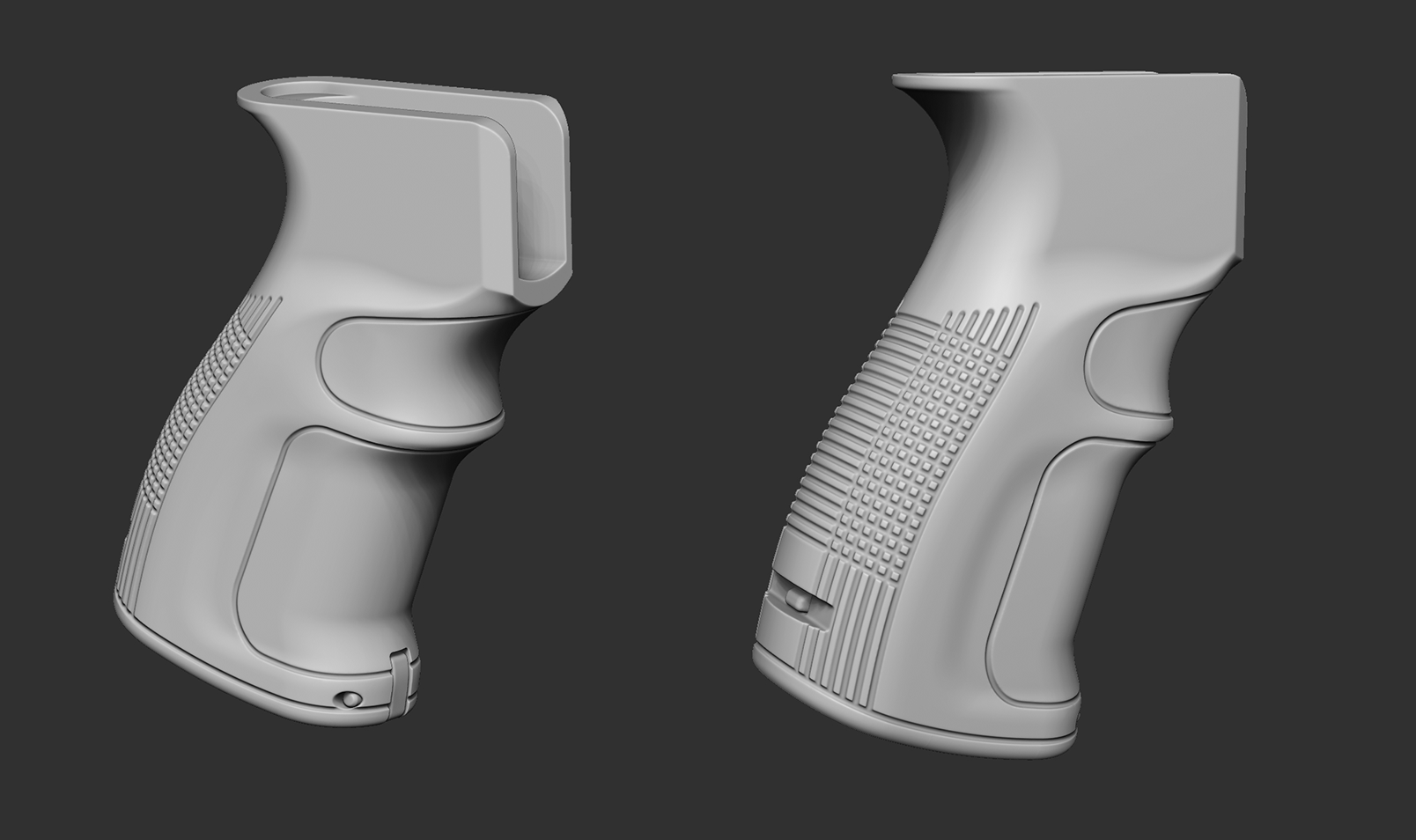
For a quick test, exported the grip from Plasticity into ZBrush:
So far my impression of Plasticity was very positive. I don't
think CAD will "replace" poly-modeling for me but it's a very powerful
tool and I will continue learning it.
Replies
Since it's used mostly by artists, it's better to watch tutorials for Fusion 360, if you want to understand CAD methods. Some tools are different there, but you'll see how engineers think and work.
For those who want to try Plasticity, I can confrm, it's very user friendly. Also it has 30 day trial and great online documentation https://doc.plasticity.xyz/ I think every hard surface artist should at least try Plasticity. Or Fusion 360. It is free for personal use, but license is more expensive.