Search
-
Low Poly Workflow with no Normals
 Hello, so I am working on this really low poly building I quickly whipped up and quickly UV'd but the 3DO won't display it... I have hoped to be able to at least see it there before I bake the AO and ID maps (painted them by hand using hard edged masks in photoshop) however I am wonder if anything will even yield a result…
 -
Re: any way to render normal maps in Maya 6.0?
 hrm... did you use maya to generate the normal maps, or some other program like Orb or ZBrush? To be honest I don't have maya 6, but I had normal maps rendering in maya 5 at some point and I THOUGHT I just hooked it up to the normal camera... I will check into this...
 -
Re: How to ZBrush Coloring and normal map.
 you can use the normal brush. Turn Z intensity down to 0 and leave the RGB on. You can probably project the color from hi res to low res, im not sure. To create normal maps you can use Maya's transfer maps (rendering menu set >lighting>transfer maps) or use zmapper. Inside transfer maps windows it's pretty intuitive. You…
 -
Re: [3ds Max] Can I Flip UV's without Inverting Normals?
The normals of the UVs will be inverted. The mesh normals usually won't. If normal and bump maps are displayed correctly depends on the renderer or real time engine used. -
Getting strange artefact when baking low poly normals in Substance painter.

 I clearly haven't any clue why this is happening inside substance painter when baking low poly normals. When I am trying to Unify the normals from 3Dsmax changing the smoothing group's values.
 -
Spots in normal map from Maya's transfer maps. What's going on?

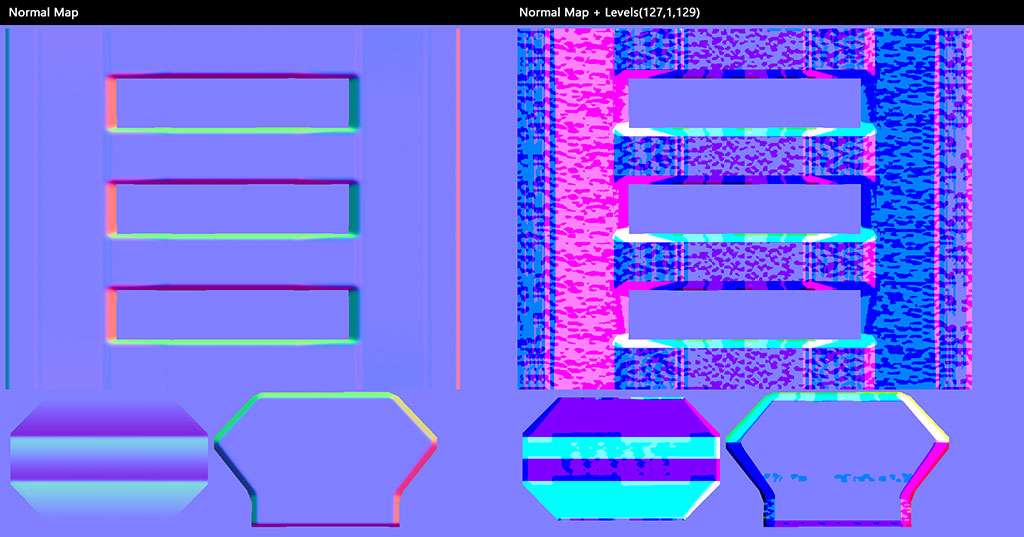 Hey guys, I don't always bake normal maps, but when I do... This happens. Jokes aside. After tweaking the mesh and vertex normals to get the bake better I'm left with this strange issue. Cannot really figure out what's going on. Any ideas? Thanks.
 -
Maya/arnold, Normal issues on the edge of the mesh.
 Hey Im encountering a problem with the normals on the edge of my mesh and I cant seem to figure out how to fix it. It renders fine using Iray in substance painter and blender cycles, but not with Arnold in Maya. Anyone know what could be causeing the black areas and how I can fix it? Apologies if this is posted in the…
 -
Re: Maya Normal don´t work
 first thing I think you should do is to turn on display normals. To do this this : 1) select the mesh 2) open the attribute editor 3) go to the shape node 4) open 'mesh component display' rollout 5) go down until you see the 'Display Normal' checkbox 6) check this on and set the normal type to 'vtx' after you've done this…
 -
[TOOL] Hairflow - 2D Hair-Card Grooming & Atlas Baking
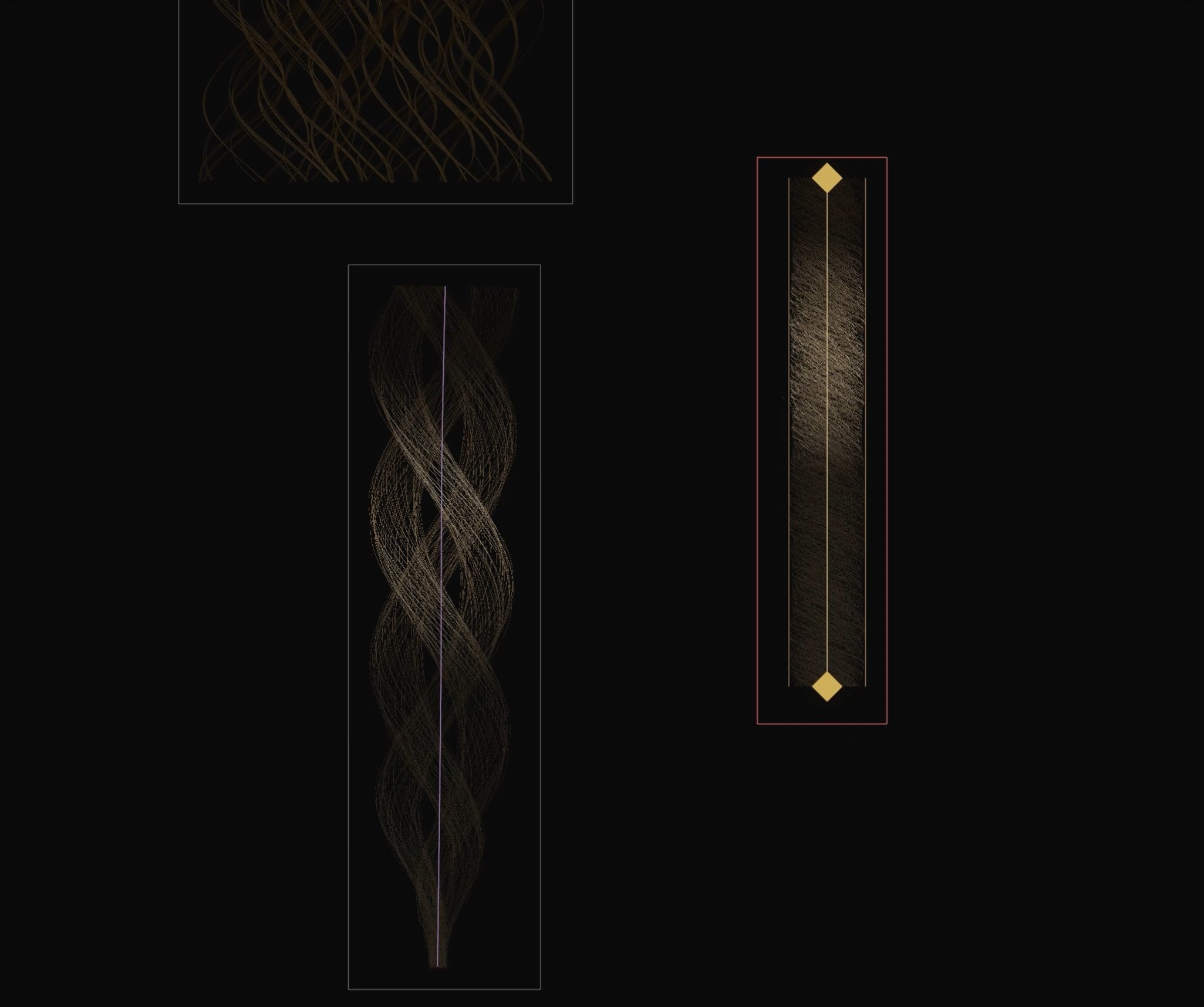 https://www.youtube.com/watch?v=WE3_pqw-KNU&t=2s Hi everyone, I’ve been working on Hairflow, a specialized 2D tool designed to bridge the gap between sculpting high-fidelity hair and the tedious process of creating hair card textures for real-time engines. The philosophy is simple: Groom in 2D on a flat canvas, and bake…
 -
Re: 3ds Max Normal errors Unusual problem Pic Inside
 so the flash light with the normals that look wierd is the exact same model as the flash light with the normals that look good. The thing is its the scenes that are different and i dont know why when i go to a new scene the normals view properly.
>37666 results