Search
-
Maya 2017 anim picker

 Hi guys! Im new in wirte python scripts in maya ( it is usually in programming ) and this is my first "bigger" project. It's in still under development, but if anybody want to try or use it, it's avalible to download. The only required library is Tkinter, here is an installation video: https://youtu.be/F3XbeCPdStQ The…
 -
align objects to normal face in Maya

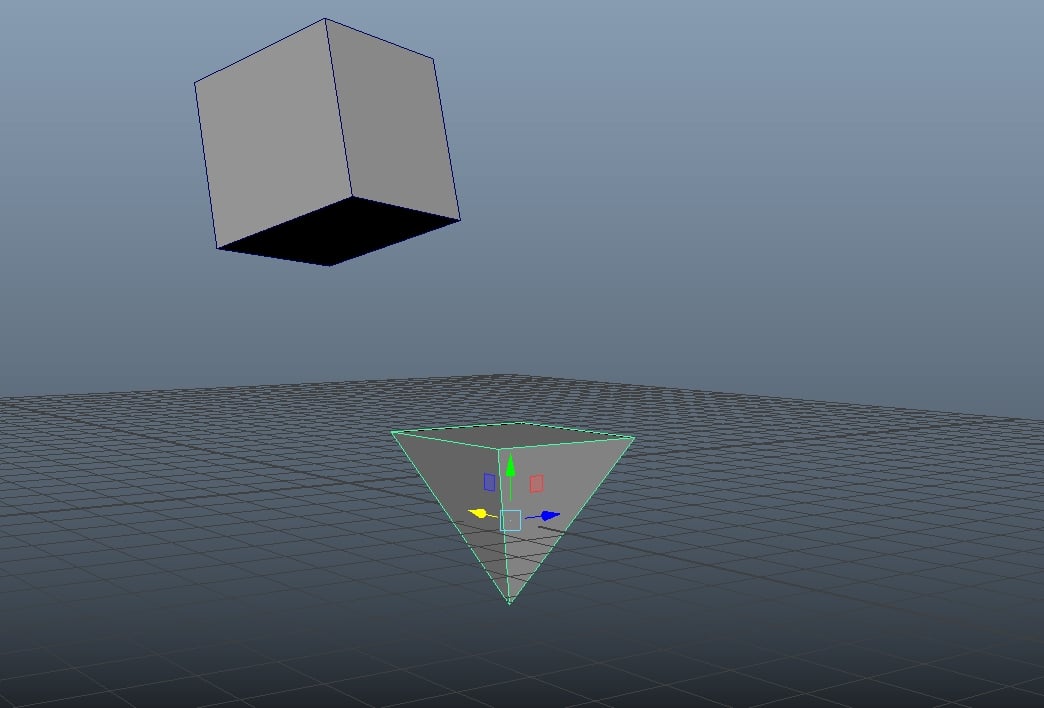 Maybe this is a newbie question but i was searching a lot and didnt found an answer. The question is if i want to align orientation by one face of an object to another face but i want to orient the y rotation axis to because when i use the snap two objects together tool it doesnt align the orientation perfectly. i made a…
 -
maya: cleaning double sided polys?
 we've got a couple assets which somehow have been given double sided geometry (hair, think someone didn't know about cullmode off and copied the polys, flipped normals and merged) is there a one-step solution I can use to strip the reverse facing polies? hair with alpha planes so doing this by hand would be a pain in the…
 -
Re: Maya 2014 *Contains non-manifold* super error D:
FIXED* oddly enough (maybe because I'm new to Maya), what fixed the error was me separating one of the subobjects from the main body mesh. After that, no more errors. Perhaps it was because the two subobjects had slight intersections. -
Maya to UE5 (Control Rig questions)

 So, I am at a bit of a loss here and was hoping somebody here can help me. PROBLEM: When I am creating a control rig in UE5 (new feature) I am unable to get the IK bone chain to work properly. No matter how many values I mess with in the Primary and Secondary bone options, I can not get the bones to line up. I have been…
 -
Script toggle pivots for Maya. I need your help.
Hey. Maybe someone will write the script and switch modes pivot in Origin-Center-Base at the touch of a button on a cycle. This is the most frequently used operation modes. I would also like to have a switch triangulate / quadrangulate functions. It would save me a place in my marking menu. Thank you! -
Re: [Maya] Smoothing groups problem, weird looking artifacts
 Ok, I have another problem which is a bit different but maybe you know the answer. I baked the normal map with xnormal and the resulting normal map looks weird. Also if I apply this weird looking normal map in maya, it just looks horrible.. why?
 -
Re: Maya scene fatal error when opened.
 May not do anything, but you can try opening the scene and pressing escape (esc) repeatedly. Esc should cancel any script Maya is running. For instance, if you accidentally hit "Mesh > Smooth" on that 15 million polygon sculpt, you can hit Esc and Maya will stop trying to smooth it. Rendering? It will stop rendering. So…
 -
MAYA second UV questions
hi,all as you can see the attachment .I have 2 UV set .One is for lightmap.The second for texture display.In maya window,I can not see the right texture display. The reasons is that maya reads the UV of lightmap.How can I let maya read right UV set . please help me ........ -
Re: Offset World in Max vs. Maya
 Sweet, thanks toast, I believe this operation is what I'm looking for and it transforms the mesh correctly. The grid size and units are still off though. I created a repeating texture on the grid in Max, and I'm trying to do the same thing in Maya but I'm having an issue. The grid in Max is to "generic units" and the home…
>63148 results