Search
-
Creating Assets for an Elden Ring-Inspired Location: Roundtable Hold fan art

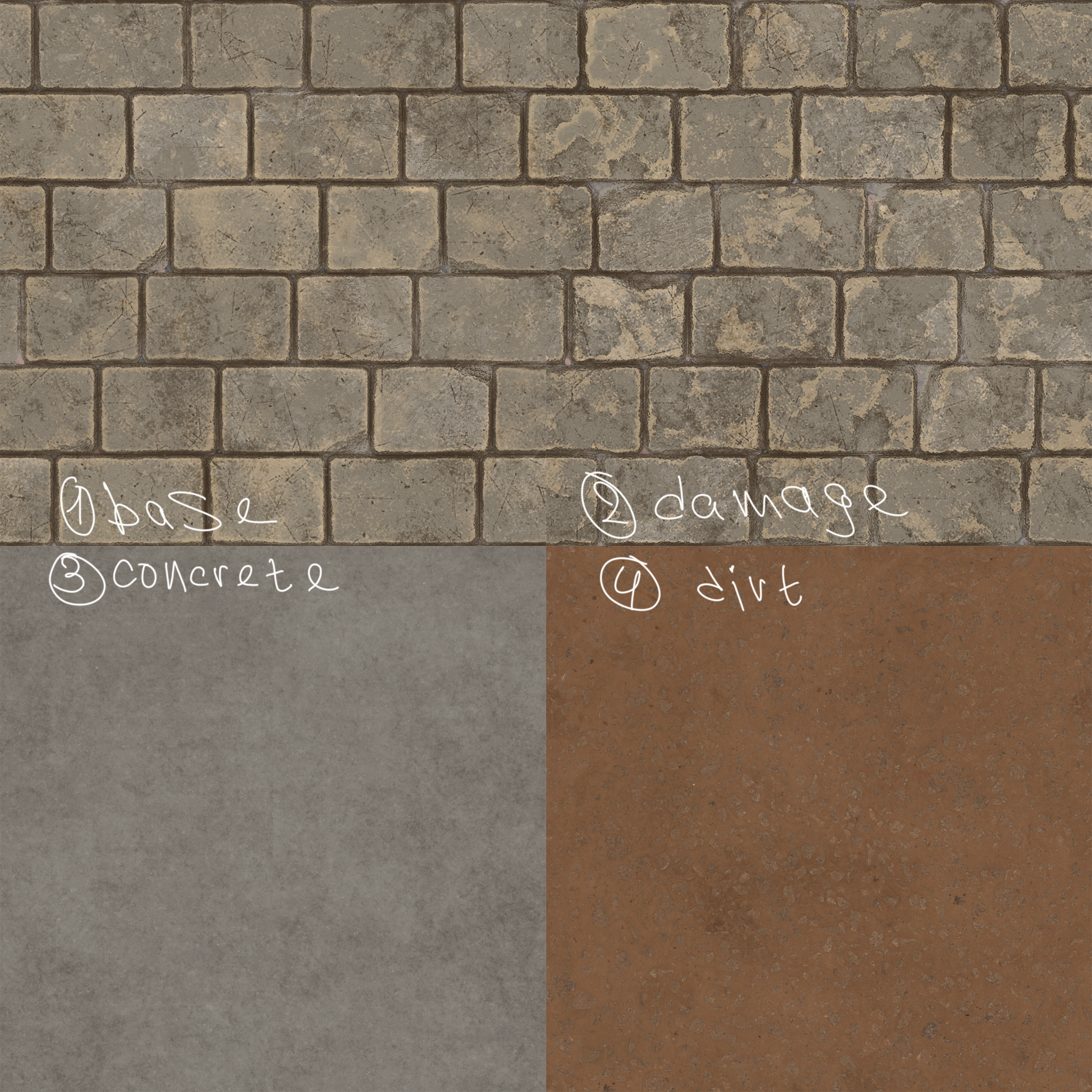 Hey everyone! I'm thrilled to finally unveil my completed game environment! This is a small-scale reimagining of the iconic Roundtable Hold from Elden Ring. My goal was to improve and demonstrate my skills. I introduced archways with statues (inspired by the original concept art), as well as a grand staircase with a runner…
 -
[Paid] [3D Modeling & Animation] Contract 3D Artist & Animator (Low Poly)
 Contract 3D Artist & Animator (Low Poly, Web Games) Type: Contract (remote, flexible hours) Company: Mid Games Inc. Mid Games is an independent studio building fun, accessible multiplayer web games played by millions of players worldwide. We’re looking for a contract 3D Artist & Animator with strong low-poly expertise to…
 -
[Paid] [3D Modeling & Animation] Contract 3D Artist & Animator (Low Poly)
Contract 3D Artist & Animator (Low Poly, Web Games) Type: Contract (remote, flexible hours) Company: Mid Games Inc. Mid Games is an independent studio building fun, accessible multiplayer web games played by millions of players worldwide. We’re looking for a contract 3D Artist & Animator with strong low-poly expertise to… -
Re: Looking for retro games with an old rigging technique
 That's interesting. So by the time there were full 3D games on the PC, they'd either go with full skeletal animation or MD2-style vertex animation. There probably wasn't an intermediary period of PC games where they'd use this "hierarchical node animation with the segmented meshes" as we saw in consoles. The earliest…
 -
[Paid] [3D Modeling & Animation] Contract 3D Artist & Animator (Low Poly)
Contract 3D Artist & Animator (Low Poly, Web Games) Type: Contract (remote, flexible hours) Company: Mid Games Inc. Mid Games is an independent studio building fun, accessible multiplayer web games played by millions of players worldwide. We’re looking for a contract 3D Artist & Animator with strong low-poly expertise to… -
Re: File Format Compressing Faces?
Hopefully the formatting doesn't bork XQOB File Header Size – 16 Bytes File Structure: MEMB MTRL GEOM MESH SLIT MDLT PHYS MODL XCHR (XSKA only) File Header Location Length Type Description Value 0 4 Unsigned int File Length Variable 4-7 4 String/Date XQOB File Header – Contains Date XQOB - 04/03/2005 02:13:44 2 4 Unsigned… -
Re: Hardware tessellation and topology
 It probably works the same way as vertex programs where if you modify the vertex position it does nothing to the vertex normal, and you would need to manually modify the vertex normal if needed. So you still need a normal map to get proper shading, unless you were doing something crazy and editing the normals along with…
 -
Re: 3ds inaccurate viewport issue
 I wasn't too sure whether it's related to the missing vertex bug or not (that sometimes your vertex dot didn't display, therefor you cant select vertex even though you're on vertex sub-object mode), but you can try to convert it to mesh then back to poly, at least it fix the missing vertex bug for me.
 -
Re: TexTools for Blender
 I am baking color ID's to vertex colors, but when I go to object mode, I cannot see my vertex colors anymore. Is there a way to either - See vertex colors outside of vertex paint mode? - Not clear color ID's when baking to vertex colors so I can still visualize them?
 -
Whats your favorite retopology tool?
I really like using an add on for Blender called the PolyQuilt tool which works very similarly to Maya's Quad Draw which I also like, but it has even more functionality since you can work in other modes beyond vertex (edges, tris, quads and n-gons) and because your doing this in edit mode, you have access to Blenders full…
>9917 results