Search
-
Re: The Bi-Monthly Environment Art Challenge | May - June (102)

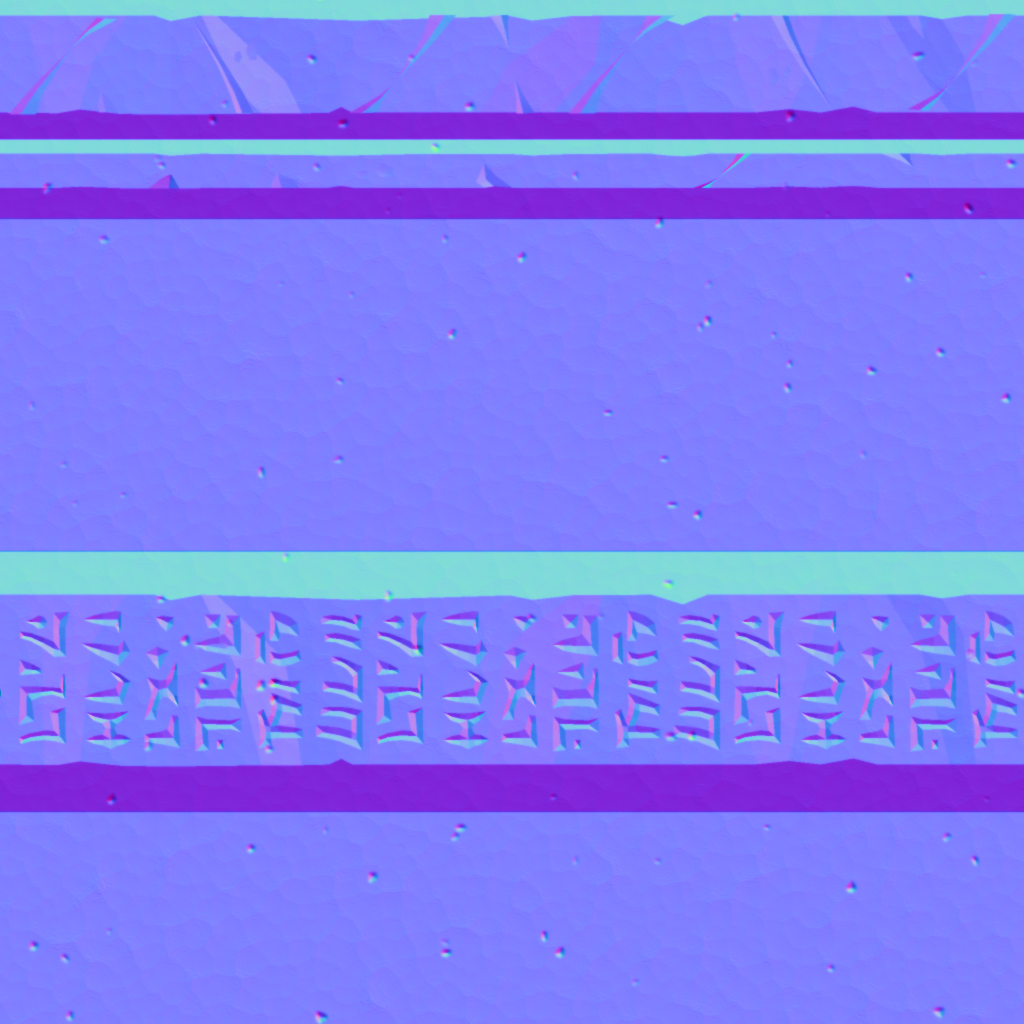 Many thanks for the pointers @Eric Chadwick Unfortunately, I don't understand what you're asking exactly, so here is the normal map: By 'run a histogram on the original texture', do you mean like so? I must admit, I didn't pay too much mind in what color space the texture itself was being previewed in, as long the shading…
 -
Low poly Max to Mudbox, back to max
 Hi guys, I am abit of an amateur when it comes to this so apologies if this is basic! Basically, I can't find any tuts about importing a low poly model (a character in my case) into mudbox, applying detailing in mudbox, then baking the detailing onto the low poly model. I know how to import the low poly model into mudbox…
 -
Max 2012 problem
 Hi guys trying out the max 2012 trial and came across this problem with my normal maps... they work fine in 2011 so what hidden checkbox have autodesk added in this time that im missing... its a tangent spaced normal map... nothing wrong with the map as i said it works fine in max 2011 and also mudbox and UDK... Im…
 -
Diffuse textures extremely faint in Max 2010 viewport
For some reason, my diffuse textures look really faint in the viewport in Max 2010 (if it's set to Hardware Display with Maps). They look fine when rendered. If I set it to Standard Display with Maps, my normal map and specular don't show up, and the diffuse looks too dark. Is there any way to fix this? It makes it really… -
3ds max uvw editor- way to marquee select an area and then select the polygons that I want mapped
Is there a way to select and area within the 0-1 space of the uvw editor and then have it save that area selection and then select the polygons that I want mapped in that selection and then hit the arrange button so that it packs in to that area that I specifically wanted. Instead of having to drag the left overs polygons… -
Zbrush 4 displacement settings for 3ds Max 2010
 Hi - Does anyone know how to export displacement maps out of zbrush 4 that work in 3ds max 2010? I am having very little luck with this. Specifically the renders look very inflated with standard export settings. I think the mid value may be off, or maybe the range is screwy. Also, does the image need to be 16 bit or 32…
 -
Re: Max/Mentalray Final Gather question
The easiest way to do this in Max is to - put your model on a plane - add a skylight to the scene (anywhere, it doesn't matter) - turn on Light Tracer (Rendering > Advanced Lighting > Light Tracer) The defualt settings on the skylight and light tracer will work fine. If you want it to render faster, lower the number of… -
Re: [3DS MAX] Someone explain to me how textures work
Hi! Does the combined object not have 3 materials assigned to it? Not a Max User, but I think you'd want to feed the textures into the materials used by the object through the material editor. Perhaps going through the Max documentation you figure this out (Texture, Example of using Maps). -
3DS Max - Tileable Texture on Sphere
 Hey everyone, I've created a texture to be used on the inside of a domed cieling and I'm having trouble getting it to map correctly. The texture is 2x2 squares, and using a UVW Map modifier in Max I've mapped the texture to planes creating the look I want, but this doesn't give me correct maps to use in UE4 (as far as I…
>88415 results